
Use the message shown in Inbox to distinguish an access problem from a filtered or unsupported conversation. Connecting an account for publishing does not automatically make every conversation available in Inbox.
Check the brand, tab and account first
Open the brand that owns the social account, then select Inbox. Choose the tab for the conversation: DMs, Comments, Mentions or Reviews. Inbox only shows the tabs your connected accounts support.
Clear Search, select All in the account row and turn off Assigned to me. Then select Refresh to load the latest conversations from the platforms.
1. Check the active connected accounts
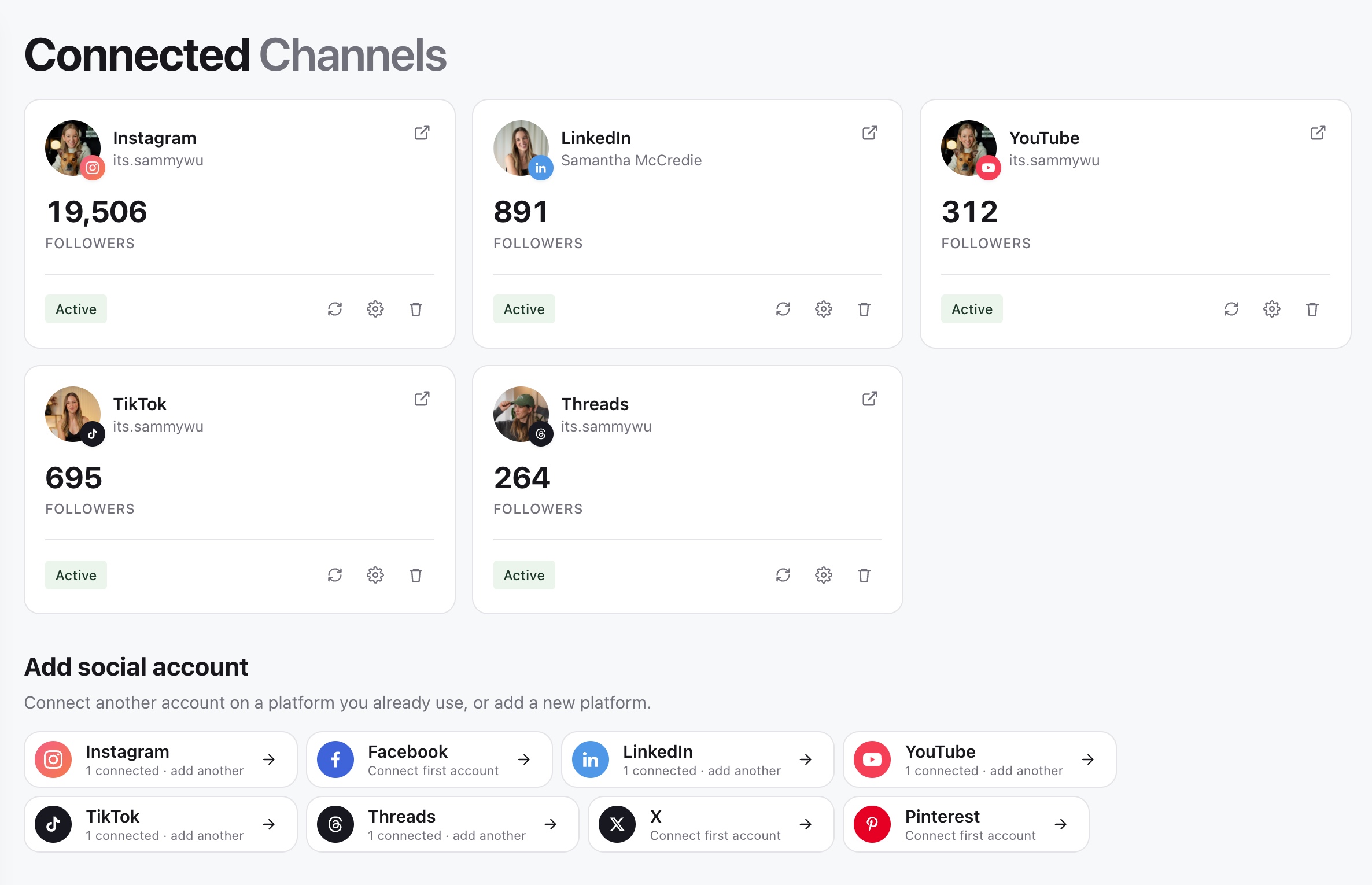
2. Refresh or reconnect the affected account
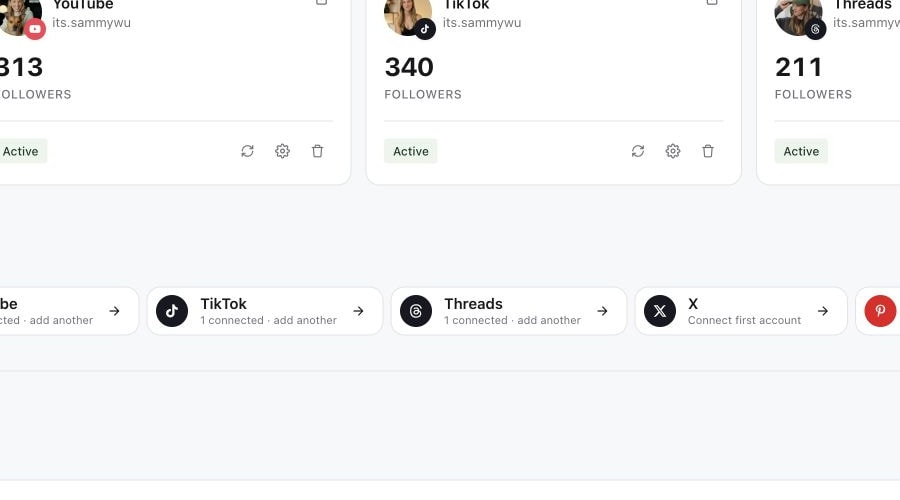
3. Return to Inbox and select Refresh
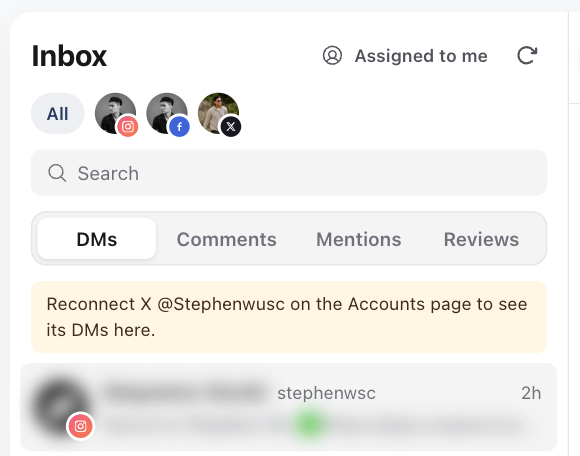
Follow the access message
| Message or symptom | Next step |
|---|---|
| No accounts connected | Open Channels in this brand and connect the relevant social account. |
| Reconnect an account to see its DMs or comments | Reconnect that account on the Channels page. TikTok accounts connected through TikTok's older connection need this before Inbox can read them. |
| No inbox access | Ask a workspace owner or administrator to check your Inbox permissions for that specific social account. |
| Account unavailable | Check that the account belongs to the current brand, is connected and does not require reconnection. |
| Inbox not configured | Contact Sequence support with the brand and account details so the connection can be checked. |
| Inbox add-on required | Contact support with the exact message. Do not assume that reconnecting or changing the publishing plan will resolve it. |
| Connected accounts couldn't be refreshed | Select Refresh. If the message stays, check those accounts in Channels for a reconnect warning. |
| Assignments and team notes couldn't be loaded | Conversations still show. Try again in a moment. |
Inbox viewing and replying are separate permissions. If you can read a conversation but cannot send, ask the administrator to check reply access as well as view access. General brand access alone may not explain the account-level restriction.
The account is available, but a message is missing
Check the original conversation on the social platform. Confirm which account received it and whether it is a direct message, comment or another interaction type. Availability depends on the platform and conversation type; an account appearing elsewhere in Sequence is not a promise that all its native inbox features are supported.
Select Refresh, then check the tab, account and search again. If the account shows a reconnect warning in Channels, restore that connection and reopen Inbox. Reconnecting can't make an unsupported conversation type available.
Some conversations can't appear in Inbox:
- Comments on Instagram posts that another account created and invited yours to collaborate on. Posts your account created, including collabs you started, do appear.
- TikTok DMs from personal accounts, or from accounts registered in the EEA, UK or Switzerland. TikTok only allows DMs for Business accounts outside those regions.
- Instagram mentions in posts, captions and comments. Only Instagram Story mentions appear, starting from 3 October 2026.
Avoid disconnecting and recreating a working account merely because one conversation is absent. Send support the platform, connected handle, approximate message time, conversation type and visible error. Use a redacted screenshot where possible.
Once access is working, follow View and reply to conversations for the sending workflow.
Was this page helpful?
Need more help with this?