
Reconnect the specific social account when Inbox marks it inactive, expiring or unavailable. Reconnection refreshes the platform authorisation used by Sequence.
Reconnect the account
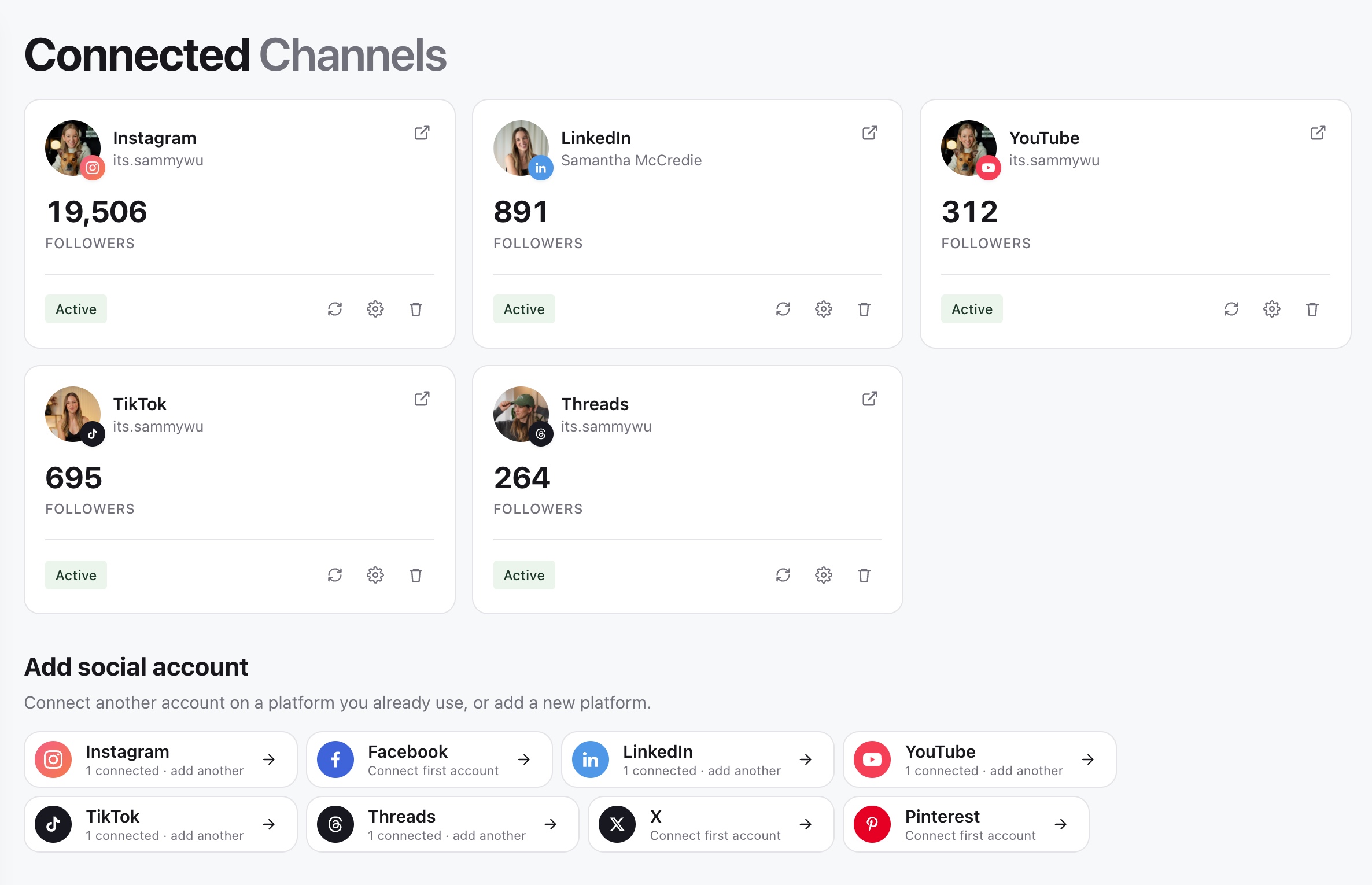
- 01Open the affected brand, then in the sidebar open Brand and select Channels.
- 02Find the social account that needs attention.
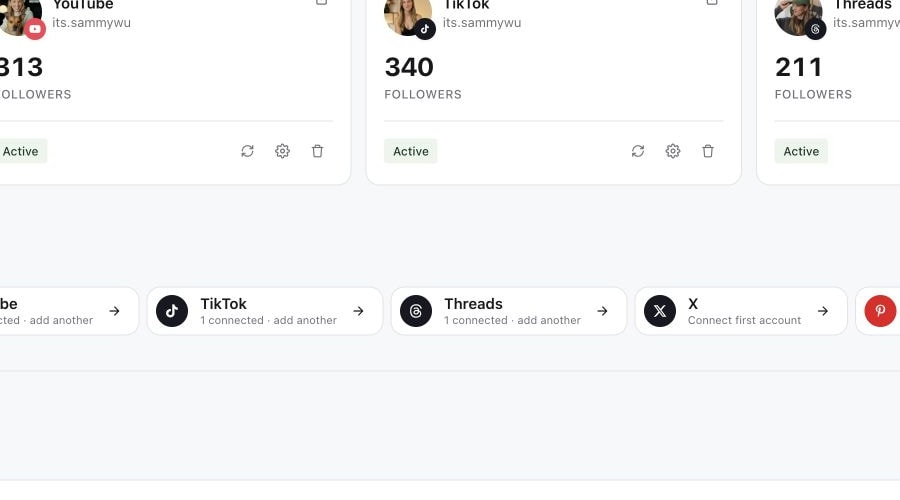
- 03Select its reconnect action and sign in to the correct platform identity.
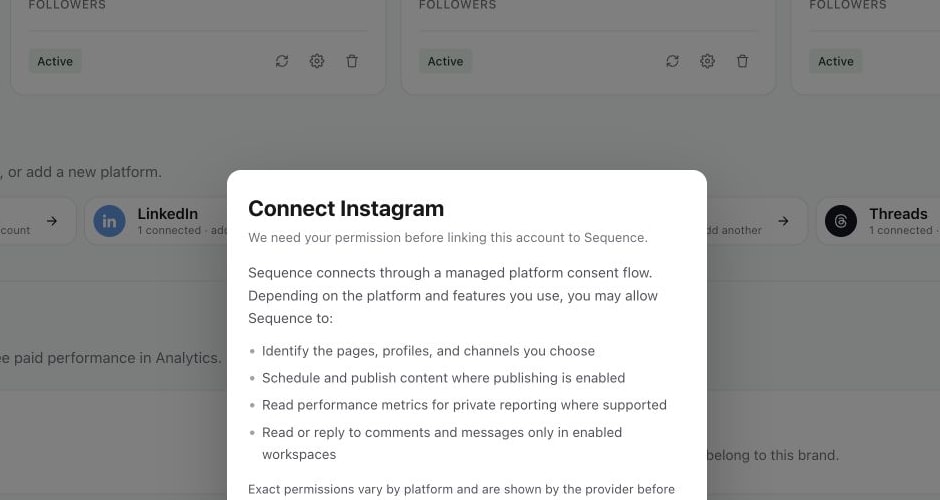
- 04Approve the requested permissions and return to Sequence.
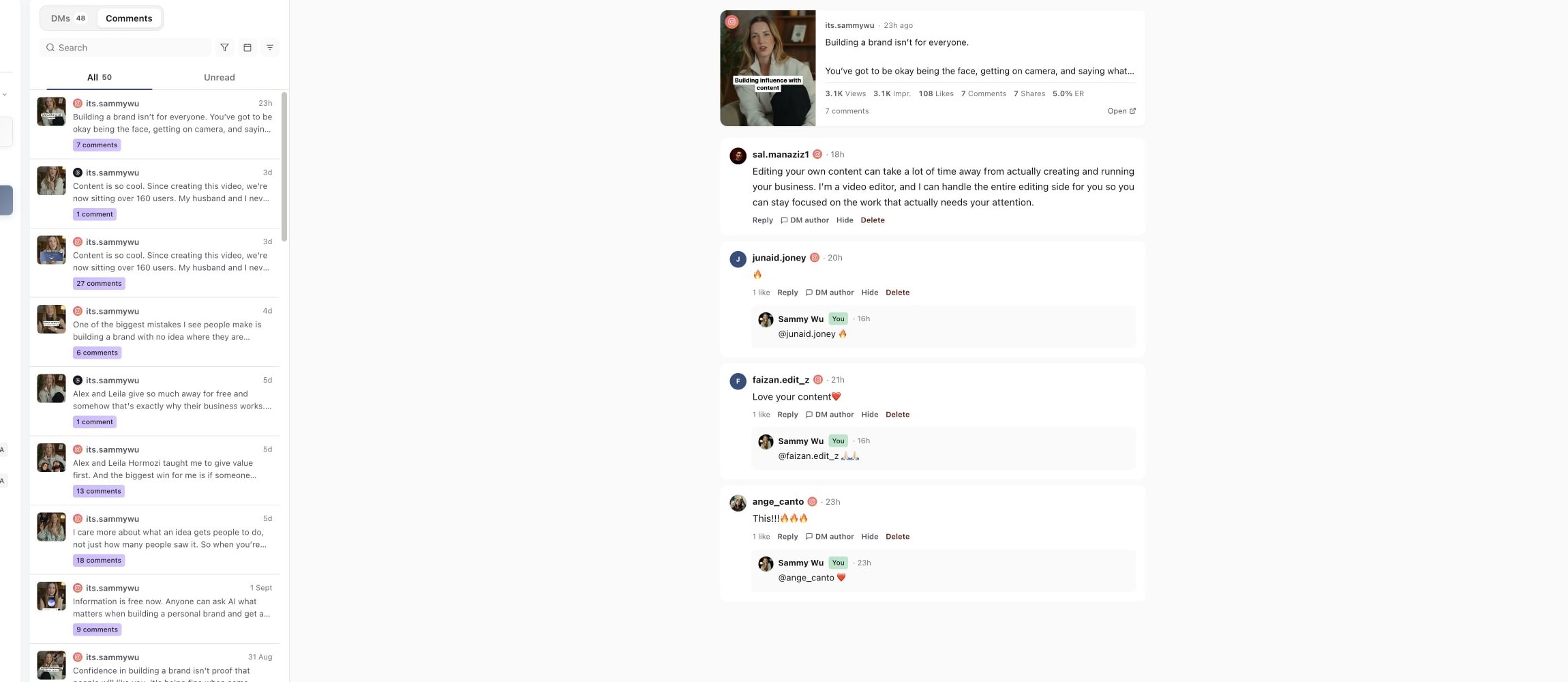
- 05Confirm the account shows as connected, then reopen Inbox.
1. Open Connected Channels
2. Open the affected account settings
3. Review permissions while reconnecting
4. Confirm Inbox data returns
Confirm the right identity
If you manage several profiles, check the handle and brand before authorising. Reconnecting the wrong identity can leave the intended account unavailable. Your platform role must grant the conversation access required for that account.
Check Inbox after reconnecting
Clear account and platform filters, then select the reconnected account. Allow current conversations to load. A restored publishing connection does not guarantee that the platform exposes Inbox conversations, so compare the account with Understand supported Inbox conversations.
If the account remains missing, record the brand, platform, handle, reconnect time and visible status before contacting support.
Was this page helpful?
Related articles
Need more help with this?