
Turn a useful reference into an original post while keeping its source attached for context.
Open the saved reference
Open Inspiration, select Your library, then open the reference you want to use. Review its transcript and analysis first so you know which idea or structure is worth adapting.
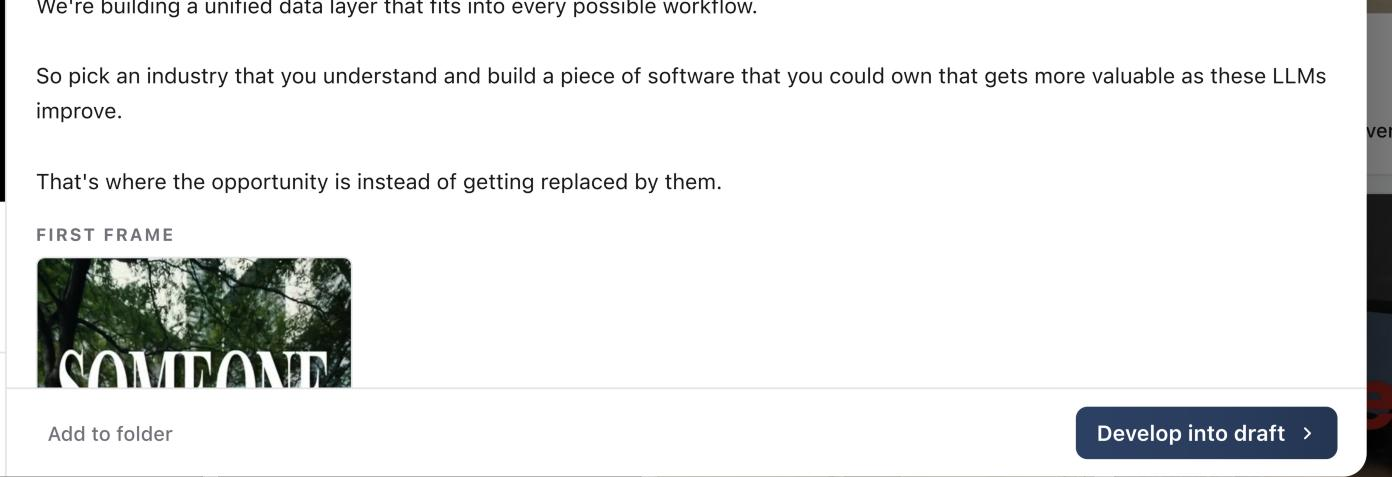
Choose how to develop it
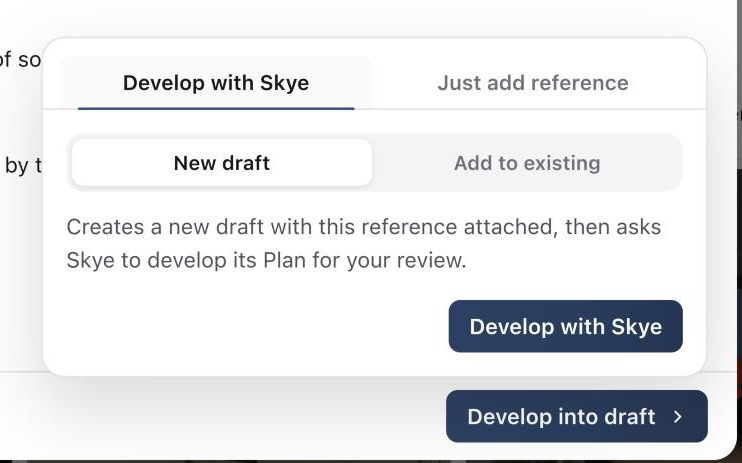
Select Develop into draft. Develop with Skye is selected, with two destinations:
- New draft creates a new post with this reference attached.
- Add to existing lets you search for a post and attach the reference to it.
Choose Just add reference instead when you only want to attach the source, without a draft.
Review Skye's Plan
Select Develop with Skye. Sequence attaches the reference and Skye opens beside the page. It works out what made the reference succeed, adapts it to your brand and proposes a Plan for the post.
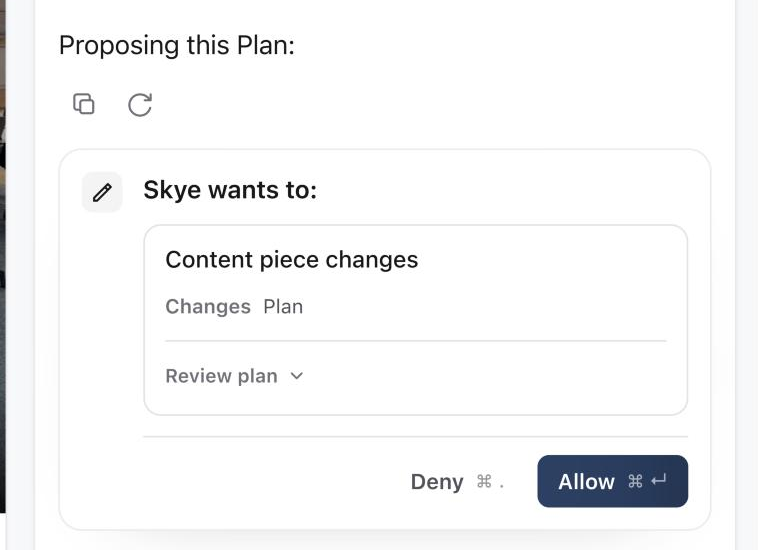
Open Review plan to read it, then select Allow to add it to the post. Skye links to the post so you can open it. See Review and allow changes proposed by Skye.
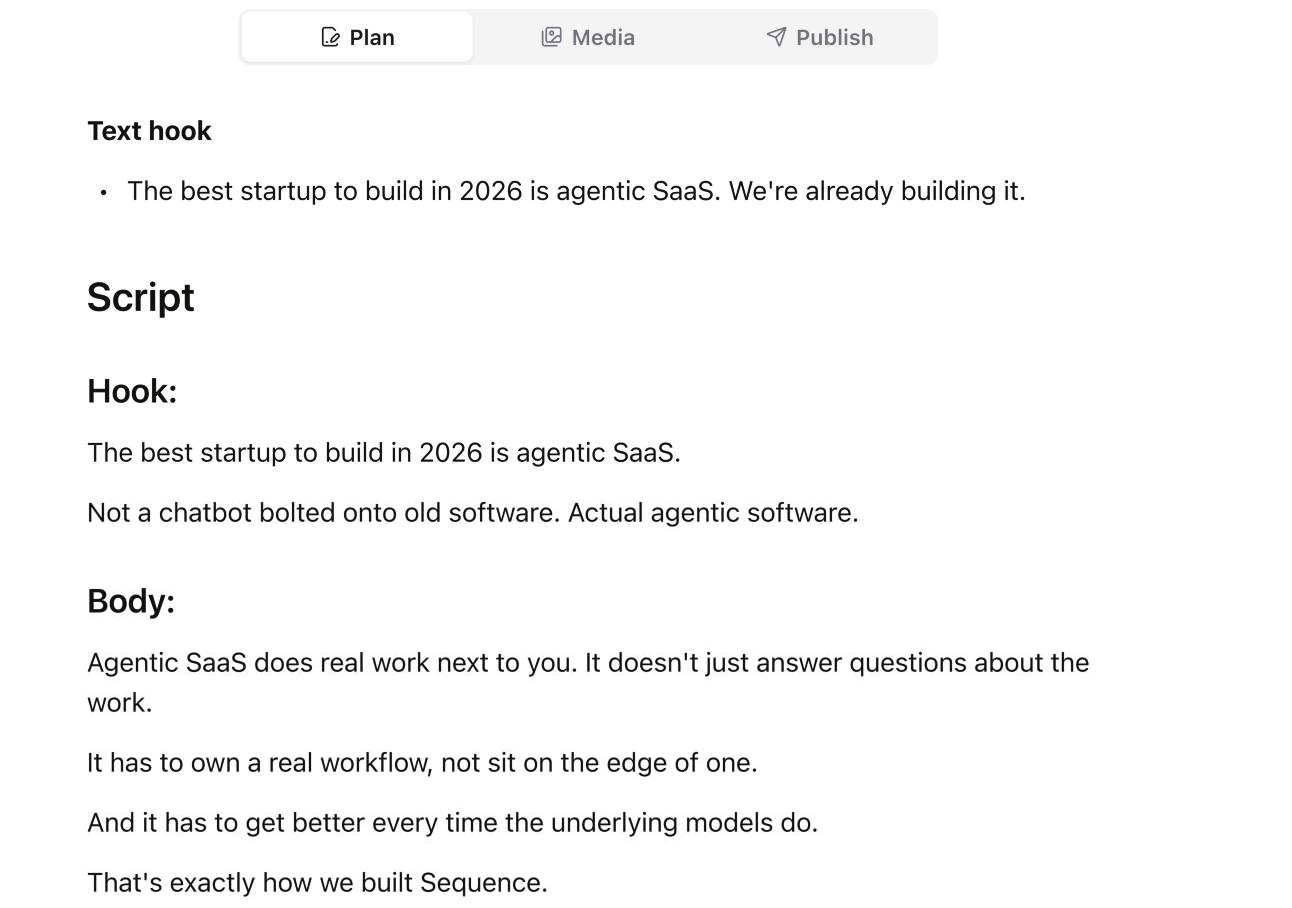
Replace borrowed phrasing with your own language and check every factual claim before moving the post through your workflow.
Develop a template
You can also develop an Inspiration template. Open the Templates tab in Inspiration, open a template and select Develop into draft. Skye drafts a new post's Plan from the template's structure.
Was this page helpful?
Need more help with this?