
Sequence can share an analytics dashboard as a private web link or open a printable version for PDF export. Set the reporting scope and check the numbers before choosing a format.
Prepare the report
- 01Open the correct brand, then in the sidebar open Analytics and select Dashboards.
- 02Choose the dashboard or platform view for the audience.
- 03Set the reporting period and any comparison period.
- 04Check the coverage and refresh state before sharing.
- 05Open Report, then select Share.
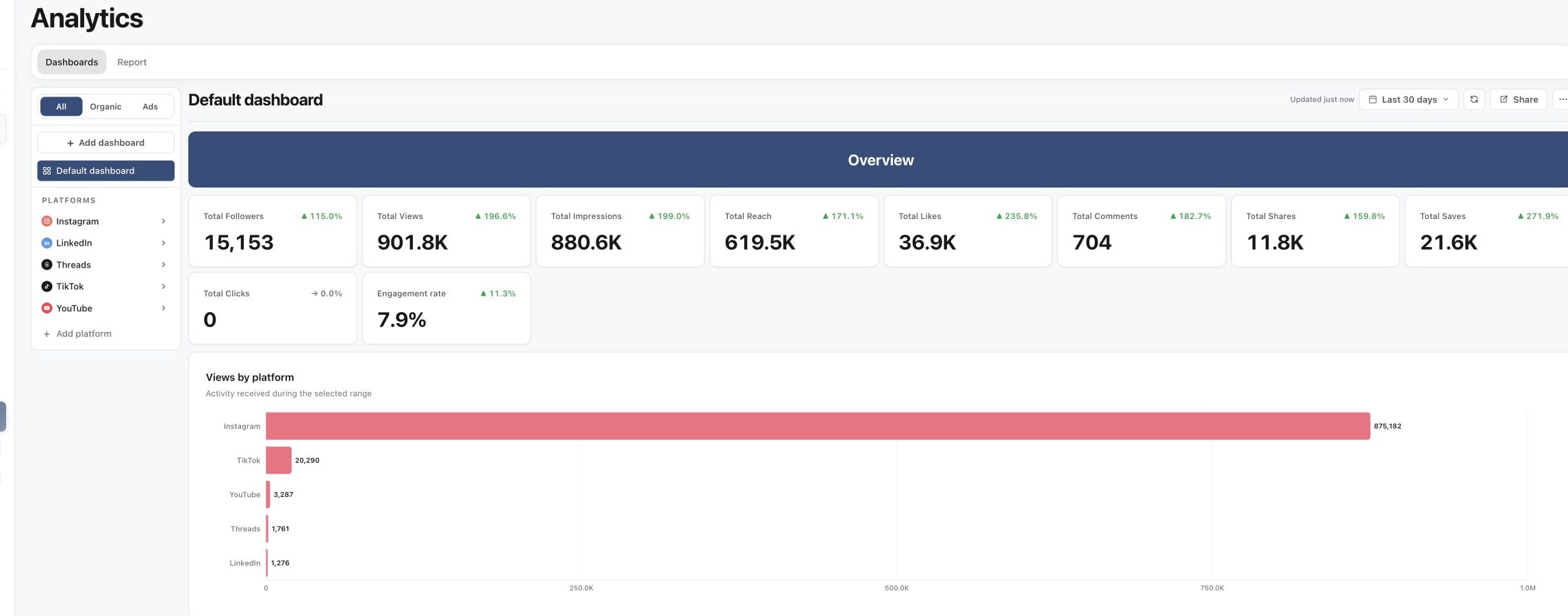
1. Open the dashboard you want to share
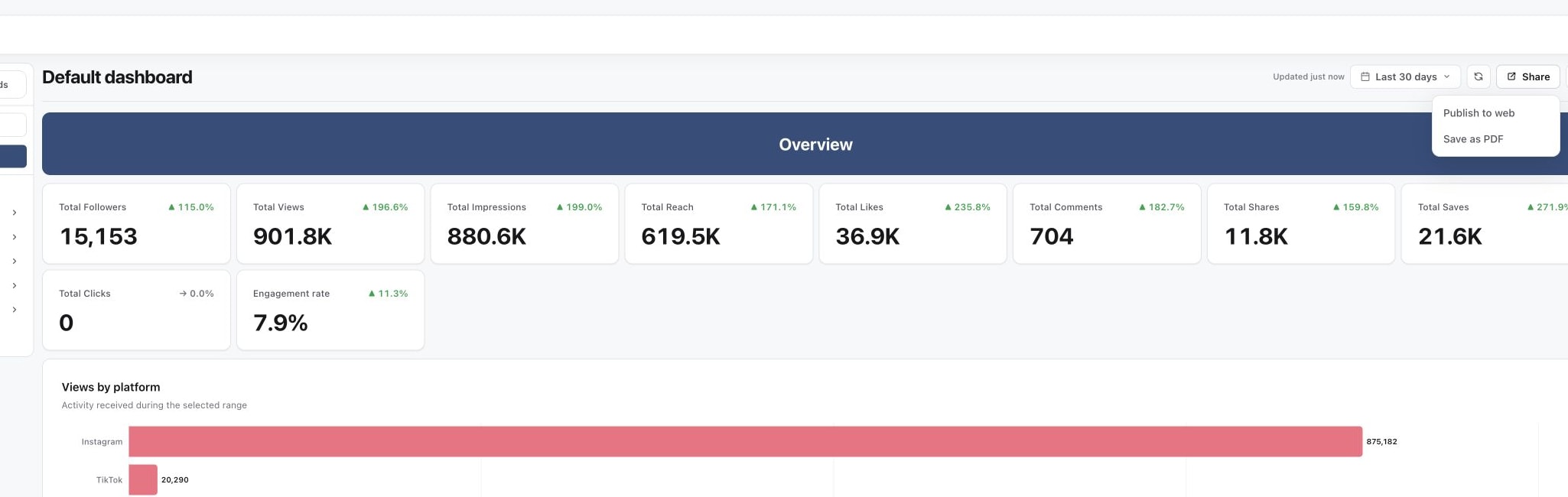
2. Open Share and choose the output
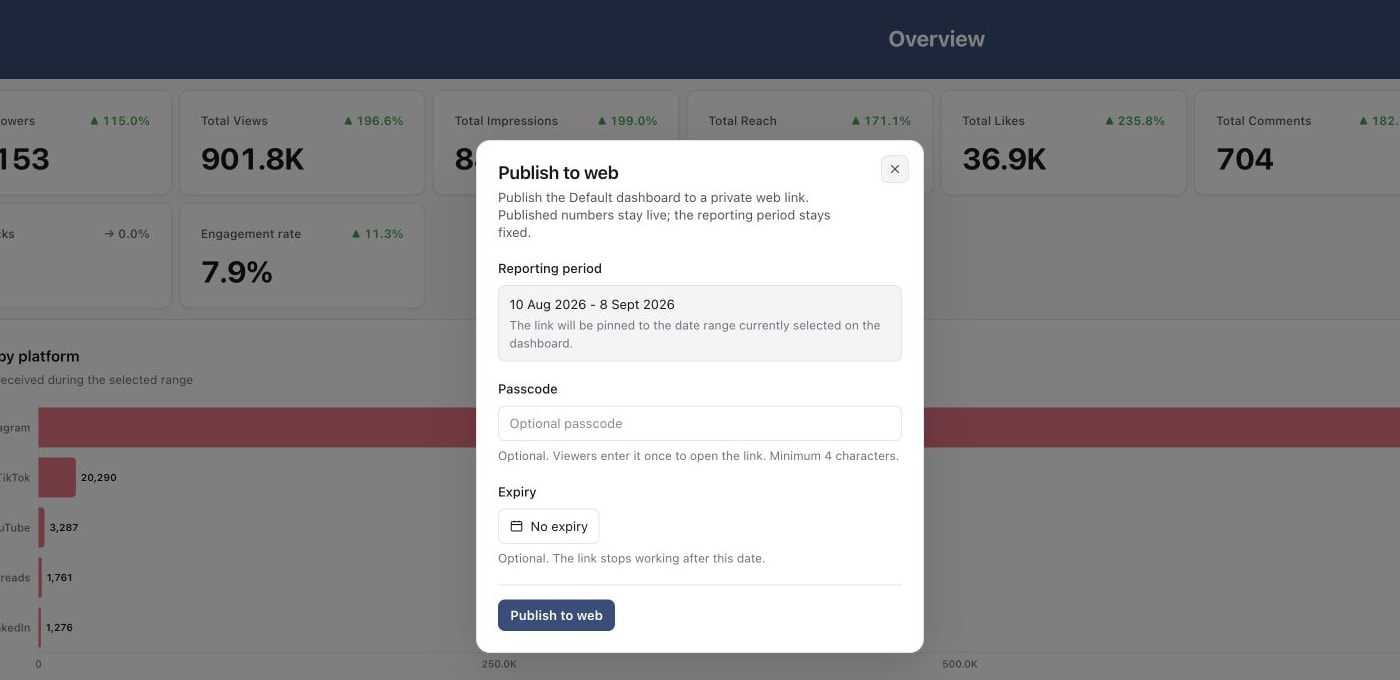
3. Set link access before publishing
Publish a private web link
Select Publish to web. The reporting period stays fixed, while the published numbers are recomputed when somebody opens the link. Add a passcode or expiry when the audience requires tighter access, then publish and copy the link.
Changing or removing the passcode updates access to that published report. Use Stop sharing when the link should no longer work.
Save a PDF
Select Save as PDF to open the printable report in a new browser tab. Use the browser print dialog to save it as a PDF. A PDF is a point-in-time file, so include the range and export date when sending it.
Choose the right format
Use a web link when recipients should revisit live numbers for one fixed period. Use PDF when you need an attachment or an immutable record. Explain any incomplete platform coverage in the message that accompanies the report.
Was this page helpful?
Related articles
Need more help with this?