
Ads is currently in Beta. Connect an eligible ad account to bring campaign performance into the active brand, then review from the campaign level down to individual ads.
Connect and choose the range
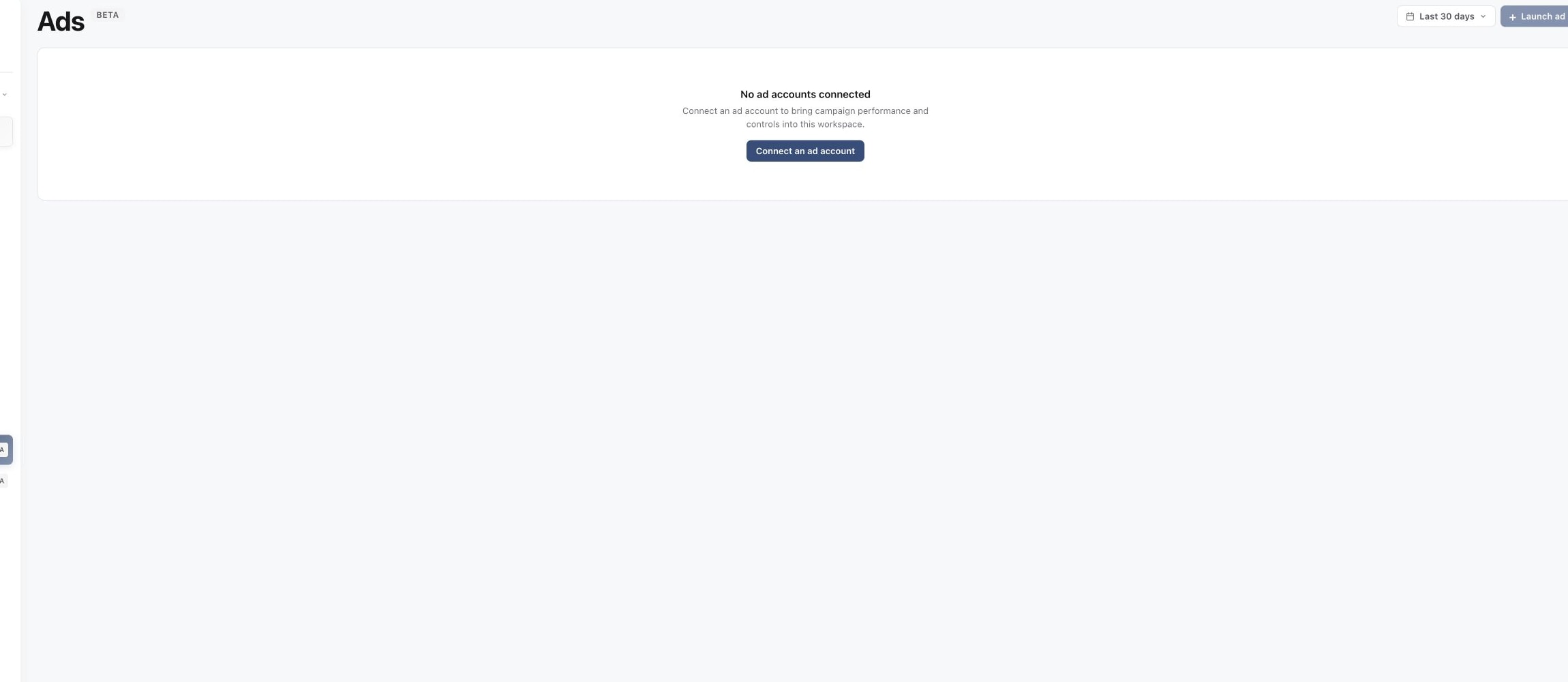
Open Ads. If you see No ad accounts connected, select Connect an ad account and complete the account setup. A read-only connection can show performance but cannot manage delivery controls.
1. Open Ads in the correct brand
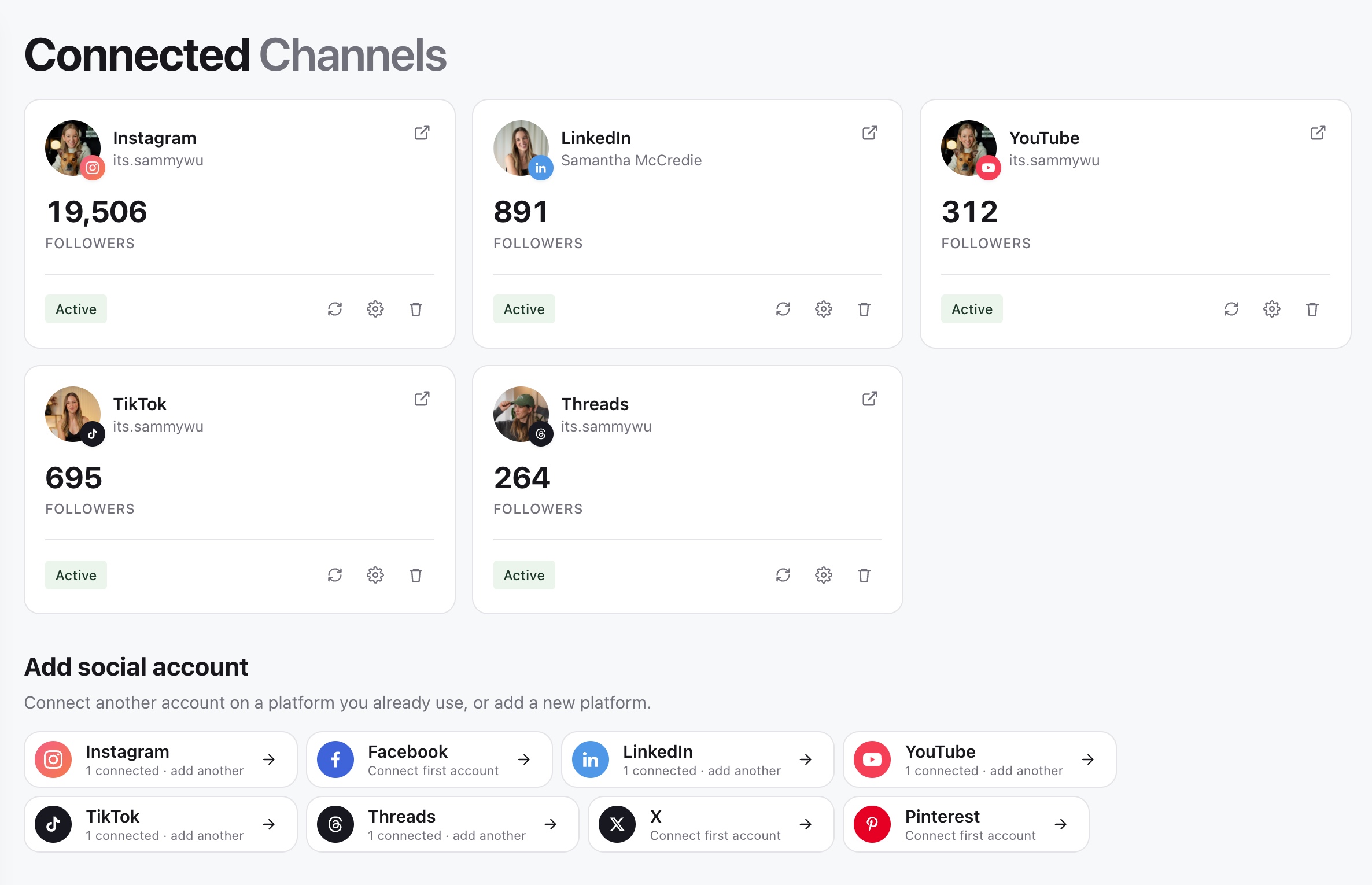
2. Check connected accounts
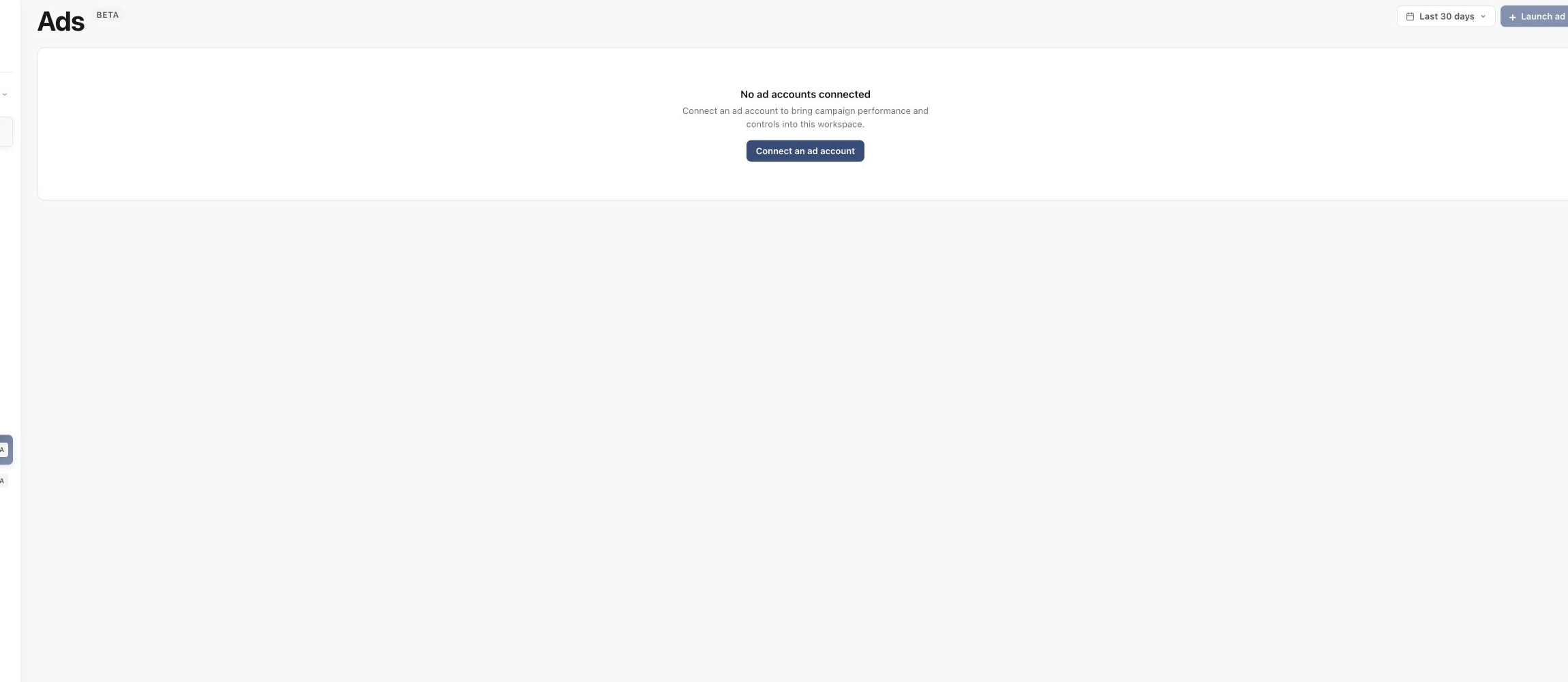
3. Connect the missing ad account
Choose a range such as Last 7 days, Last 30 days, Last 90 days or 1 year. Use the same range when comparing entities.
Follow the hierarchy
Start on Campaigns to compare objectives and spend. Open a campaign to review its ad sets, then open an ad set to compare individual ads. The page also includes Audiences and Lead forms when the connected account supplies them.
Match metrics to the goal
Available columns can include spend, impressions, clicks, CTR, CPC, CPM, link clicks, landing page views, reach, ROAS, budget and status. For awareness, inspect reach and impressions. For traffic, inspect link clicks, landing page views, CTR and CPC. For revenue, inspect conversions, purchase value and ROAS where attribution is available.
Platform attribution and delayed reporting can change recent results. Confirm material decisions in the connected ad platform.
Was this page helpful?
Related articles
Need more help with this?