
Use Approvals as the brand's review queue. Find the content awaiting your decision, inspect the requested stage, then record the decision on the content piece.
Start with your queue
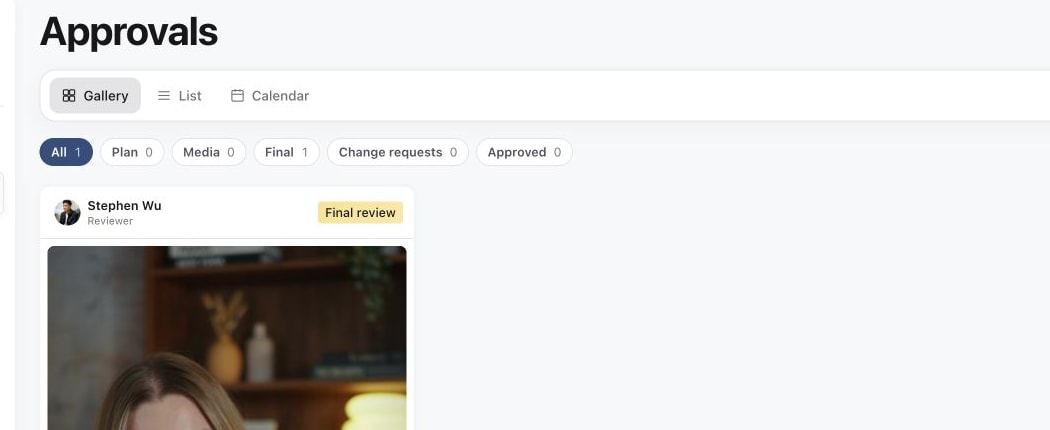
Open the correct brand, then in the sidebar open Content and select Approvals. Assigned to me is the default scope. It shows work for which you are the current responsible person, which can include reviewing a request or handling requested changes.
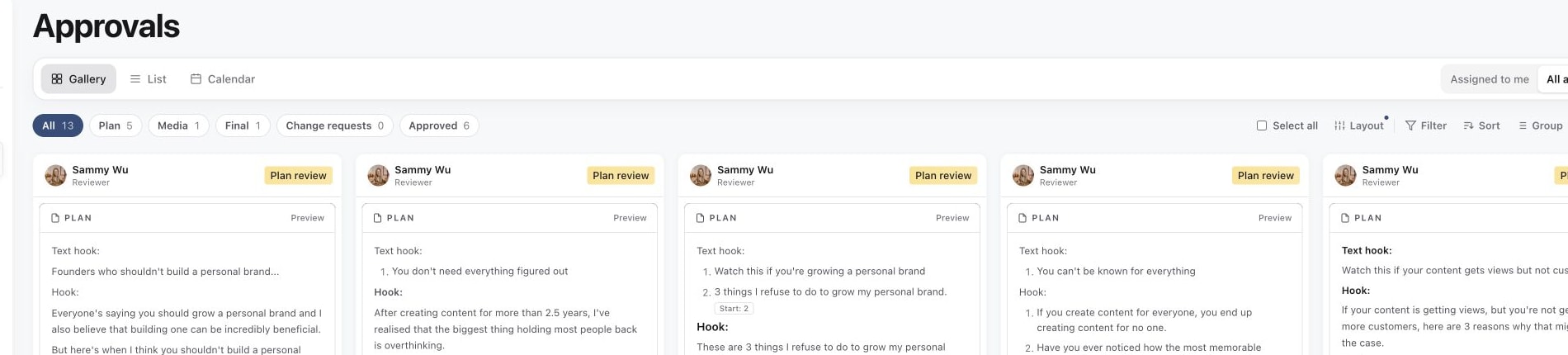
Choose All approvals to see the wider queue available to your account. This changes the view; it does not grant permission to approve someone else's work or expose brands you cannot access.
1. Start with Assigned to me
2. Use All approvals for the wider queue
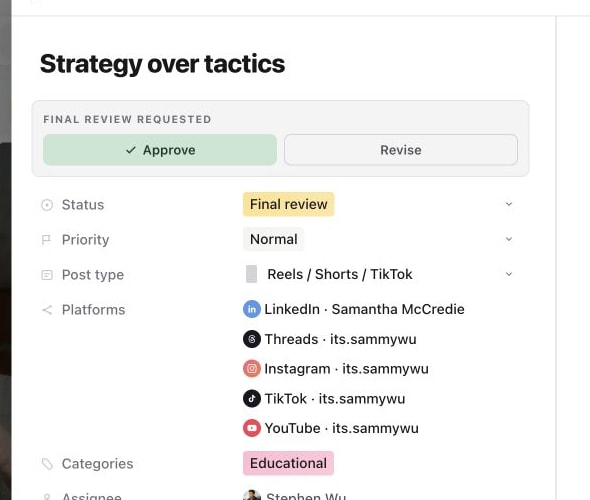
3. Open a piece and make the stage decision
Choose the stage you need to review
| Filter | What to look for |
|---|---|
| Plan | The idea, brief, script or direction submitted for a plan decision. |
| Media | The creative version submitted for media review. |
| Final | The final publishing hand-off, including caption and destination checks. |
| Change requests | Work returned for revision. Check the comments and who needs to act next. |
| Approved | Work with a recorded approval. Approval is separate from scheduling and successful publishing. |
The counts follow the current scope and filters. If a number looks smaller than expected, check Assigned to me versus All approvals and any active filters first.
Choose a useful layout
Use Gallery to scan creative, List to compare rows, or Calendar to understand the timing. The toolbar also offers Filter, Sort, Group and Fields to narrow and organise what you see.
Open a content piece to read its brief, play the media and check the requested stage. Do not approve from a thumbnail alone when the decision depends on a script, caption, audio or the complete carousel.
Record a clear decision
Use Approve when the submitted stage is ready. Use Revise where available to request changes, and leave specific comments describing what needs to change. A comment on its own is feedback; it is not the same as recording a revision decision.
For the full decision flow, see approve or request changes. For frame-specific feedback, see annotate media for feedback.
After a revision, the creator should update the work and submit it for review again. The content assignee, requested reviewer and role permissions have different purposes. Changing an assignee does not by itself send a review request.
Find a missing request
Check the brand, switch to All approvals, and clear filters. Ask the sender to confirm they actually submitted the intended stage to the correct reviewer. A draft or custom status named “Client approval needed” is not proof that a review request was sent.
If the post opens but its decision controls are unavailable, ask an administrator to check your approval permission and brand access. Use send content for approval to confirm the sender's steps.
Approving work does not automatically publish it. After the final decision, the person responsible for publishing still needs to confirm the schedule or publish action.
Was this page helpful?
Related articles
Need more help with this?