
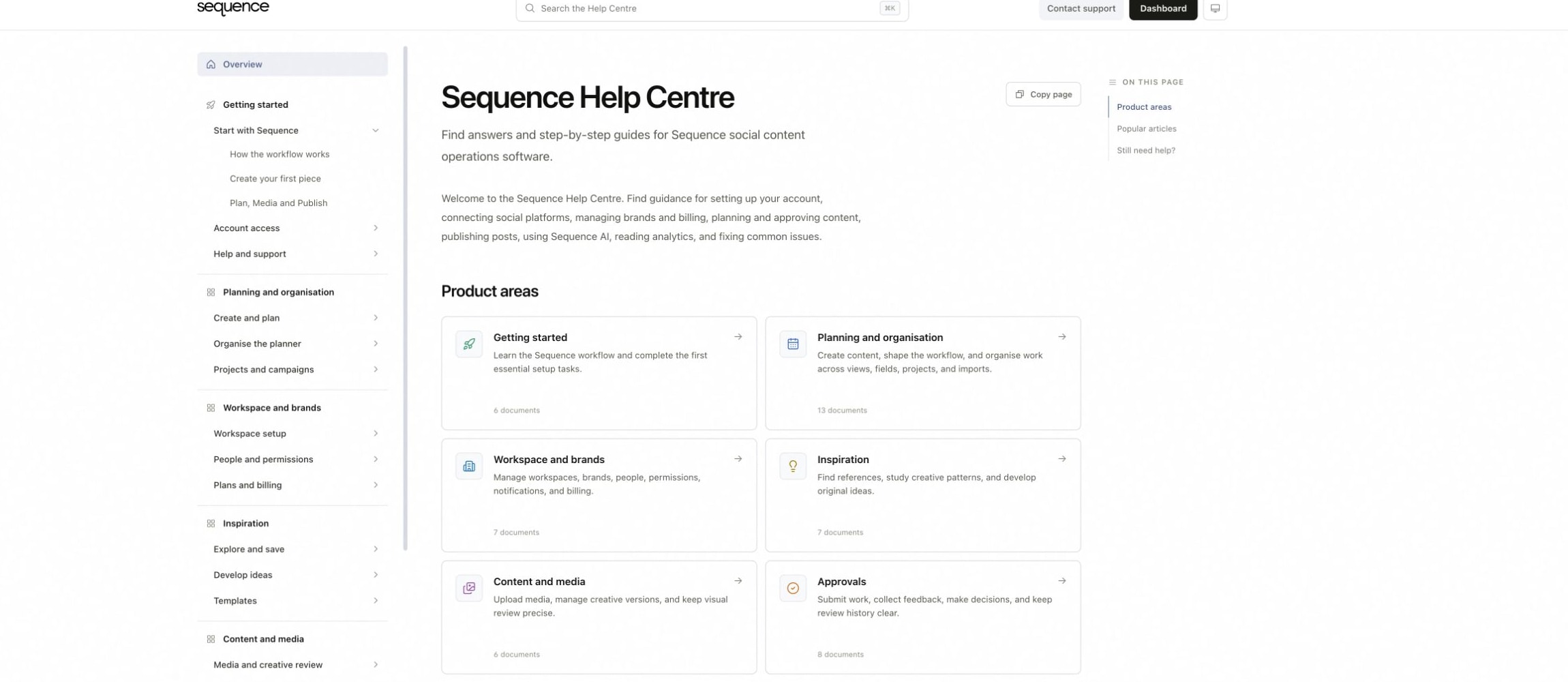
Select Contact support in the Help Centre when a guide does not resolve the question or Sequence needs to inspect an account-specific problem.
Include the investigation details
- Workspace and brand name.
- Affected social platform and public handle, when relevant.
- Link to the content piece, page or report.
- Exact date, time and time zone when the problem occurred.
- The full visible error message.
- What you expected, what happened and the steps that reproduce it.
- What you already tried, including reconnects or retries.
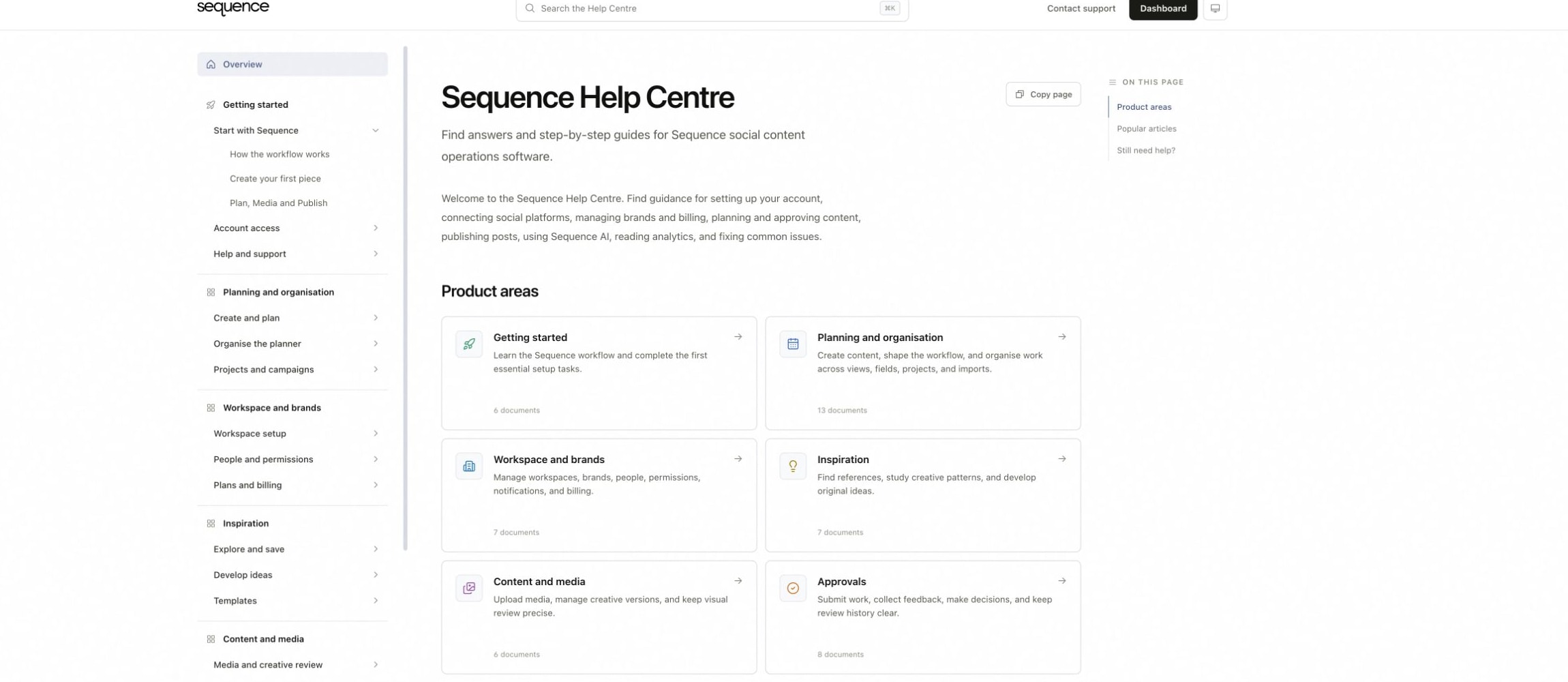
1. Open the Sequence Help Centre
2. Choose Contact support
Add safe evidence
Attach a tightly cropped screenshot or short recording that shows the relevant control and error. Redact private messages, customer details, email addresses, tokens and passwords. For publishing issues, include the target platform, post type and scheduled time. For analytics, include the range, time zone, account and metric label.
Keep one problem per request
Use a short subject that names the feature and failure. Separate unrelated problems so each investigation has a clear history. If the issue changes after you submit it, reply with the new time, status and evidence.
Was this page helpful?
Related articles
Need more help with this?