
Sequence navigation always has a workspace and brand context. Confirm both before creating, editing or reporting on content.
Choose the workspace and brand
Use the workspace switcher near the top of the sidebar to move between workspaces. Use the brand switcher below it to search and select a brand. The active brand name remains visible while you work.
1. Work inside the active brand
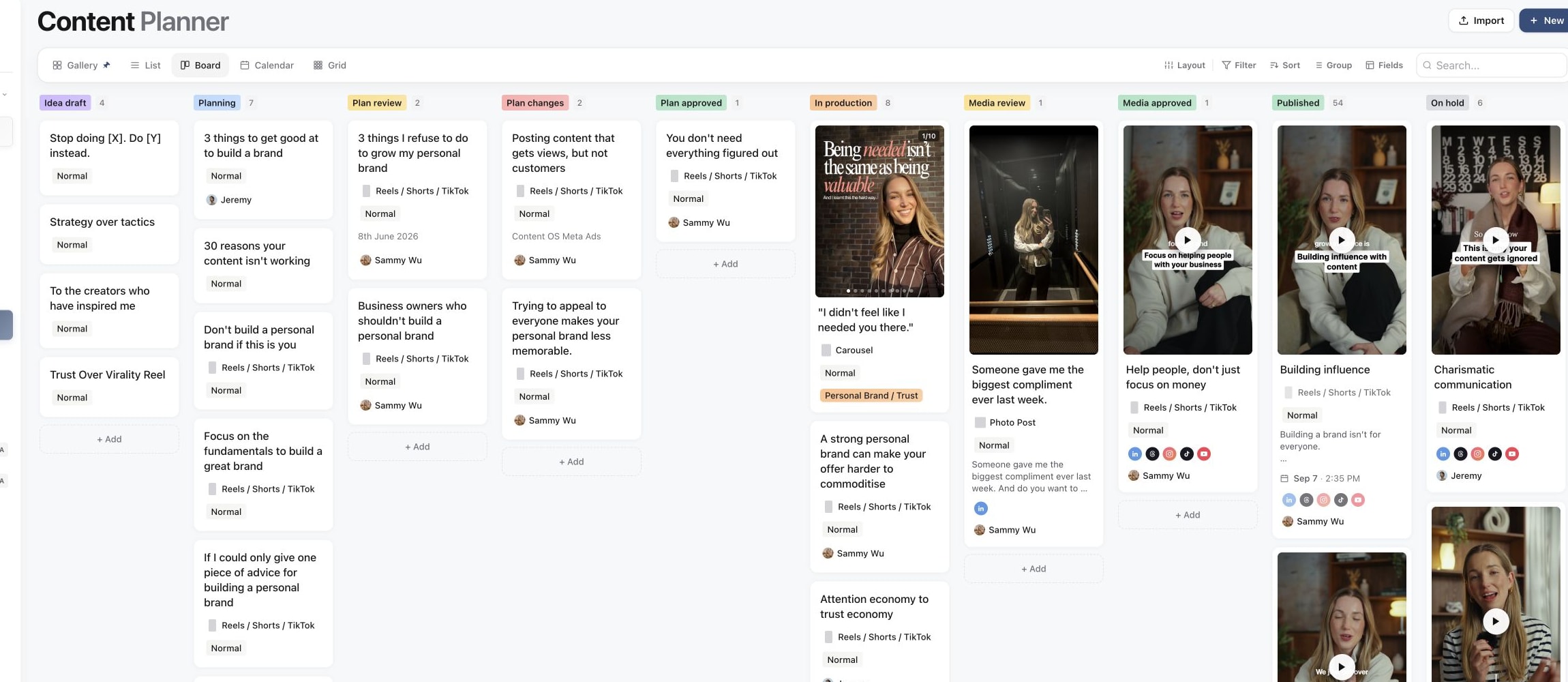
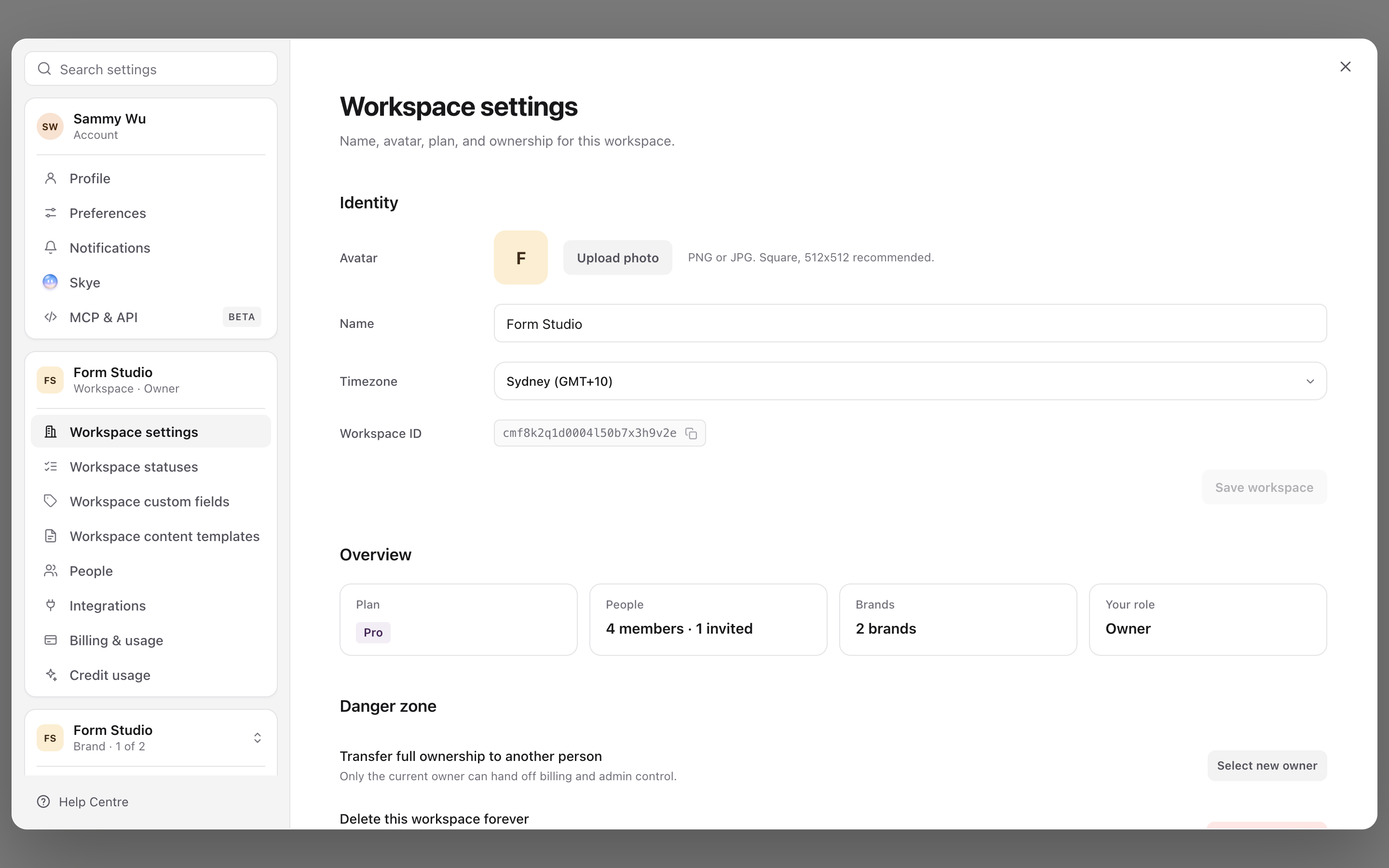
2. Open workspace settings
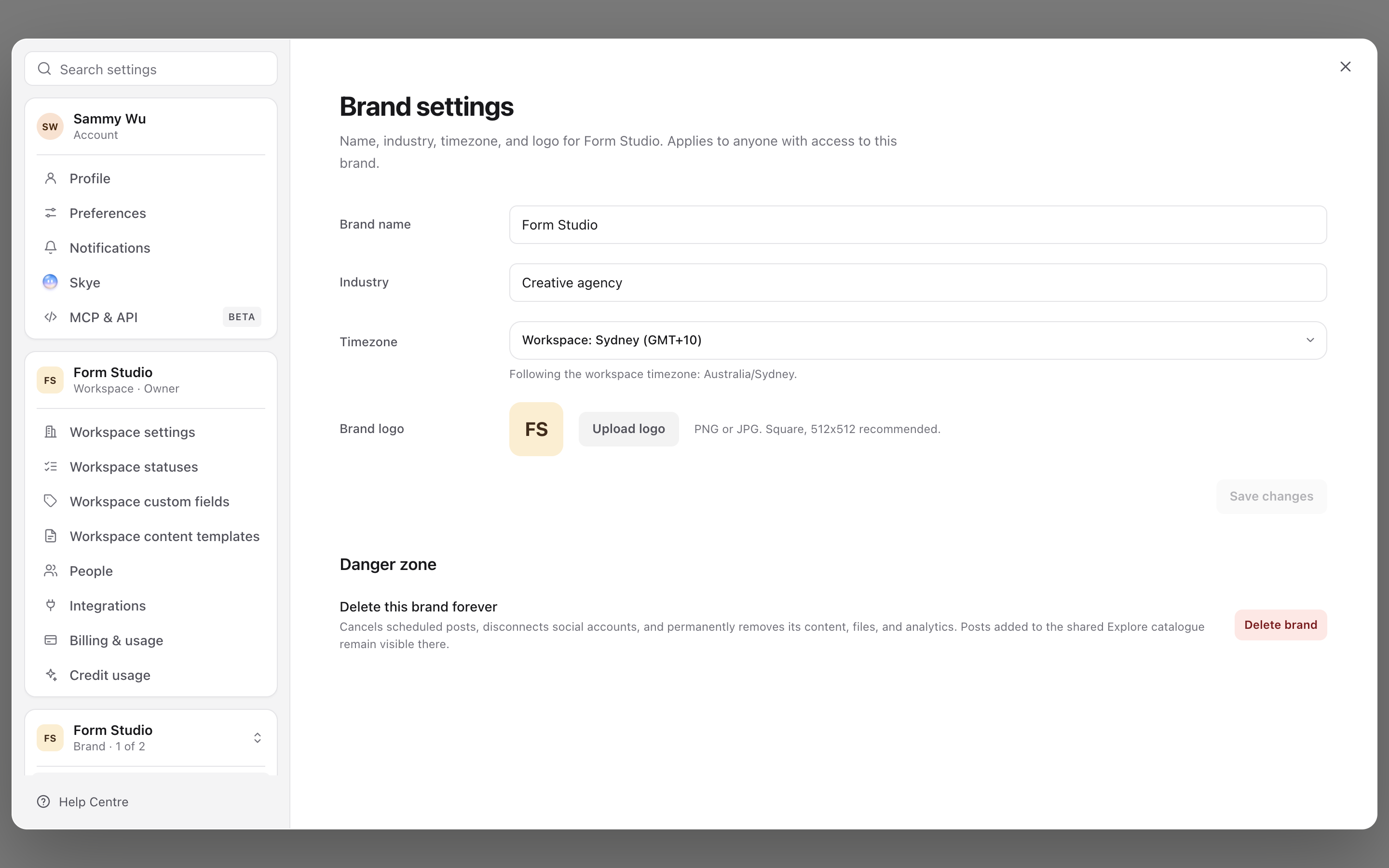
3. Open brand settings
Open the product area
The sidebar starts with Home, followed by five groups. Select a group to show or hide its pages. The group holding the page you are on opens automatically.
- Community: Inbox and DM Flows.
- Inspiration: Your library, Watchlist, Explore, Creators and Templates.
- Content: Projects, Content planner, Approvals, Schedule and Bin.
- Analytics: Dashboards, Reports and Ads.
- Brand: Brand Brain, Media and Channels.
When the sidebar is collapsed, hover a group's icon to see its pages, or select the icon to return to the last page you used in that group. Availability depends on your plan, role, connected accounts and rollout.
Skye, the AI assistant, isn't a page. Open it beside any page with the button in the bottom-right corner, or press Cmd+J (Ctrl+J on Windows).
Use Create for a new content action, Search anything to find content or pages, and Notifications for recent activity. Open your account menu for Settings and sign-out actions.
Check context before acting
If a page looks empty or unfamiliar, recheck the workspace and brand. Content, social accounts, analytics, Inbox and Brand Brain are brand-specific, while people and billing can be workspace-level.
Was this page helpful?
Related articles
Need more help with this?