
Use the same email address and sign-in method you used to join Sequence. If someone invited you, start from their invitation so Sequence can connect your account to the intended workspace or brand.
Sign in
- 01
- 02Choose Continue with Google, or enter your email and password and select Sign in.
- 03If you used Google, choose the Google account associated with your Sequence access.
1. Open the Sequence sign-in form
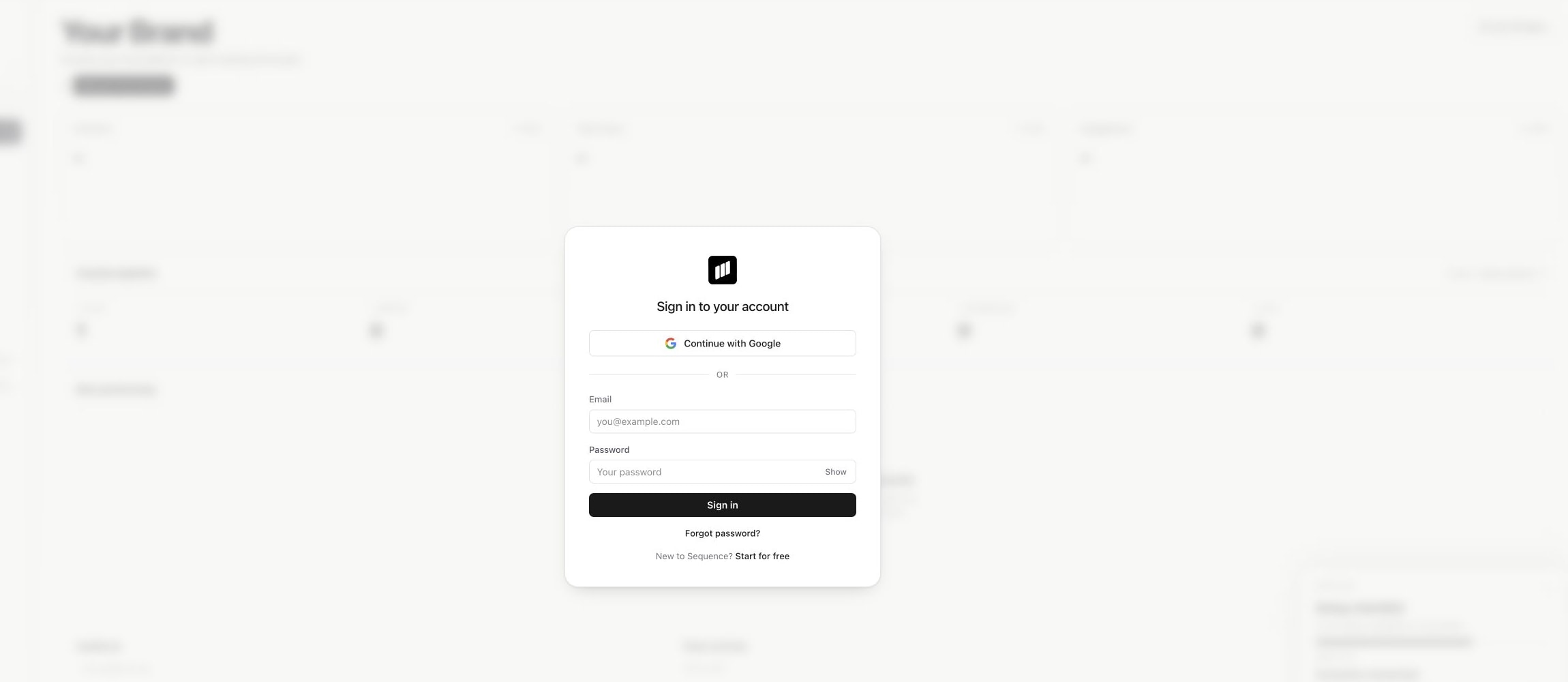
If the page offers account creation, choose Sign in. Creating another account does not recover access held by an existing account.
Reset a forgotten password
Select Forgot password? on the sign-in form, enter your account email, then choose Send reset link. Sequence displays a neutral confirmation whether or not that address has an account.
Open the reset email and follow its link. Enter a new password that meets the requirements shown on the reset form, then sign in with it. If a reset link is invalid or expired, request a new one and use the newest email.
If the email does not arrive, check the spelling of the address and your spam or junk folder. If you normally use Google, try Continue with Google with the correct Google account.
When you are already signed in, your profile's Settings page also provides Send reset link under Login information. This sends the reset email; it does not reveal your current password.
Join from an invitation
An invitation is tied to its recipient email. Sign in or register with that address, including when choosing a Google account. If the invite was sent to the wrong address, ask the inviter to correct it rather than creating an unrelated account.
For an expired invitation, ask the workspace or brand administrator for a new link. A newly copied invitation link replaces earlier links for the same invitation. See invite and manage workspace members.
Signed in, but the brand is missing?
Check the workspace and brand switchers. Then ask an administrator to check your membership and brand assignments. Successful sign-in proves your identity; it does not grant access to every brand.
An access change or password reset can sign you out. Sign in again before assuming there is a password problem. If Sequence asks you to verify your email, complete that verification before retrying.
If you still cannot get in, contact Sequence support. Include the sign-in method, the visible error and whether you followed an invitation. Never send your password, a reset link or an invitation token to support.
Was this page helpful?
Related articles
Need more help with this?