
Every content piece has three work areas. Use each one for a distinct part of the job so reviewers and publishers know where to look.
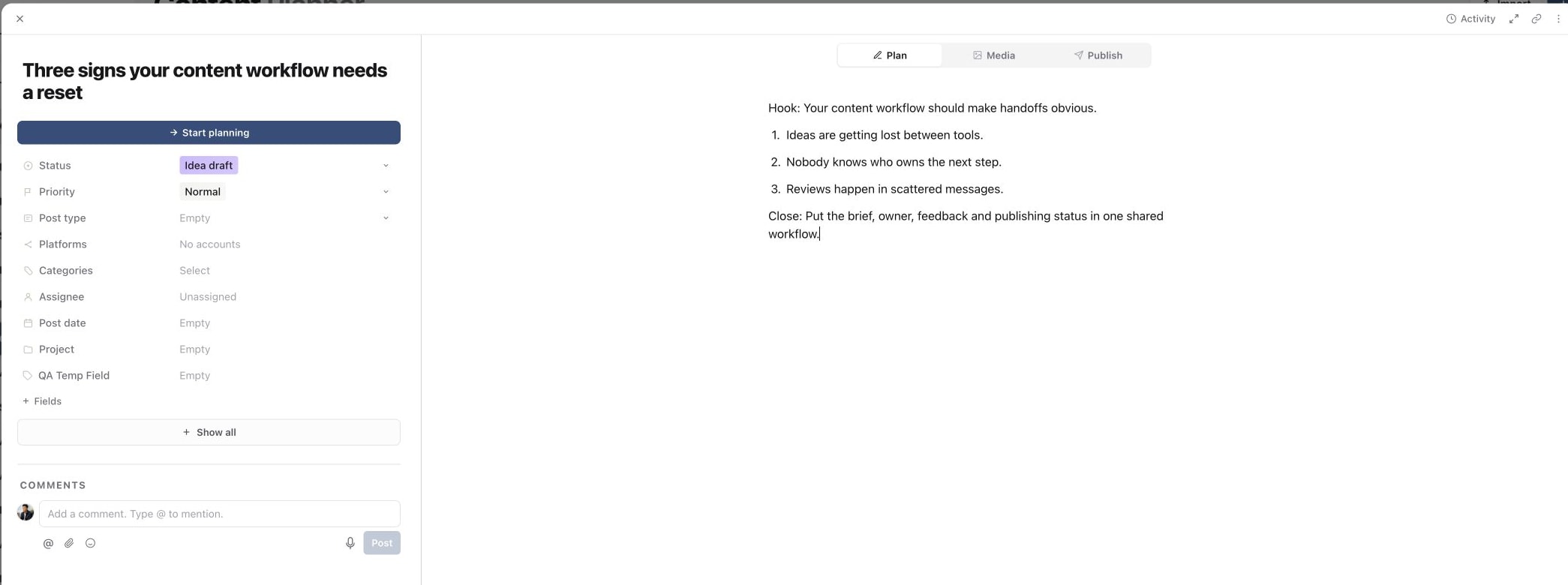
1. Start in Plan
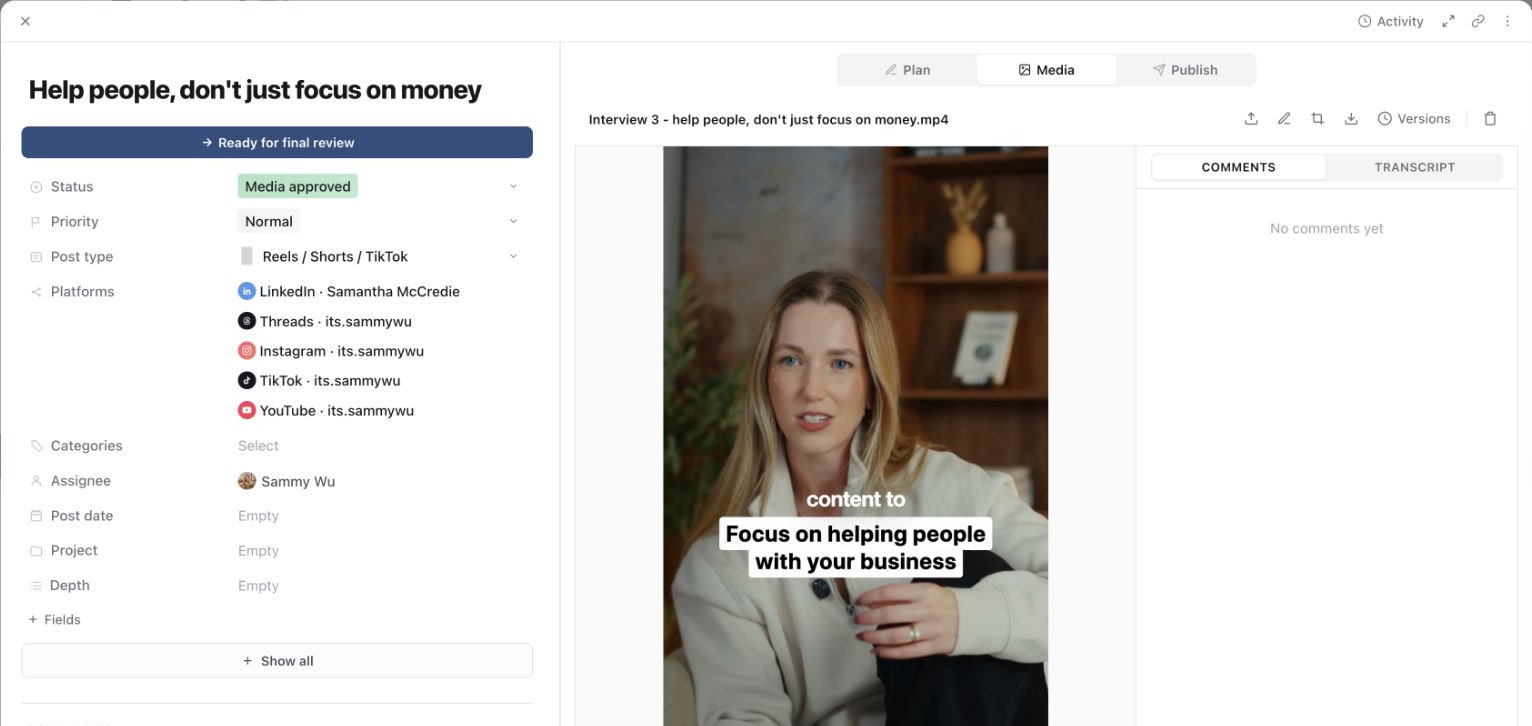
2. Move to Media
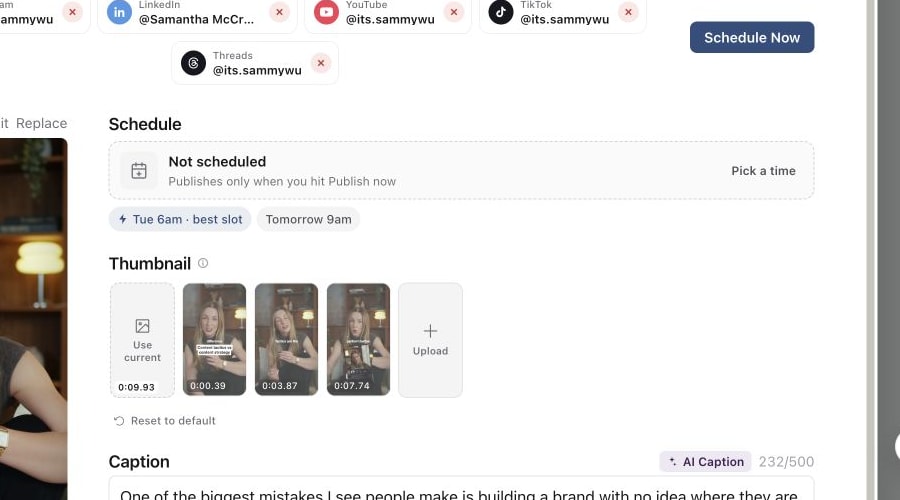
3. Finish in Publish
Plan
Use Plan for the brief, hook, script, outline, internal notes and supporting references. The Plan editor supports structured writing, comments and AI-assisted drafting or selected-text rewrites.
Media
Use Media for videos, images, versions and creative review. Keep the current version attached to the content piece and check processing before moving to final review.
Videos play a lighter proxy copy that Sequence creates automatically, so review starts quickly. You can switch playback to the original, or download the original, the proxy or a still image. See Play and download videos in the Media tab.
Publish
Use Publish for connected targets, captions, platform-specific overrides, first comments, publish date and time, disclosures and preview. Complete the required fields for every selected target before scheduling.
Move between tabs without losing context
Start in Plan while the idea is still being shaped, move to Media during production, then finish in Publish after the creative and wording are approved. Status and assignee sit across the whole content piece, so update them at each handoff.
Was this page helpful?
Related articles
Need more help with this?