
Reconnect when Sequence needs renewed permission to use an existing social profile. Disconnect when that profile should stop being connected to the brand. Removing a disconnected account is a separate clean-up action.
Before changing an account, open the correct brand and check the profile name and handle. Multiple accounts on the same platform can look similar.
Reconnect the existing profile
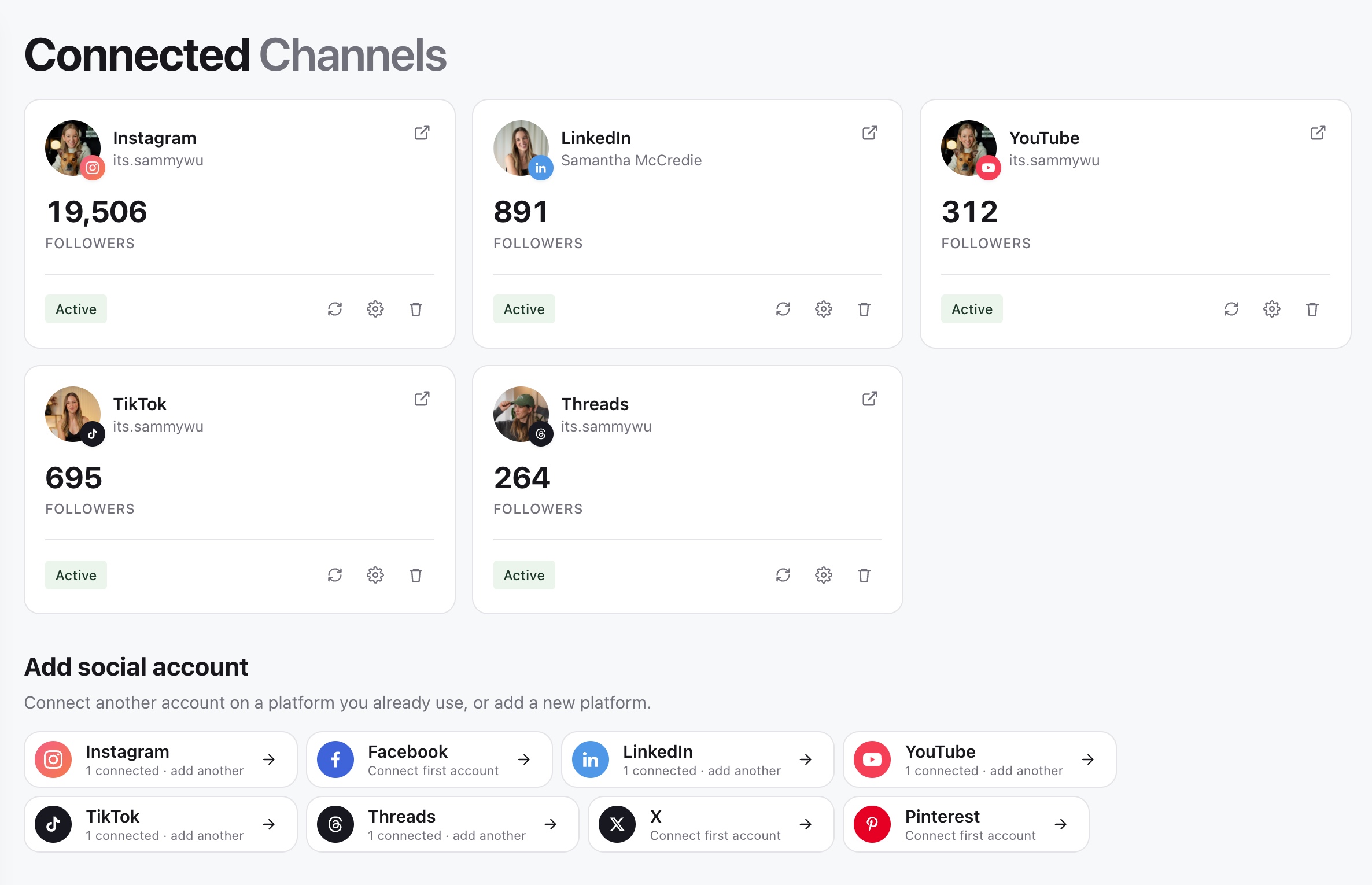
- 01In the sidebar, open Brand and select Channels, then find the affected account under Connected Channels.
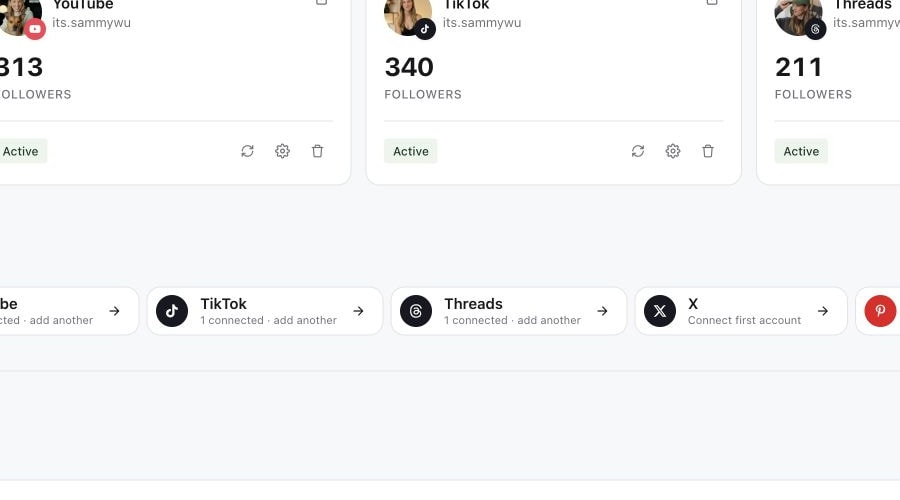
- 02Read its status and any message. Use Reconnect when it needs attention. Active connections may offer Refresh connection or Refresh token instead.
- 03Continue through the connection flow and sign in to the social account that owns the intended profile.
- 04Check the requested profile and permissions before completing the platform's steps.
- 05Return to Sequence and confirm the same profile now shows an active connection.
1. Open Connected Channels
2. Use the account controls
3. Review access before reconnecting
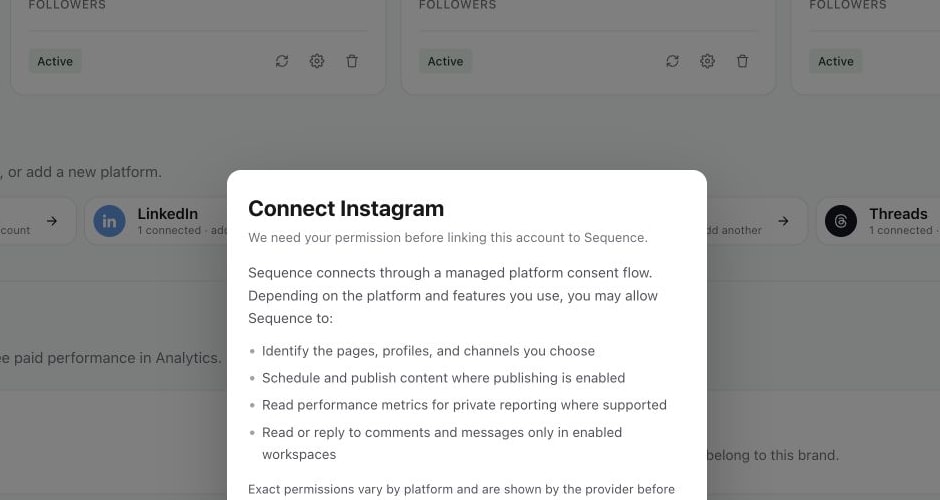
Reconnect restores the existing connection; it is not a way to silently substitute a different client's profile. If the flow rejects the selected identity, check which account is signed in at the social platform, then restart with the intended one. Use Add social account when you genuinely need another account.
Check affected posts afterwards
An active connection does not prove that a previously failed post has been retried. Open the affected content's Publish tab, read each target's state and retry only the failed destination when it is ready.
Also inspect upcoming scheduled content for the account. Confirm its target and schedule rather than assuming a completed reconnection has resolved every earlier error. See failed publishing targets.
Disconnect or remove an account
Review upcoming work first and unschedule any deliveries you no longer want.
On a connected account, choose Disconnect, then confirm the inline action. A disconnected account offers Remove for removing its entry. Read the account name again before the second click; the confirmation is deliberately attached to that account.
Disconnecting Sequence is not a request to delete posts already live on the social platform. Manage a live post on the platform itself if it needs removal or an edit that the platform supports.
If controls are missing or reconnection keeps failing
Check that you can manage account connections for the brand and that the social login has the necessary access to the profile or page. A client review role is not a substitute for account-management access.
If the same account still needs attention after the flow completes, note the account, the message and when you tried, then contact support. Do not create several duplicate connections as a workaround. See connect a social account for the initial setup process.
Was this page helpful?
Related articles
Need more help with this?