
Inbox shows conversations only for accounts that meet the current Inbox connection requirements. An account that can publish may still be unavailable for conversations.
Check current eligibility
Inbox can show these conversations for each platform:
- Instagram: DMs, comments and Story mentions
- Facebook: DMs, comments and Page reviews
- X: DMs and comments
- Threads and YouTube: comments
- TikTok: DMs and comments. TikTok DMs need a TikTok Business account outside the EEA, UK and Switzerland.
- LinkedIn: comments and mentions on company pages. Personal profiles don't have Inbox.
Pinterest accounts don't have Inbox conversations. What appears also depends on each account's connection and the platform's permissions.
TikTok accounts connected through TikTok's older connection need reconnecting before their DMs or comments appear. Inbox names any account that needs reconnecting above the list.
Check each account's status under Channels.
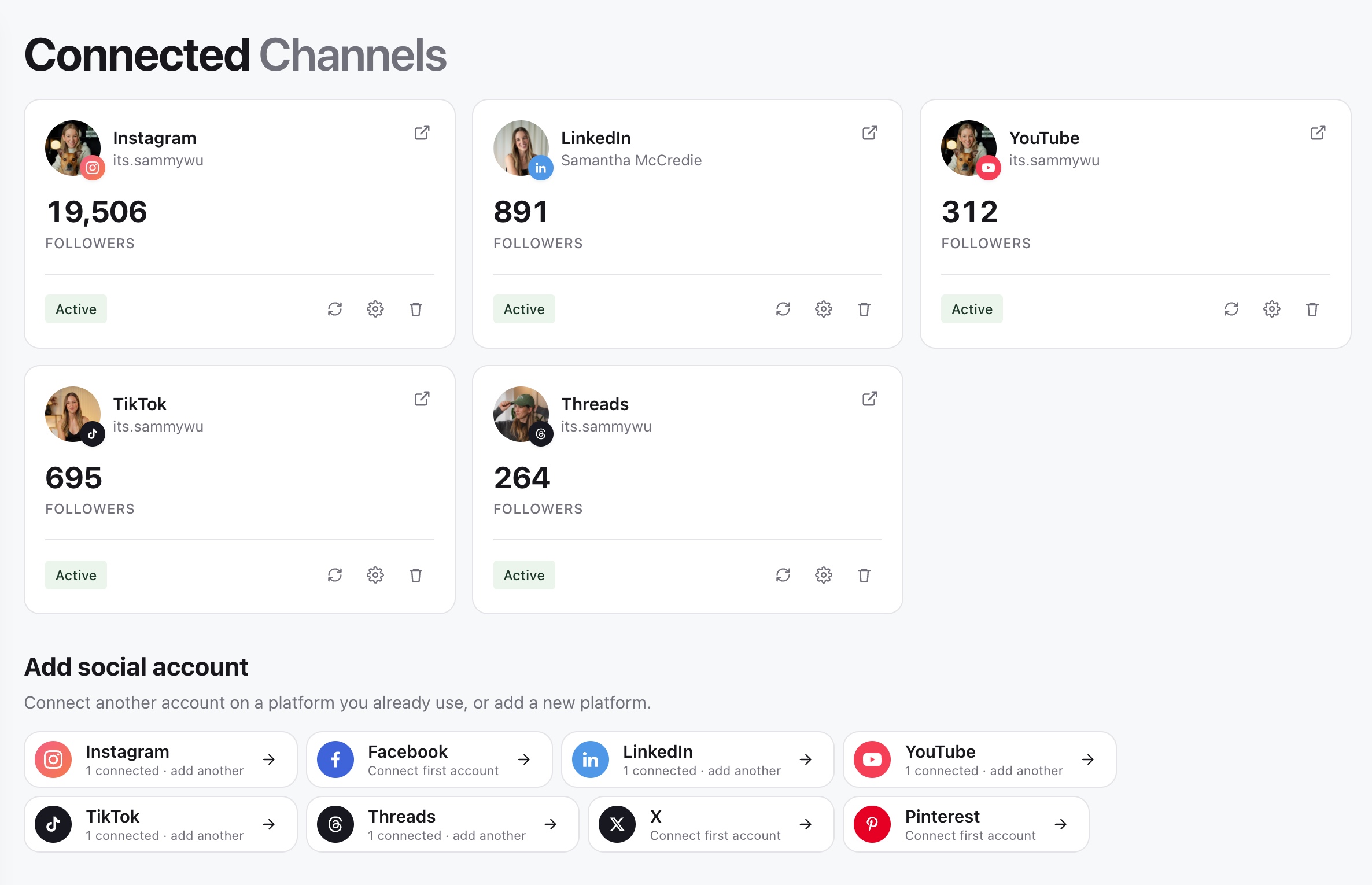
An account needs to be connected, active and not waiting to be reconnected. Each Inbox tab only lists accounts whose platform supports that kind of conversation.
Read conversations in context
Inbox has a tab for each kind of conversation your accounts support: DMs, Comments, Mentions and Reviews. Select an account icon above the list to see one account, or All to see every account. Reply options vary by platform: LinkedIn doesn't let apps reply to mentions, so reply on LinkedIn. If a reply control is missing, open the conversation on the platform.
When an account is missing
Select All above the list, check the account under Channels, and compare it with the platforms above. Follow Reconnect an account for Inbox if the connection is inactive or needs attention. If Inbox asks you to reconnect an account, do that on the Channels page.
Was this page helpful?
Related articles
Need more help with this?