
Create one content piece for each publishable idea. The record holds its planning, ownership, files, discussion and publishing setup.
Create the record
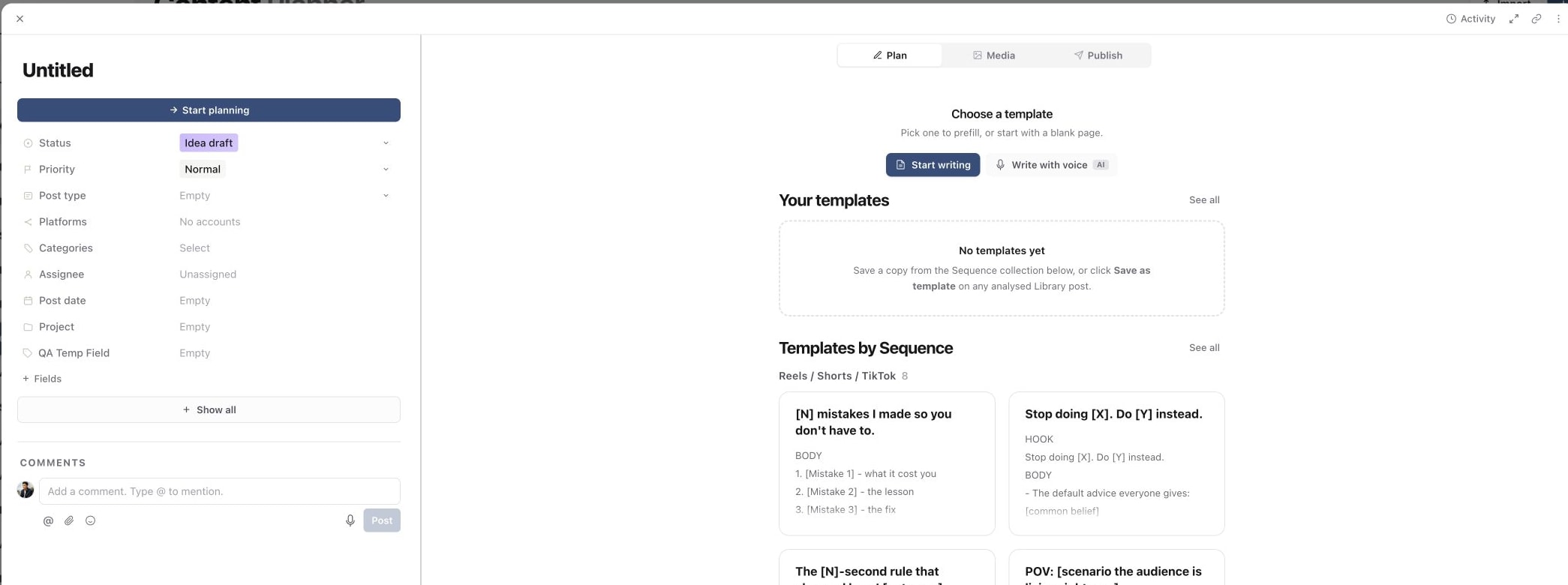
- 01Open the correct brand, then in the sidebar open Content and select Content planner.
- 02Select New, or use an add-post control within the relevant group.
- 03Give the piece a clear working title.
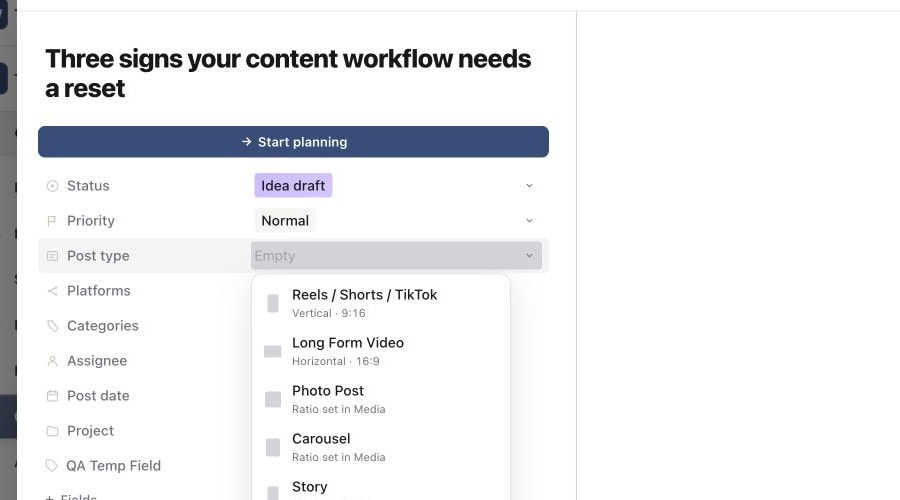
- 04Set its status, priority, post type, platform, category, assignee, post date and project as needed.
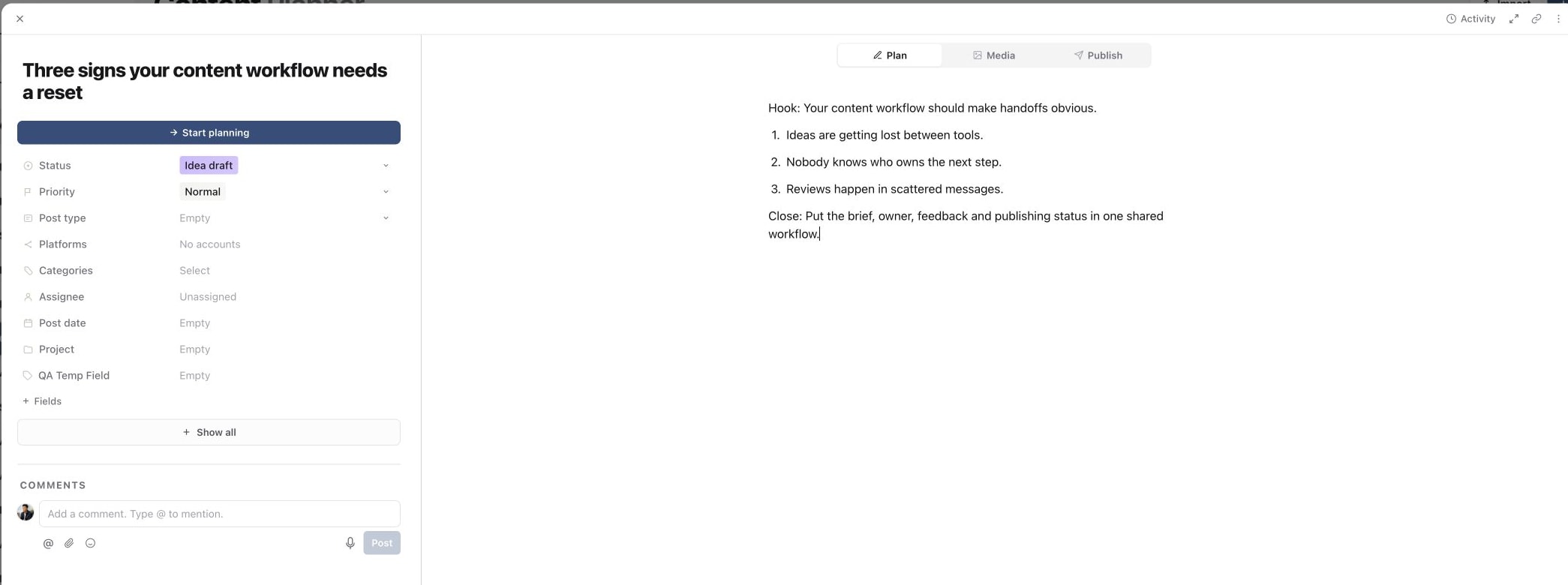
- 05Open Plan and add the brief or script.
1. Create a blank content piece
2. Write the working brief
3. Choose the correct post type
4. Assign an owner
5. Review the finished content piece
Edit as the work develops
Use Media for creative files and versions. Use Publish for targets, captions and timing. Add comments for decisions that collaborators need to understand, and @mention the person who should respond.
Sequence saves editable fields as you work. Before closing, check that the visible status, assignee and date match the next action.
Respect published locks
Some publishing fields become locked after a post is published because changing Sequence cannot change the version already live on the platform. Duplicate the content when you need a new publishable version, then update its date, target and wording.
Was this page helpful?
Related articles
Need more help with this?