
Sequence organises work at three levels: a workspace contains brands, and a brand contains its content and connected social accounts. Choose the workspace and brand before creating content, inviting a client or connecting a destination.
What belongs at each level?
| Level | What it represents | What you manage there |
|---|---|---|
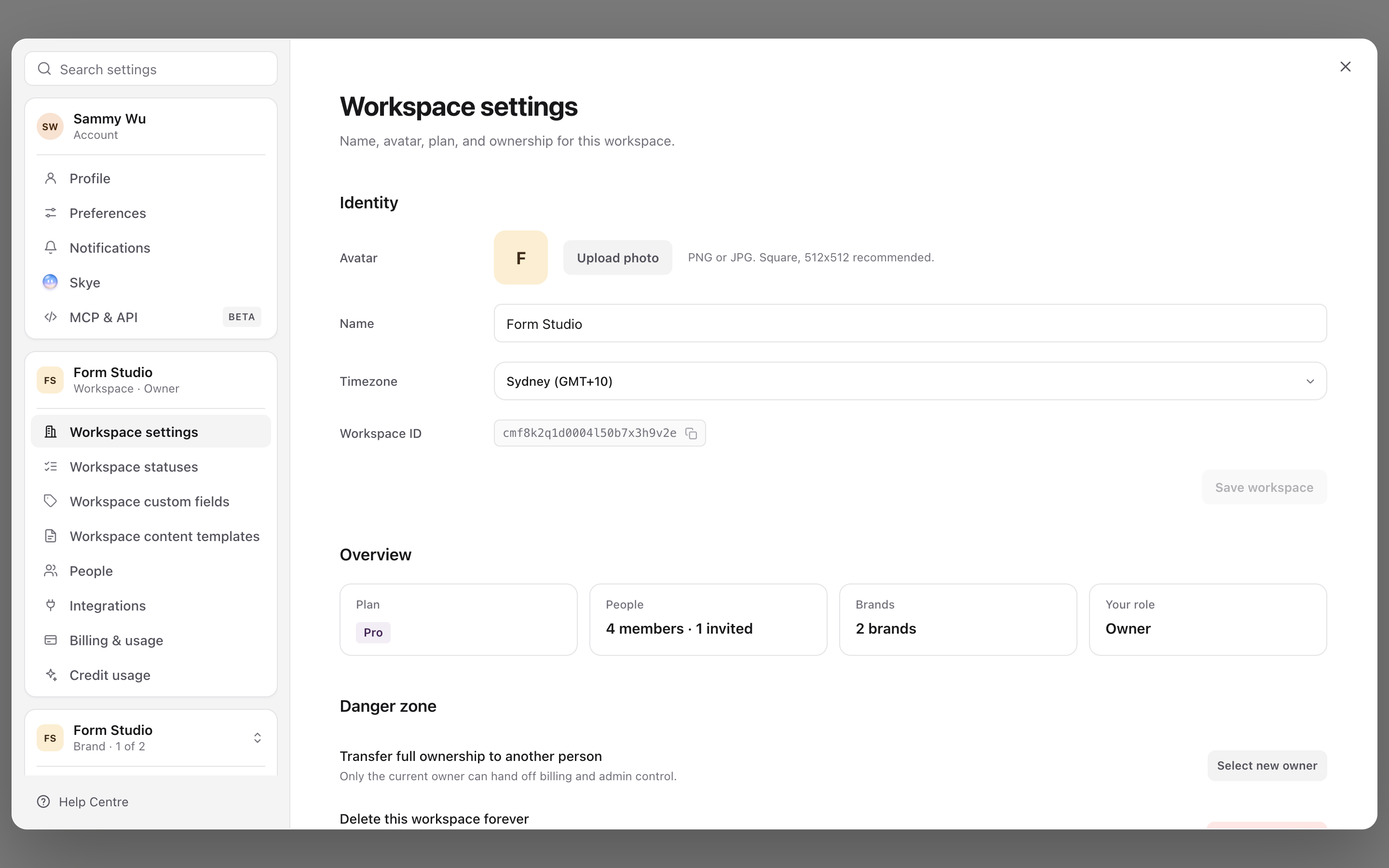
| Workspace | The organisation or team using Sequence. | Workspace membership, subscription and shared usage. |
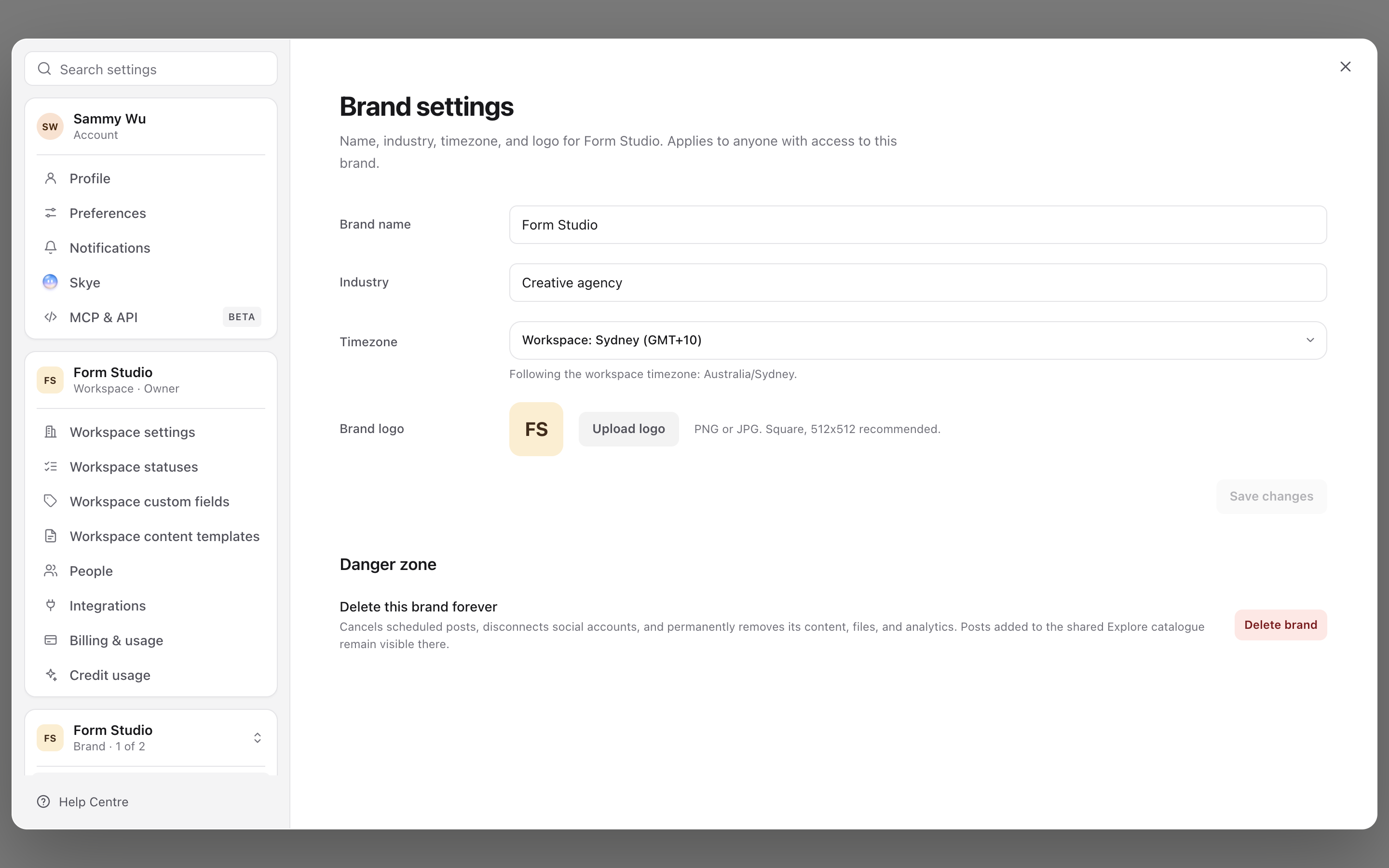
| Brand | One business, client or distinct publishing identity. | Content, projects, approvals, Brand Brain and brand access. |
| Social account | A particular profile, page or channel connected to a brand. | A publishing destination and its connection or account access settings. |
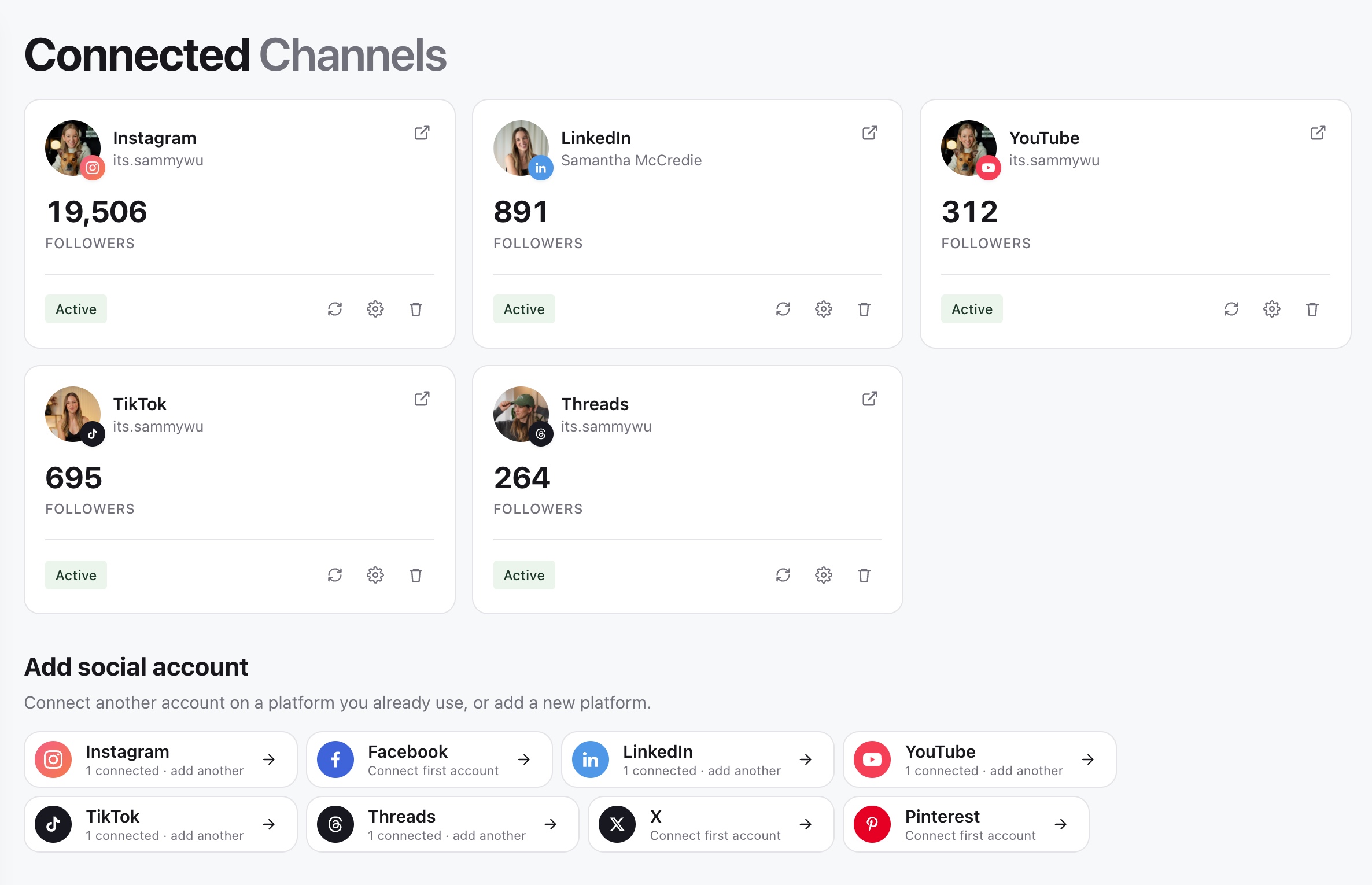
For example, an agency can have one workspace with a separate brand for each client. One client's brand might connect an Instagram profile, a LinkedIn profile and a YouTube channel. Those are three social accounts under one brand, not three brands.
Check where you are working
The sidebar has a workspace switcher above the brand switcher. If the sidebar is collapsed, expand it to see the names. Switch workspace first, then choose the brand.
1. Review the workspace
2. Review the active brand
3. Connect publishing accounts to the brand
Pages such as Content planner, Approvals, Schedule, Channels and Brand Brain use the current brand context. If a post or connected account seems to have disappeared, check these selectors before recreating it.
Switching brand changes the work you are viewing. It does not move posts or copy a social account connection between brands.
Decide when to add another brand
Create another brand when the content belongs to a distinct client or identity with its own accounts, reviewers and brand context. Use a project within the existing brand when you are organising a campaign or related set of content for the same identity.
For example, a client's product launch is usually a project. A second client is usually another brand. See add and switch brands for setup and create and manage projects for campaign organisation.
Keep access and billing separate
A person's workspace role and brand access determine what they can see and do. A client can be invited as a brand member without receiving access to every client in the workspace. Workspace owners and admins have broader access; see choose the right role and brand access.
The subscription and usage belong to the workspace. Switching to another brand in that workspace does not create a separate subscription. Review the current allowance before adding brands or connected accounts in review plan usage and limits.
Connect and select accounts deliberately
Open Channels within the intended brand to connect its social profiles. When preparing content, select the exact accounts that should receive that post. A platform label alone is not a publishing destination, and having an account connected does not mean every new post is selected for it.
Follow connect a social account to authorise a connection and verify the destination.
Was this page helpful?
Related articles
Need more help with this?