
Use Schedule to review content approaching publication and content that has already gone live. It offers different layouts and status groups, so start by choosing the question you want to answer: what needs preparation, what is scheduled, or what actually published.
Choose the layout
Open Schedule in the correct brand and select List, Feed, Cards or Calendar.
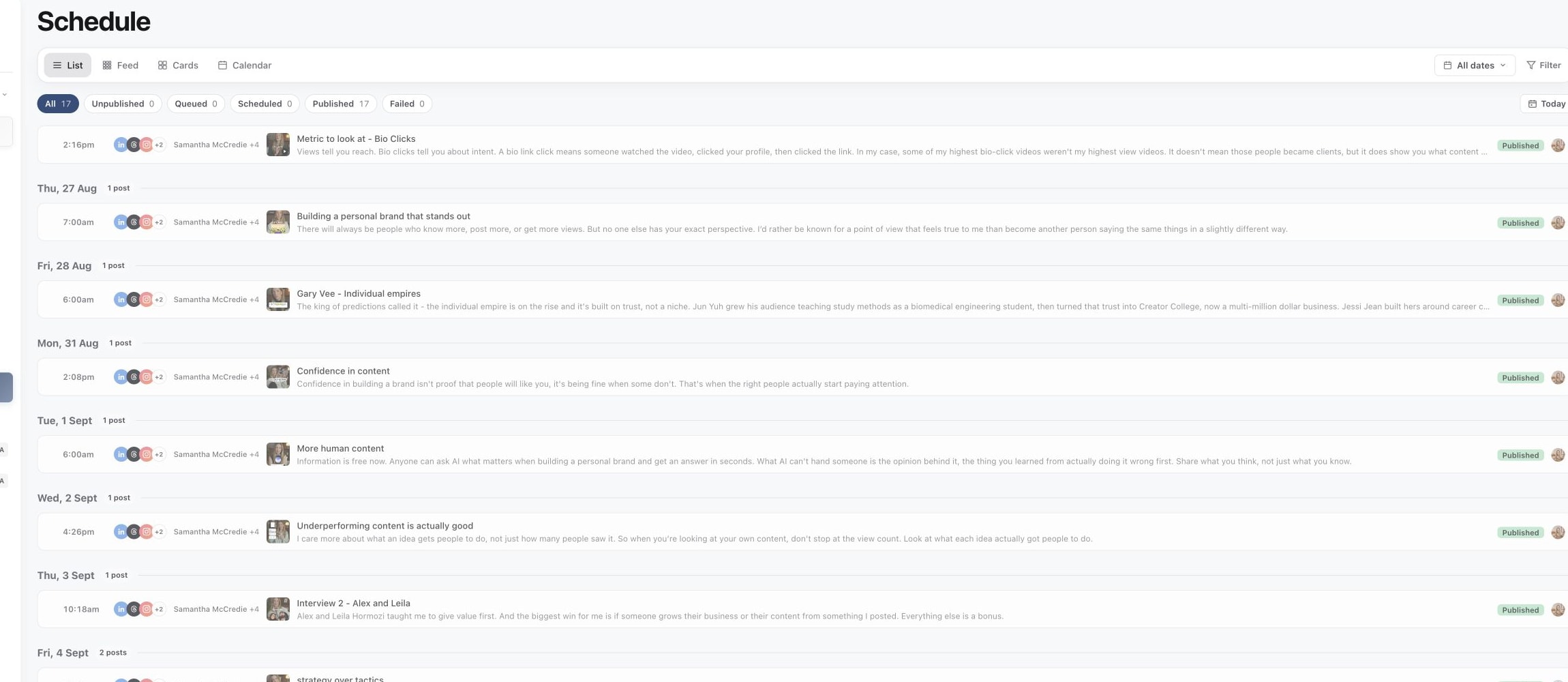
1. Use List for a compact schedule
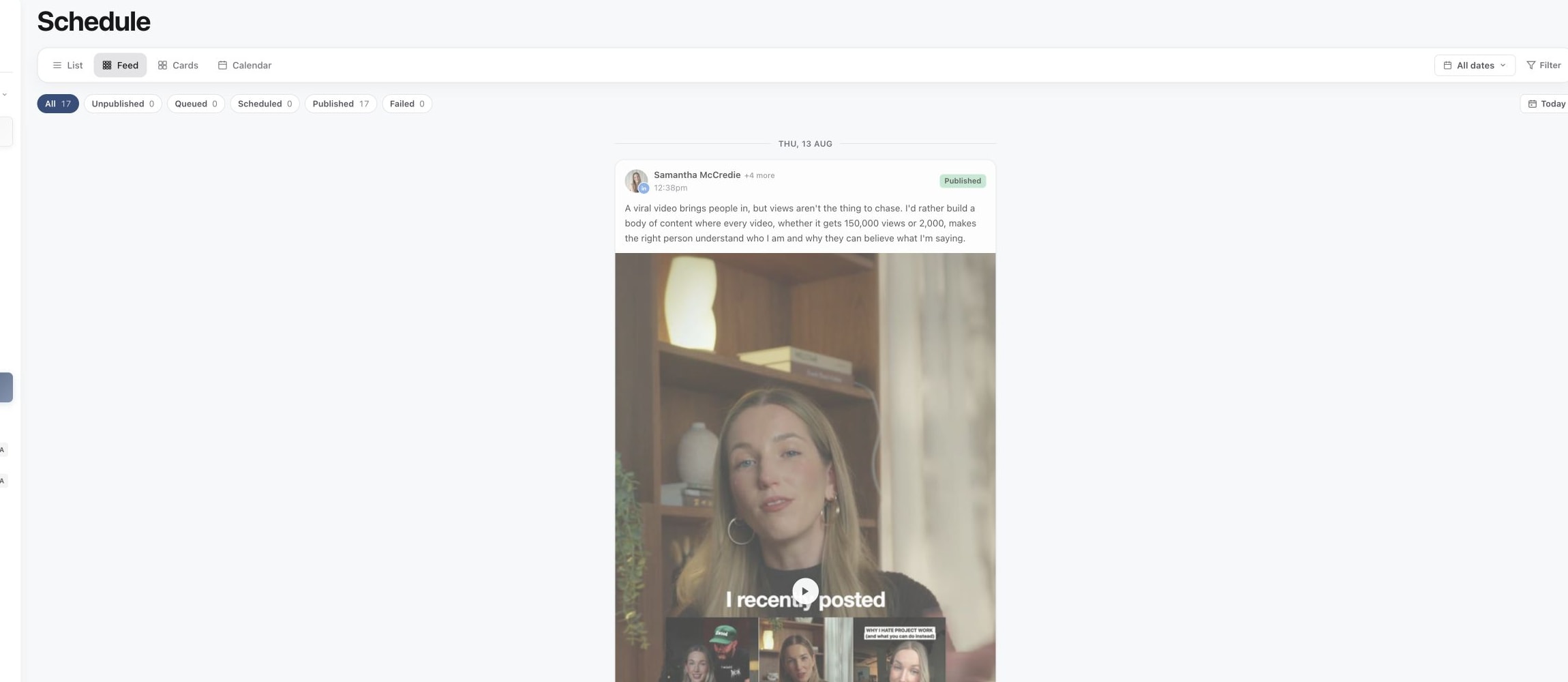
2. Use Feed to preview the posting sequence
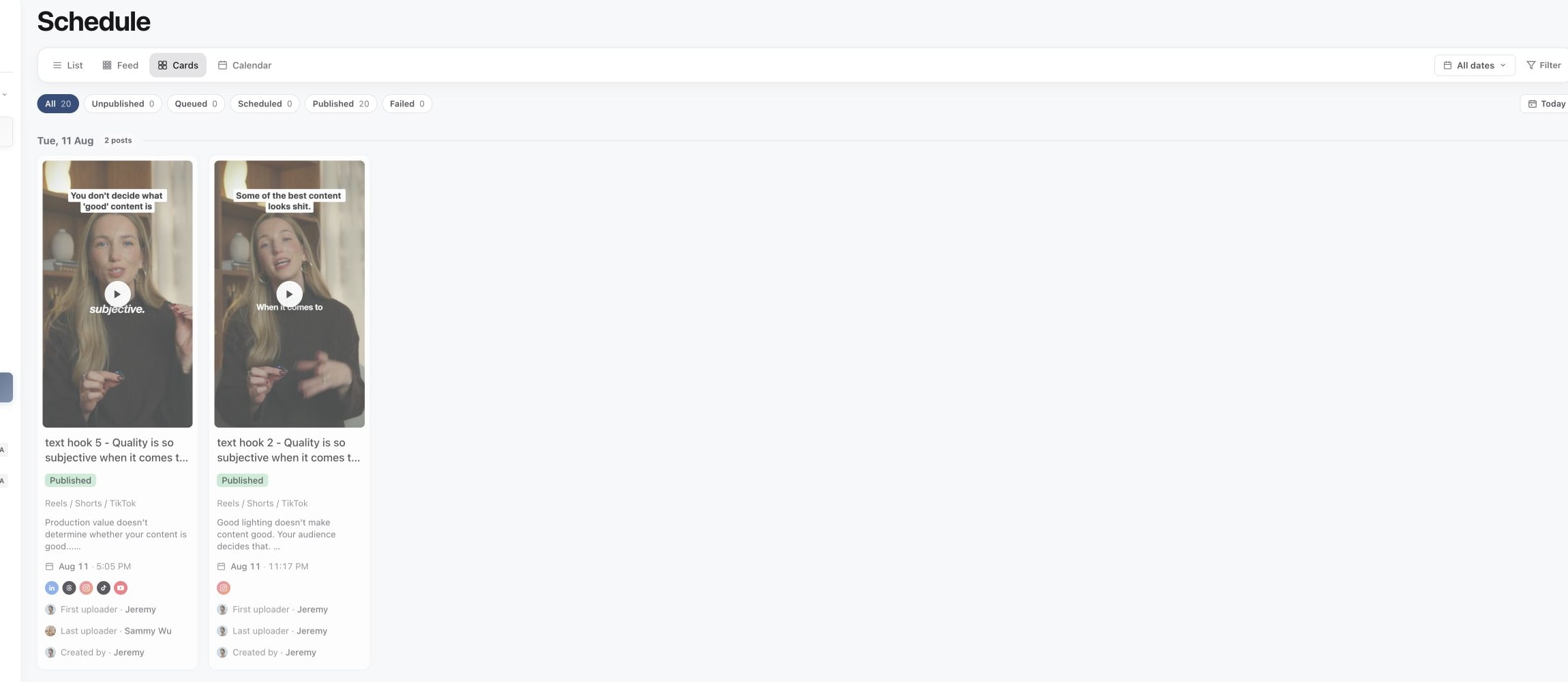
3. Use Cards to scan creative
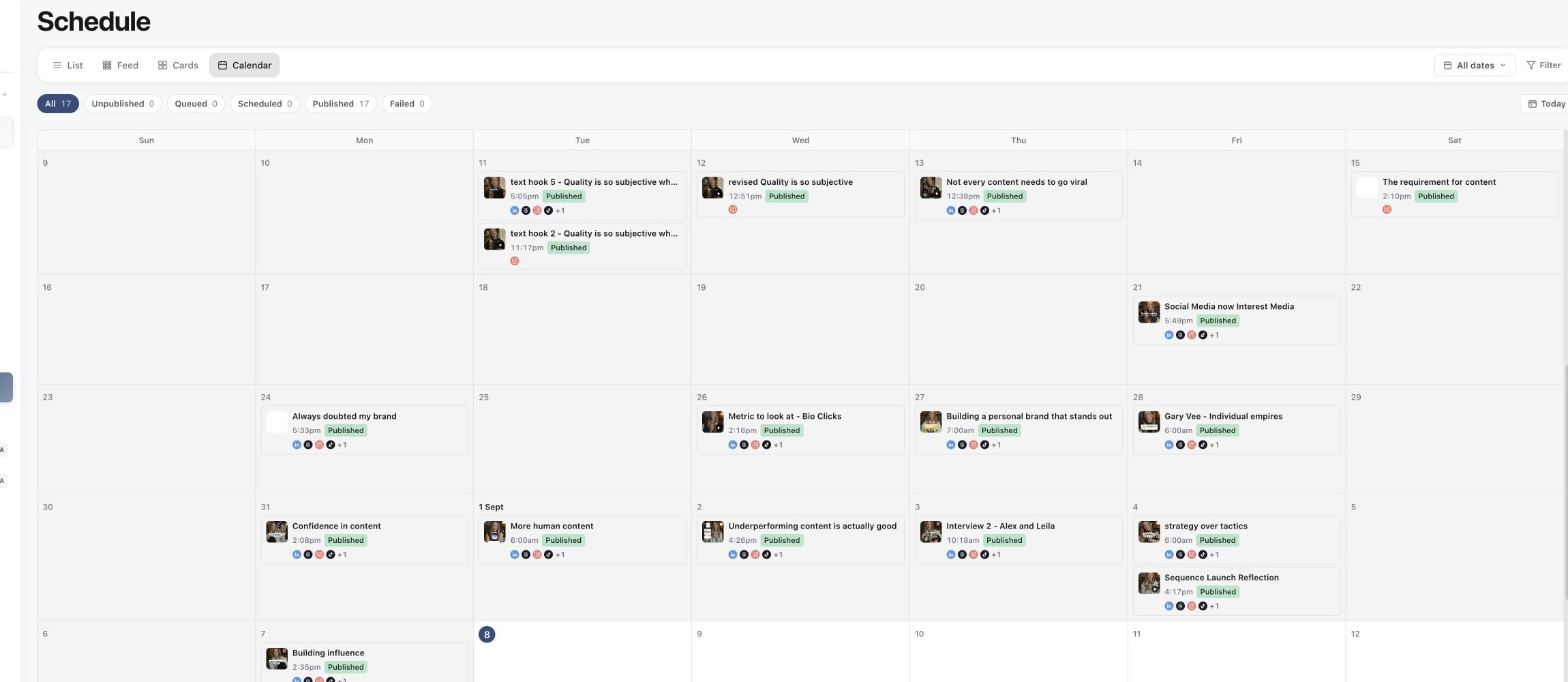
4. Use Calendar to plan by date
| View | Useful for |
|---|---|
| List | Scanning content and its dates in rows. |
| Feed | Previewing the arrangement for a social platform and account. |
| Cards | Reviewing creative alongside content details. |
| Calendar | Looking at the timing across a Month or Week. |
In Feed, check the selected account before reviewing its arrangement. In Calendar, use Month or Week and the date navigation to inspect the intended period. Today returns attention to the current date.
Understand the status groups
The group controls narrow the view:
- All includes the available content in scope.
- Unpublished excludes content in the Published state.
- Queued collects Media approved, Final review and Ready to post work.
- Scheduled includes scheduled content and content being published.
- Published shows content in the Published state.
- Failed shows content whose overall status is Publish failed.
Queued does not mean a confirmed delivery is scheduled. A piece awaiting final preparation can appear there. Open Publish to check the actual targets and scheduling confirmation.
Likewise, an overall Published state can coexist with a failed destination. Inspect the target list when checking whether every selected account received the post.
Find the right period and account
Use the date-range control, such as All dates, and Filter to narrow the schedule. If an older piece is missing, use Load earlier posts where offered. Check the brand, selected status group, account filter and date range before assuming a post has disappeared.
A planning date alone does not confirm delivery. If a piece is still being developed or has no date, look in Content's planner views.
Open a piece to act on it
Select the piece and inspect Publish for its media, copy, time and account targets. Use the live target link to confirm an already published result.
For a timing change, follow reschedule and time zones. For a failed destination, follow fix a failed publishing target. Do not duplicate a scheduled post merely because you want to move its date; first use the available rescheduling or cancellation controls.
Was this page helpful?
Related articles
Need more help with this?