
Connect the social profiles, pages or channels that a brand will publish to. After connecting, you still choose the destination accounts on each content piece.
You need permission to connect channels in the brand and access to the social account you want to authorise. If you cannot manage connections, ask the workspace or brand administrator to connect the account or review your access.
Add the account to the correct brand
- 01Select the workspace and brand in Sequence.
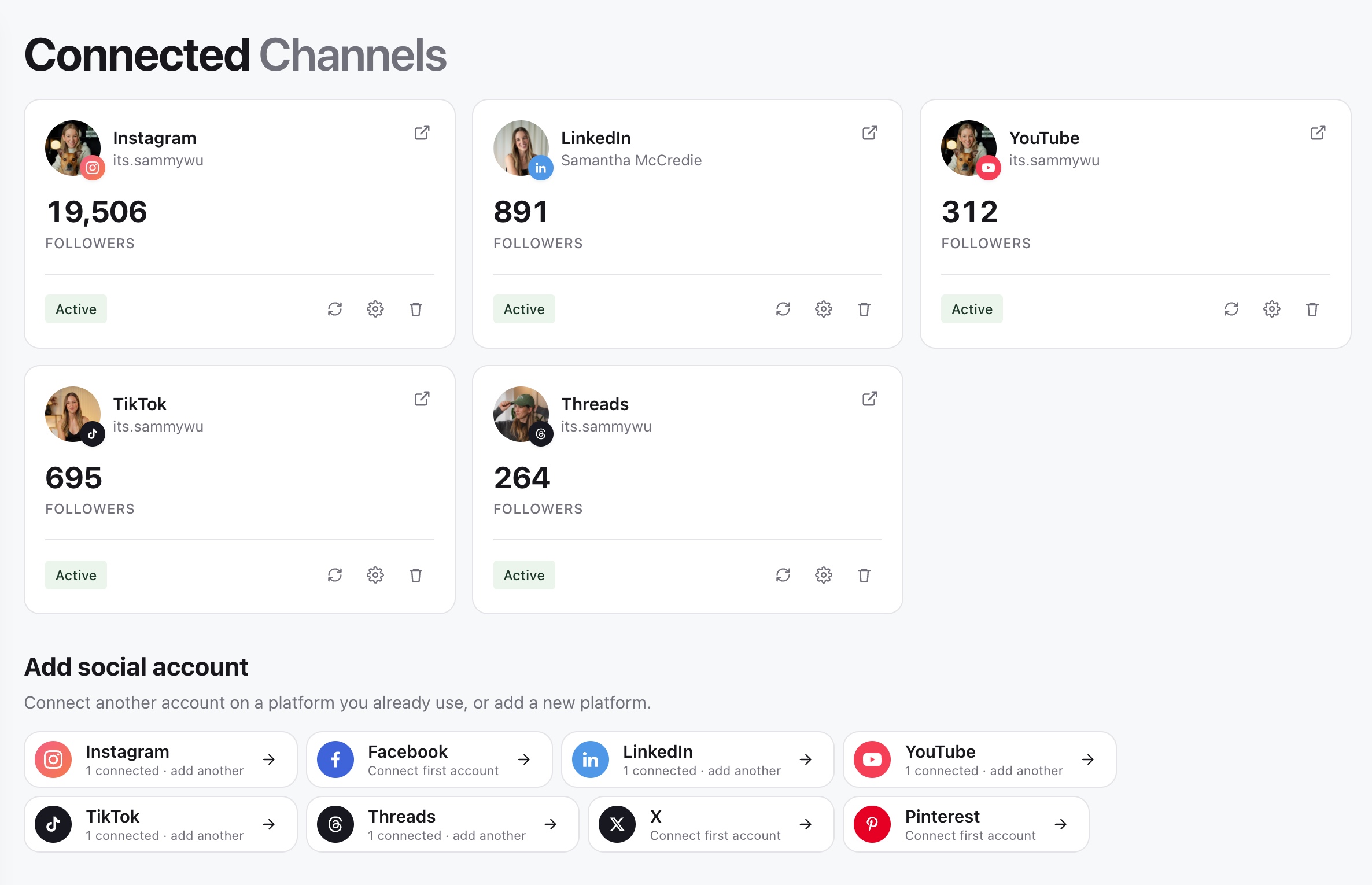
- 02In the sidebar, open Brand and select Channels.
- 03Under Add social account, choose the platform. You can connect another account on a platform you already use.
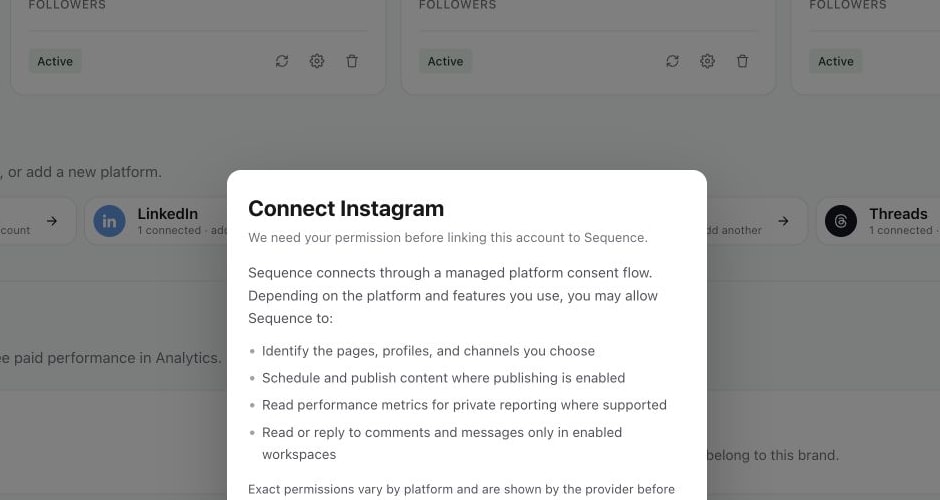
- 04Read the connection explanation, then select Continue to [platform]. For Instagram, the button is Continue to Instagram.
- 05Complete the provider's sign-in and permission flow. Check the profile, page or channel you are authorising, especially if you manage several.
- 06Return to Sequence and check Connected Channels for the intended name or handle and an Active connection.
1. Open Channels for the correct brand
2. Review the connection request
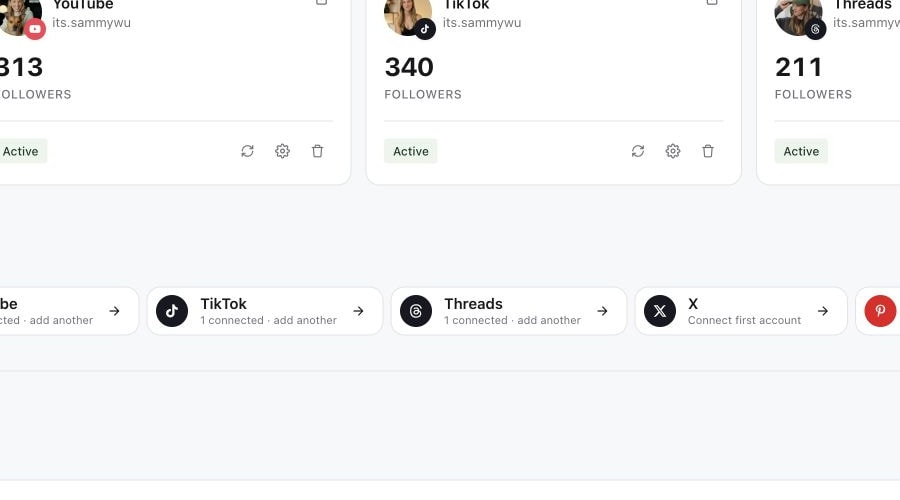
3. Check the connected account settings
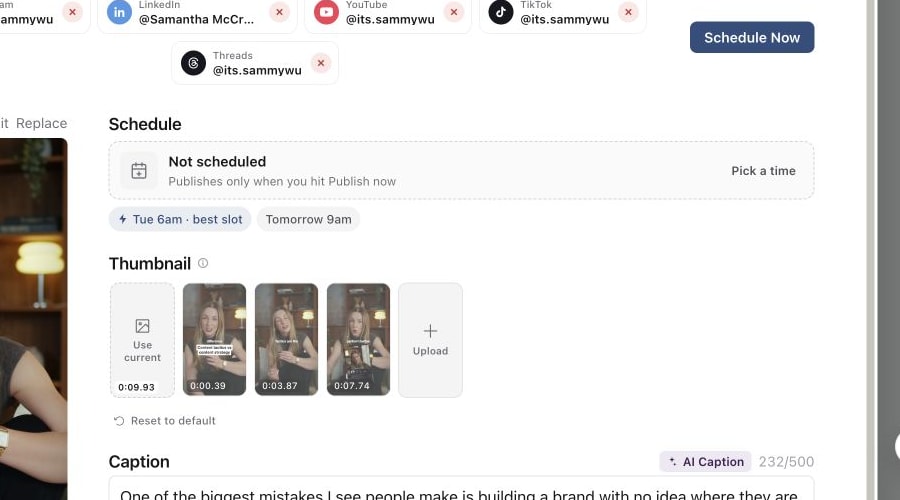
4. Confirm the account appears on a content piece
The provider shows the exact permissions for that platform before you approve. Available permissions can cover publishing, reporting and supported Inbox features. Read that screen when deciding which account to authorise; the connection flow can differ between platforms.
Check the account on a content piece
Open a piece's Publish tab and choose its post type. Look for the connected account in the account row, select it and check the handle. A connected account can be available to the brand without being selected for that particular post.
If you have two accounts on the same platform, check the account name as well as the platform icon. The scheduling confirmation lists the destinations again before you submit. See Choose publishing targets and the correct post type.
If the account does not appear
First check that you are viewing the brand where you completed the connection. If the provider window was cancelled or closed before authorisation finished, return to Channels and start the connection again. If no window opens, check whether your browser blocked the connection pop-up.
If the wrong profile appears, check which social account is signed in during the provider flow. Do not assume that signing in to the platform selected the page or channel you intended to use.
If Sequence displays an account limit or permissions message, resolve that message with your administrator before trying again. Repeating the same connection will not change your workspace capacity or role.
Restore an existing connection
For an account that is already connected but needs authorisation again, use Refresh connection on its account card. Check the name and handle after completing the provider flow. See Reconnect or remove a social account for connection maintenance.
The Ad accounts section is separate. Connecting an ad account for reporting does not select an organic publishing destination for your posts.
Was this page helpful?
Related articles
Need more help with this?