
Add a brand for a distinct business, client or publishing identity. Each brand gives its content, accounts, approvals and Brand Brain a clear home within the workspace.
Add a brand from the sidebar
- 01Check the workspace shown in the sidebar. Switch workspace first if needed.
- 02Open the brand switcher and choose Create a brand.
- 03Enter the Brand name. You can add a logo, or keep an initials logo.
- 04Select Continue and review the brand details.
- 05Select Create brand. If Sequence shows a plan or billing confirmation, review it before proceeding.
1. Open the brand switcher
2. Review the selected brand
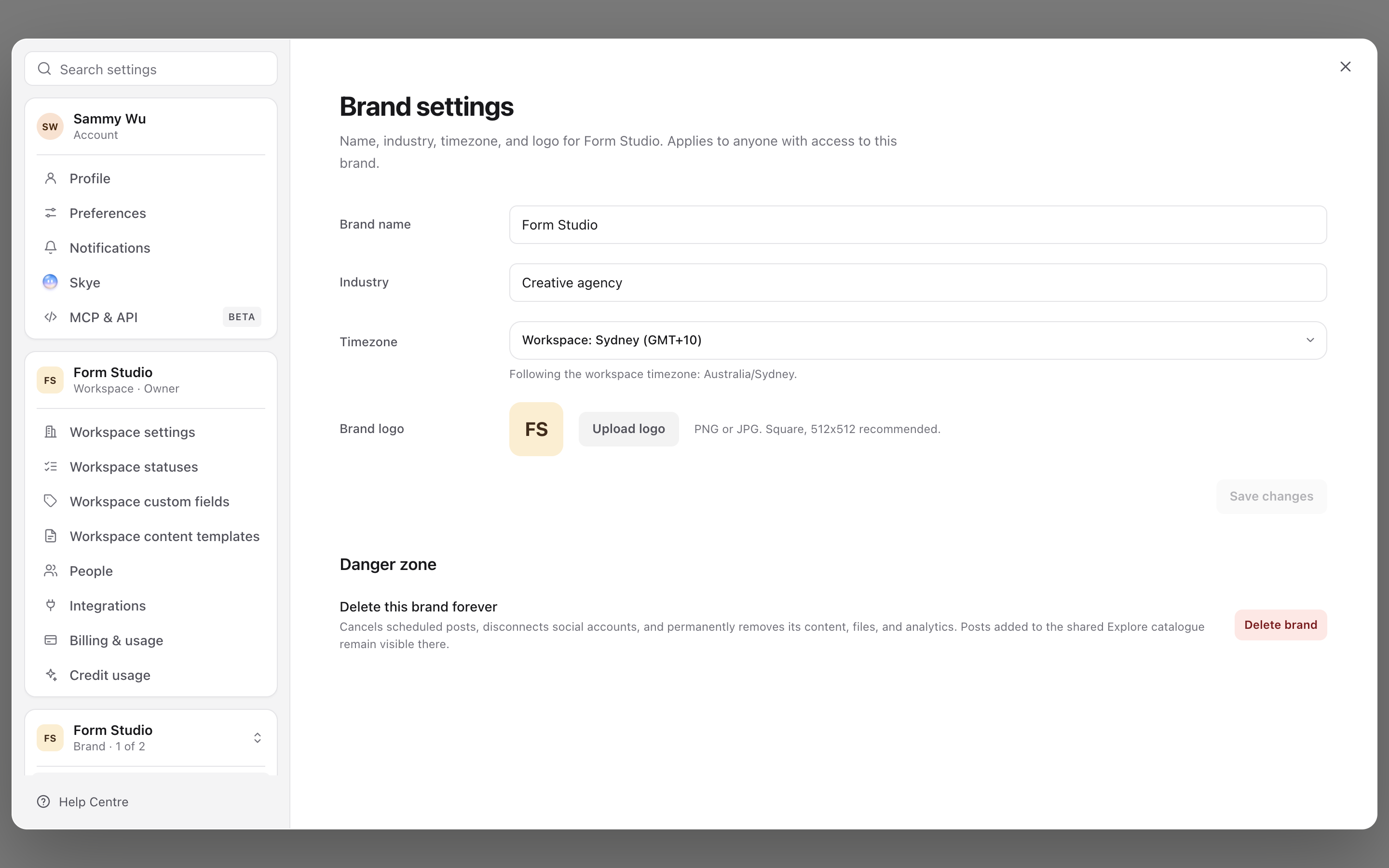
If you cannot create a brand, ask the workspace owner or administrator to check your access and the workspace's plan. A missing required name keeps Continue unavailable; a plan restriction needs to be resolved at workspace level. See review plan usage and limits.
Finish setting up the new brand
Creating the brand does not authorise its social accounts or invite its client automatically. Work through these next steps:
- connect a social account for the profiles that belong to this brand.
- invite and manage workspace members and choose the appropriate brand access for each person.
- set up Brand Brain so AI-assisted writing has useful brand context.
- Create content or import a content plan into the intended brand.
Check the brand name again before importing a content plan. This is especially useful when setting up several clients in one sitting.
Switch between existing brands
Open the brand switcher, use Search brands if needed, then select the brand. Expand the sidebar if you need to see the full workspace and brand names.
Switching changes the current brand context. It does not duplicate content or move an existing post into another brand. Use projects to organise campaigns inside a brand rather than creating a new brand for every campaign.
If a brand does not appear
Clear the switcher's search and check you are in the correct workspace. If it is still missing, ask an administrator to check your brand assignments. A workspace member with selected-brand access can only see the brands assigned to them.
Do not create a replacement brand simply because one is missing from your view. Confirm its name and your access first to avoid splitting the client's work across duplicate brands.
For how the levels fit together, see understand workspaces, brands and accounts.
Was this page helpful?
Related articles
- Connect a social accountConnect the correct social profile to a brand and check it is available for your posts.
- Import a content planConnect Trello, Asana, Monday.com, ClickUp or Notion, or upload an export, then map fields and statuses, preview, and bring the posts into the right Sequence brand.
- Set up Brand BrainBuild useful brand context, review the compiled brief and correct source material or suggestions.
Need more help with this?