
Download a brand's content and Brand Brain from Settings. Export your content pieces as a CSV, Excel or JSON file with exactly the fields you need, and your Brand Brain as one document. Use it to keep a copy of your work, share a plan with someone outside Sequence, or move content into another brand.
What's in an export
An export has two parts. Download either one, or both.
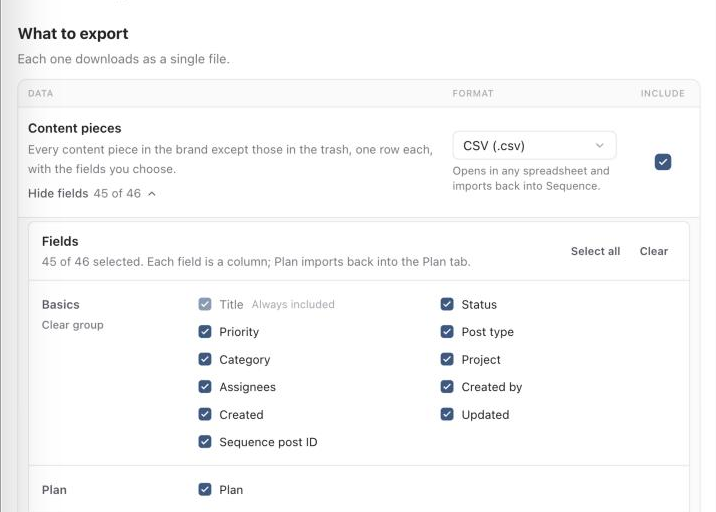
- Content pieces: one file with a row for every content piece in the brand, except those in the trash. Choose CSV, Excel or JSON, and choose which fields become columns, such as status, post date, captions, each platform's own caption, collaborators, accounts, your custom fields and the Plan.
- Brand Brain: one document with your brand details, voice, facts, brand brief and the text of uploaded brand documents. Choose Markdown or plain text.
When you export one part, it downloads as a single file. When you export both, they come together in a ZIP file.
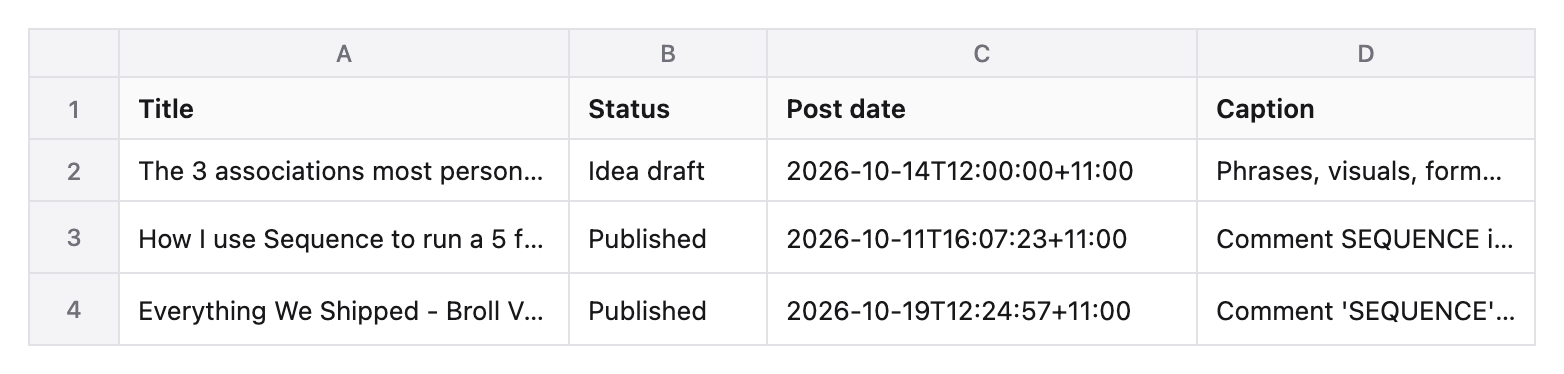
Export your data
Follow these steps in order.
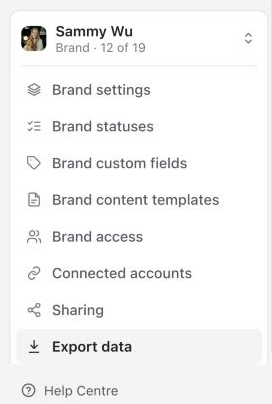
Open Export data
Open Settings. In the brand section of the sidebar, select Export data.
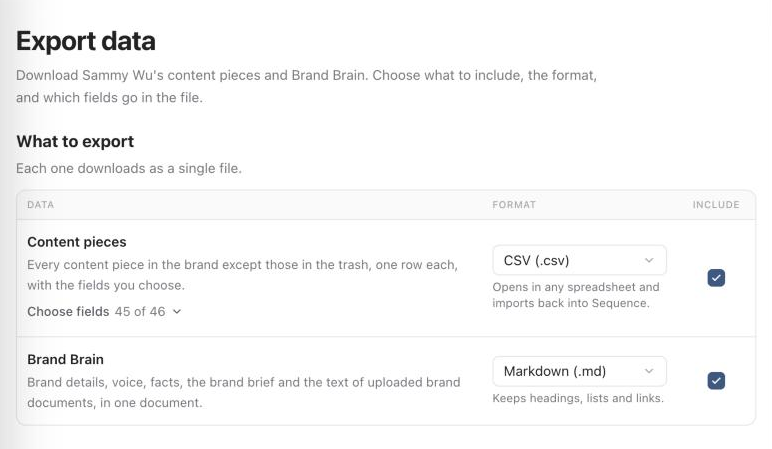
Choose what to export
Under What to export, tick each part you want. Select anywhere on a row to tick or untick it.
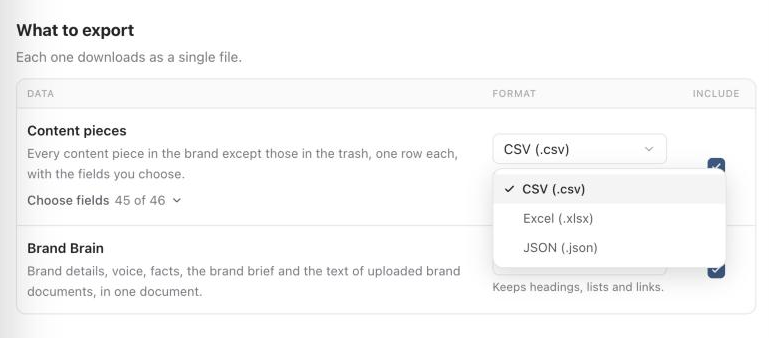
Choose a format
Choose a format for each part from its menu. The line under the menu says what that format is best for.
Choose the fields
To choose the columns in the content pieces file, select Choose fields under Content pieces. Untick any field you don't need, or use Select all, Clear, or Select group and Clear group for a whole group. Title is always included.
Export
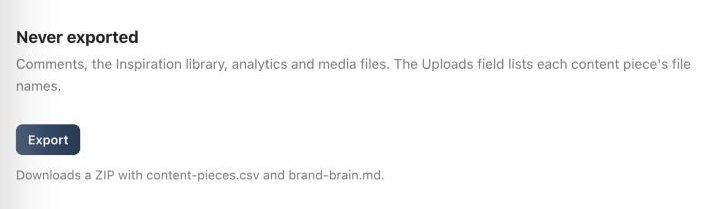
Select Export. The line under the button says what will download. Sequence gathers every content piece, which takes a few seconds for a large brand, then your browser saves the file and a message confirms how many content pieces were exported.
About the fields
- Plan: comes as plain text in CSV and Excel files, and as Markdown in JSON.
- Each platform's own caption: adds a caption and first comment column for each platform where a content piece has its own caption.
- All platform settings (raw): everything stored for each platform and connected account, as code. It's off by default and is mainly useful for developers or a complete backup.
- Uploads: lists the names of each content piece's files. The files themselves aren't included; you can download them from the Media library.
Dates include their time zone offset, so they keep their meaning in other tools. JSON files keep lists and settings as structured values instead of text.
Import an export into another brand
A CSV export uses the same column names as Sequence's importer, so you can import it into another brand from the Content planner. The importer matches the columns for you, including the Plan, which goes back into each content piece's Plan.
Who can export
Anyone who can manage the brand's settings can export it: workspace owners and admins, and brand admins. See roles and brand access. Export data is available on every plan, including after a trial ends. You can start up to 10 exports an hour.
What isn't exported
Comments, the Inspiration library, analytics and media files are never included, and neither are content pieces in the trash.
Was this page helpful?
Related articles
- Import a content planConnect Trello, Asana, Monday.com, ClickUp or Notion, or upload an export, then map fields and statuses, preview, and bring the posts into the right Sequence brand.
- Media library and downloadsFind brand assets, preview and download originals, and reuse a file in another content piece.
- Roles and brand accessChoose workspace and brand access, tailor role permissions, and give clients the right review capabilities.
- Add or switch brandsCreate a brand in the right workspace, finish its setup and find existing brands before creating duplicates.
Need more help with this?