
In the sidebar, open Brand and select Media to find files stored in that brand's Media Library. Check the workspace and brand first: a file uploaded elsewhere will not appear simply because you can access both brands.
Find and preview a file
Use All, Images, GIFs, Videos or Docs to narrow the library. The counts help you see whether the current brand contains that type of asset.
1. Open the Media library
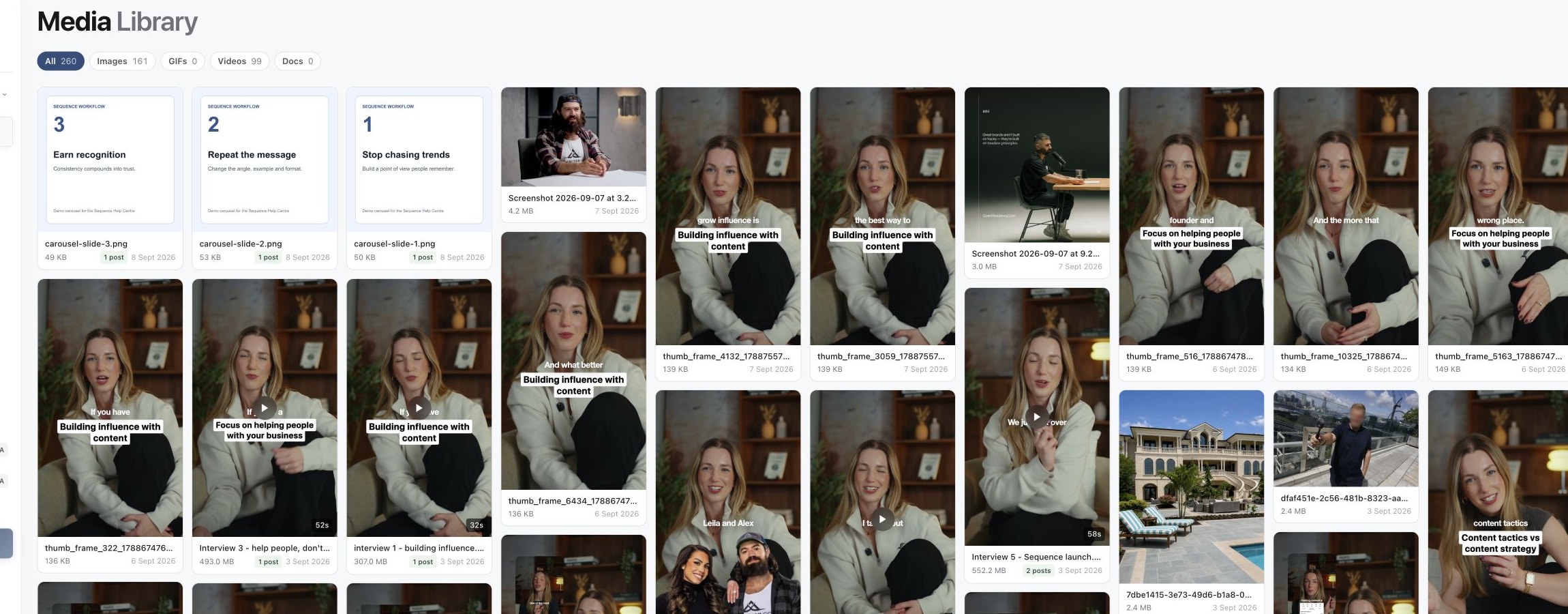
2. Filter to the file type you need

3. Open an asset before downloading it
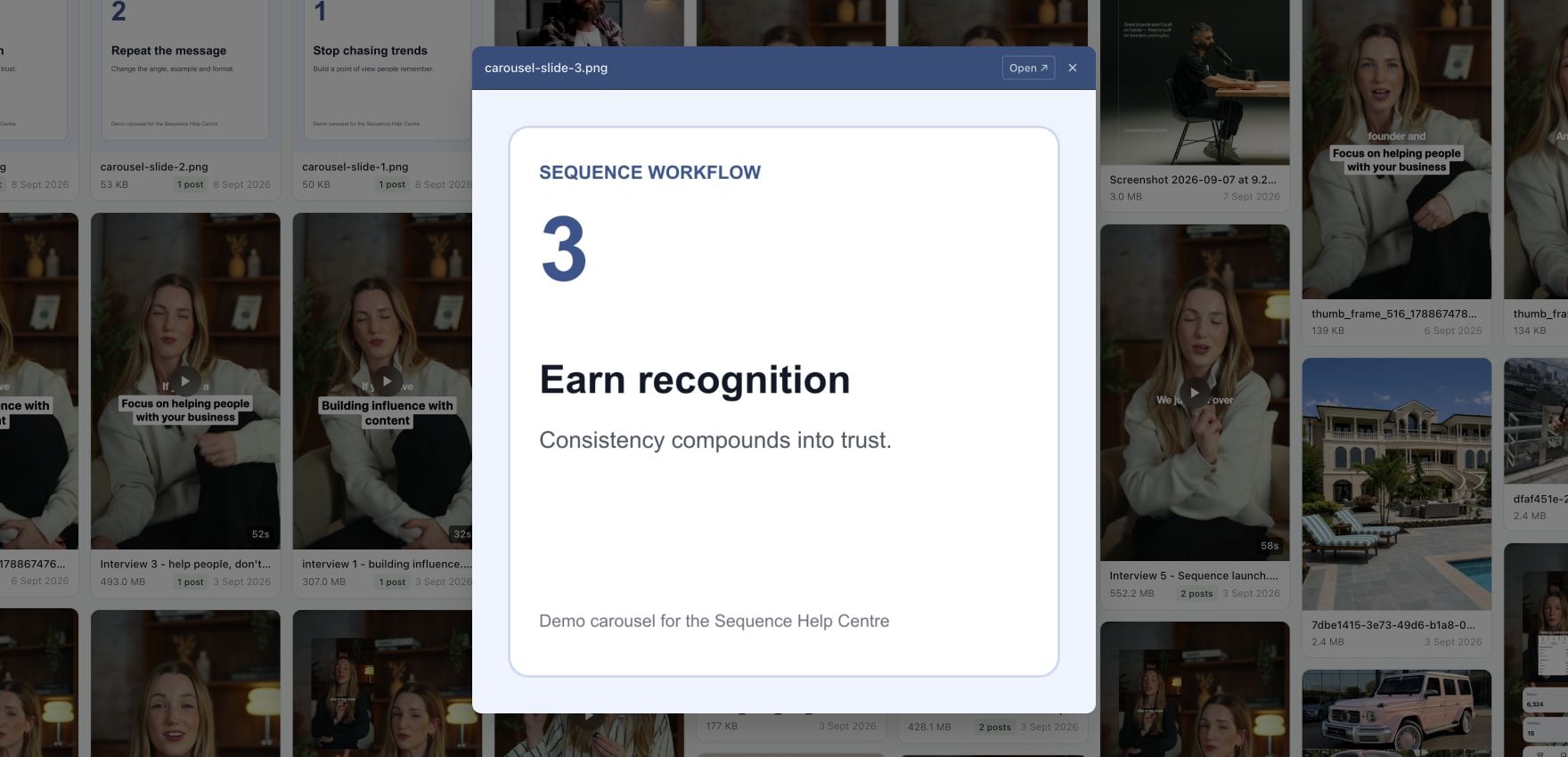
Inspect the filename, size and date on a card. Where shown, a post-use count helps you recognise an asset already attached to content. Select the card's preview to inspect the file before choosing a similarly named version.
Images open in a preview; videos have playback controls. Documents can show an Open document action. A prepared video preview can be a playback version of the original file, so do not judge the original's size or download quality from the preview alone.
Video previews play the proxy, a lighter copy Sequence makes for smooth playback. Open ↗ always opens the original file. Inside a content piece, the Media tab download button lets you choose the Original, the Proxy or a Still Image, each with its resolution and size; see Play and download videos in the Media tab.
Open or download the original
In the preview window, select Open ↗ to open the original file in a new browser tab. For a document, Open document also opens the file.
Use the browser or file viewer's save or download control to keep a local copy. Images may offer Save image as in the browser context menu; videos and documents use the controls provided by that browser or viewer. The exact wording varies by browser and file type.
The library does not provide a universal Download button on every card. If a link opens a preview instead of downloading immediately, use the viewer's save action rather than saving a screenshot of the preview.
Reuse the file in another piece
Open and save the original file, then open the destination content piece's Media tab and upload that file. Confirm the intended version, order and playback after upload. This is the direct reuse route from the current library; the library preview itself does not attach a file to another post.
If your goal is to reuse a whole post with its content and media, consider Duplicate and bulk update content instead of rebuilding it file by file.
A file is missing or will not open
Confirm the brand and type filter, then check the source content piece. If the upload never completed, it may not be available as a finished asset. A file visible in the library can still need playback preparation.
For a stuck upload or processing state, see Fix media upload or processing. Include the filename, brand, approximate upload date and whether the original opens locally when contacting support.
Avoid deleting an asset as a way to download it or resolve a preview problem. Check where it is used before making any removal decision.
Was this page helpful?
Related articles
Need more help with this?