
ChatGPT connects to Sequence with the Sequence server address. Adding your own connection needs developer mode, which is available on the web for Plus, Pro, Business, Enterprise and Education plans. Your workspace admin may need to allow it.
Copy the Sequence address
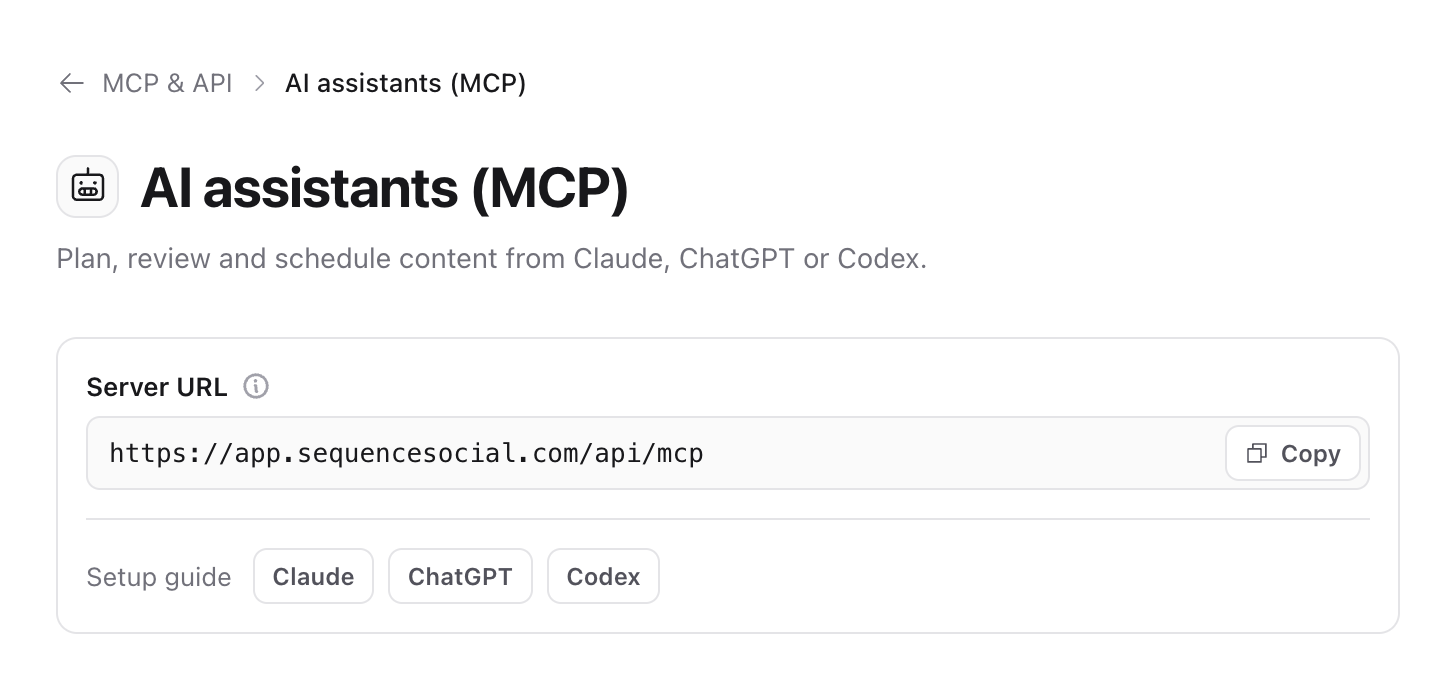
The address is the same for everyone:
https://app.sequencesocial.com/api/mcpYou can also copy it in Sequence: open Settings, select MCP & API, then AI assistants (MCP), and select Copy next to Server URL.
Add Sequence in ChatGPT
- 01In ChatGPT settings, open Security and login and turn on Developer mode.
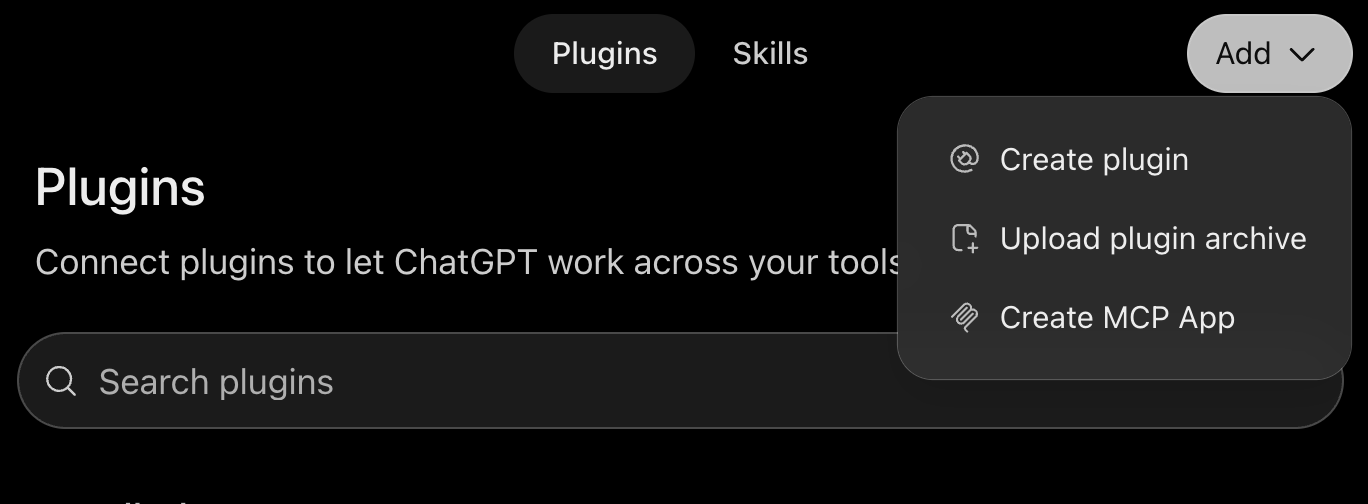
- 02Open Plugins, select Add, then Create MCP App.
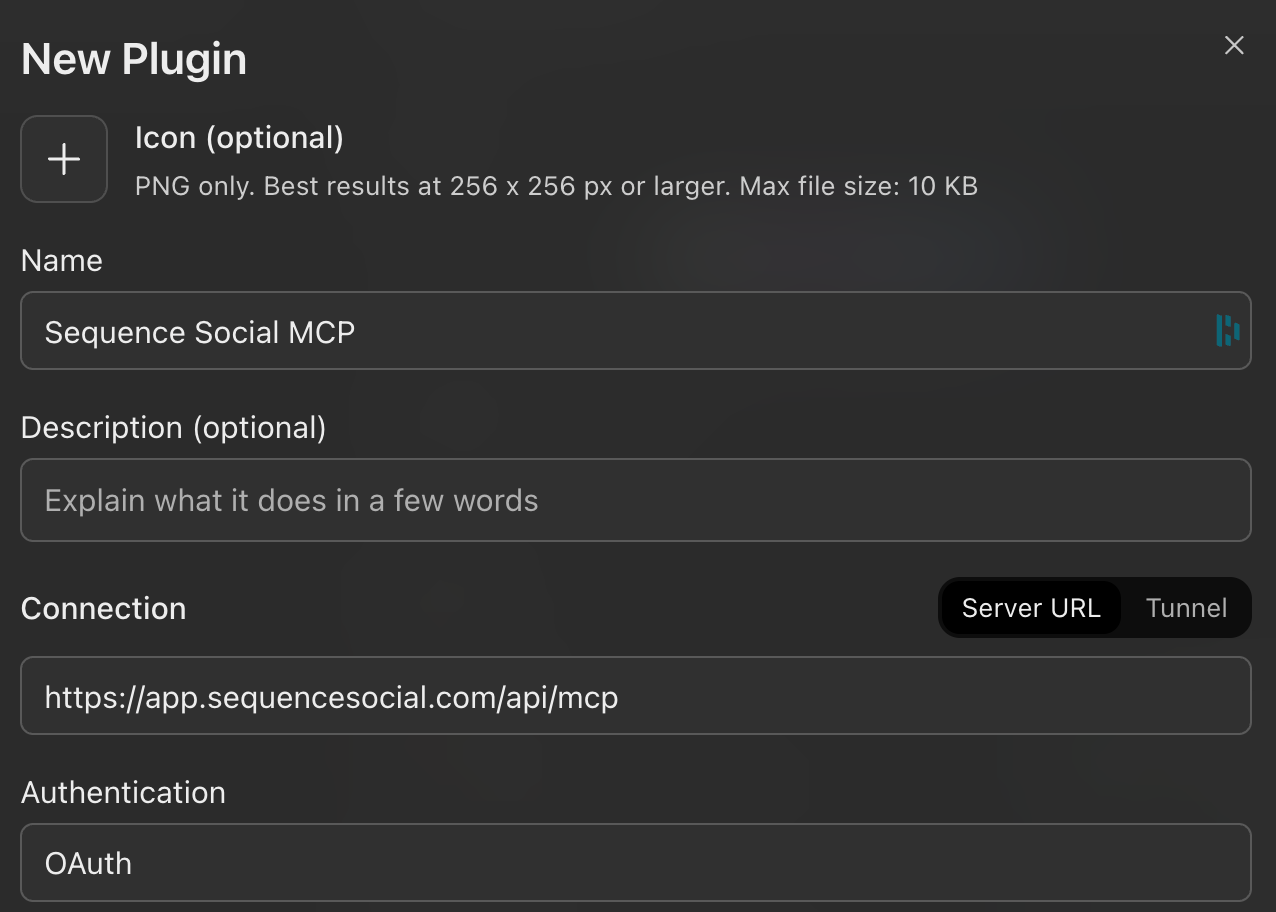
- 01Enter a Name, for example Sequence Social. Under Connection, choose Server URL and paste the Sequence address. Leave Authentication set to OAuth.
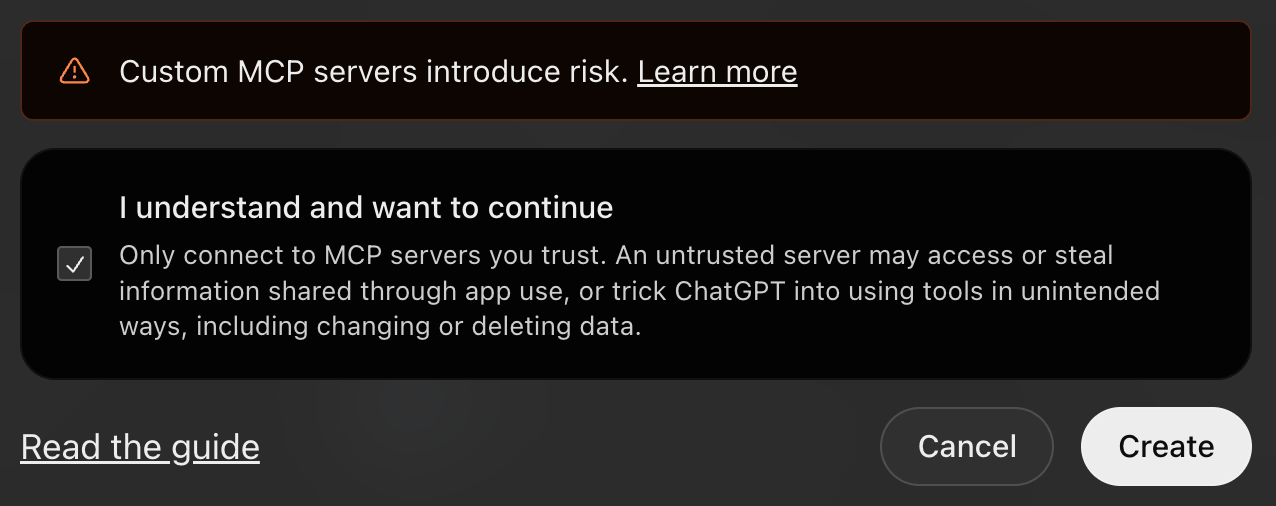
- 01Tick I understand and want to continue, then select Create.
- 01Sign in to Sequence, choose what ChatGPT can access and select Authorize. See Choose what an AI assistant can access.
- 02Start a new chat, add Sequence from the tools menu and ask it to list your brands.
Get new Sequence actions in ChatGPT
ChatGPT keeps the list of Sequence tools from when you added the connection. Most new Sequence actions still reach it through Sequence's own action list, so you rarely need to do anything.
To pick up changed tools, open the Sequence connection on the Plugins page, select Refresh, then start a new chat. If something is still missing, delete the connection and add it again.
Was this page helpful?
Related articles
- OverviewSequence MCP lets Claude, ChatGPT, Codex and other AI assistants plan, review, schedule and publish content in the Sequence brands you choose, within your permissions.
- Choose what it can accessWhen you connect an assistant, Sequence asks which workspaces, brands, access and social accounts to share, and for how long.
- What an assistant can doEverything an AI assistant can do through Sequence MCP, grouped by the access it needs, and what stays in the Sequence app.
- Manage and troubleshootSee your connected assistants, change or remove their access, and fix common connection problems.
Need more help with this?