
Use Add post to save a public social reference directly to the active brand's Inspiration library.
Add the direct link
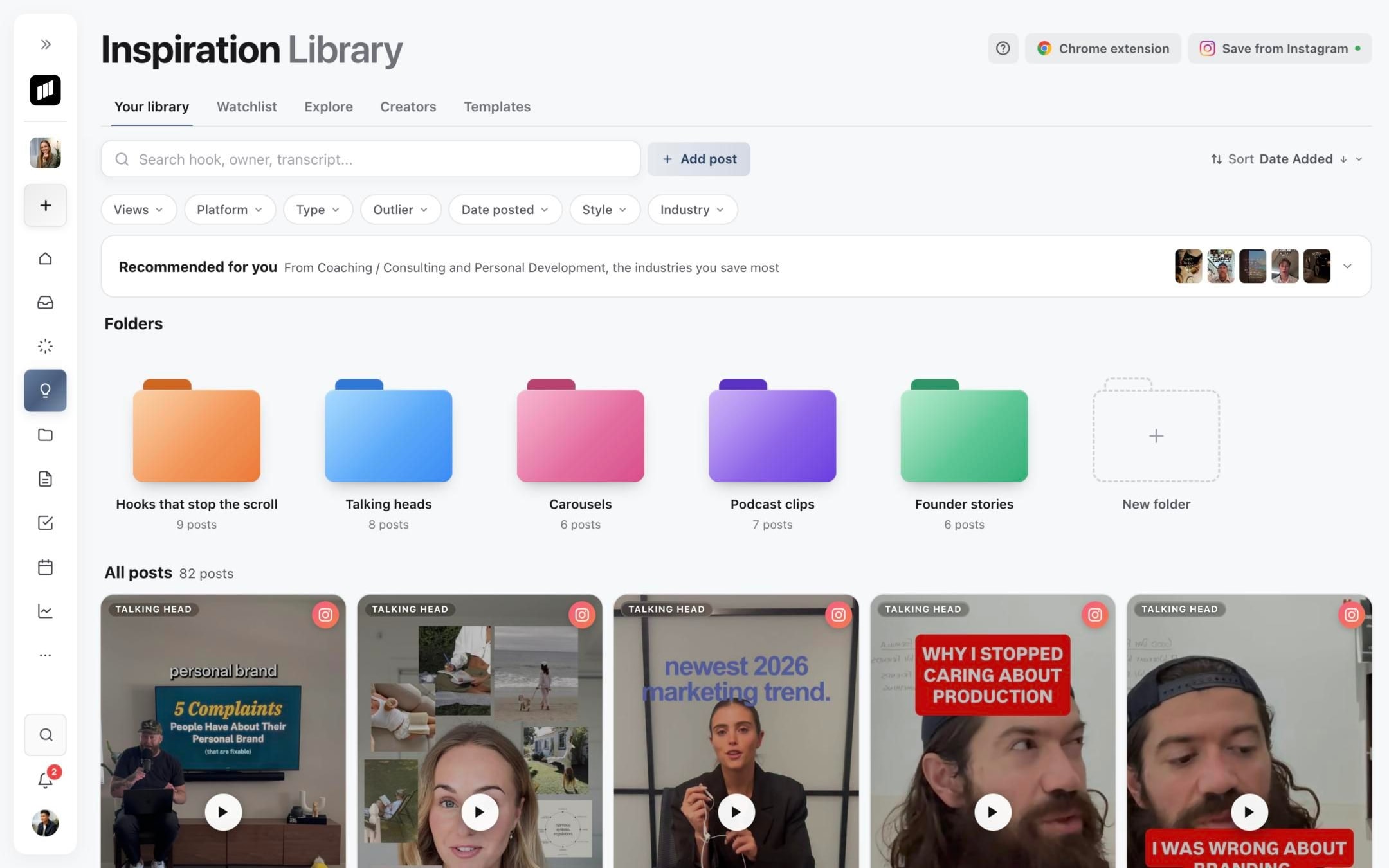
- 01Open the correct brand and select Inspiration.
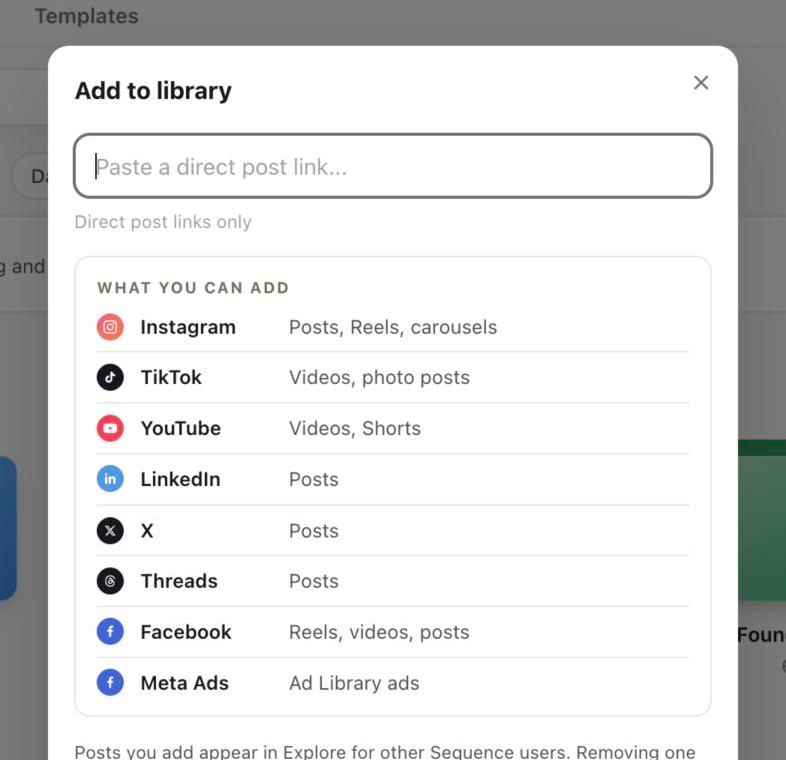
- 02On Your library, select Add post.
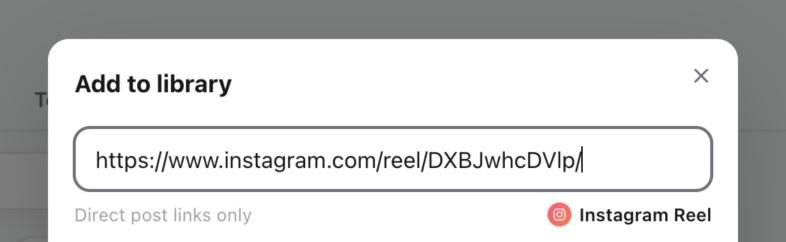
- 03Paste the direct public post URL, not a profile, search or shortened redirect page.
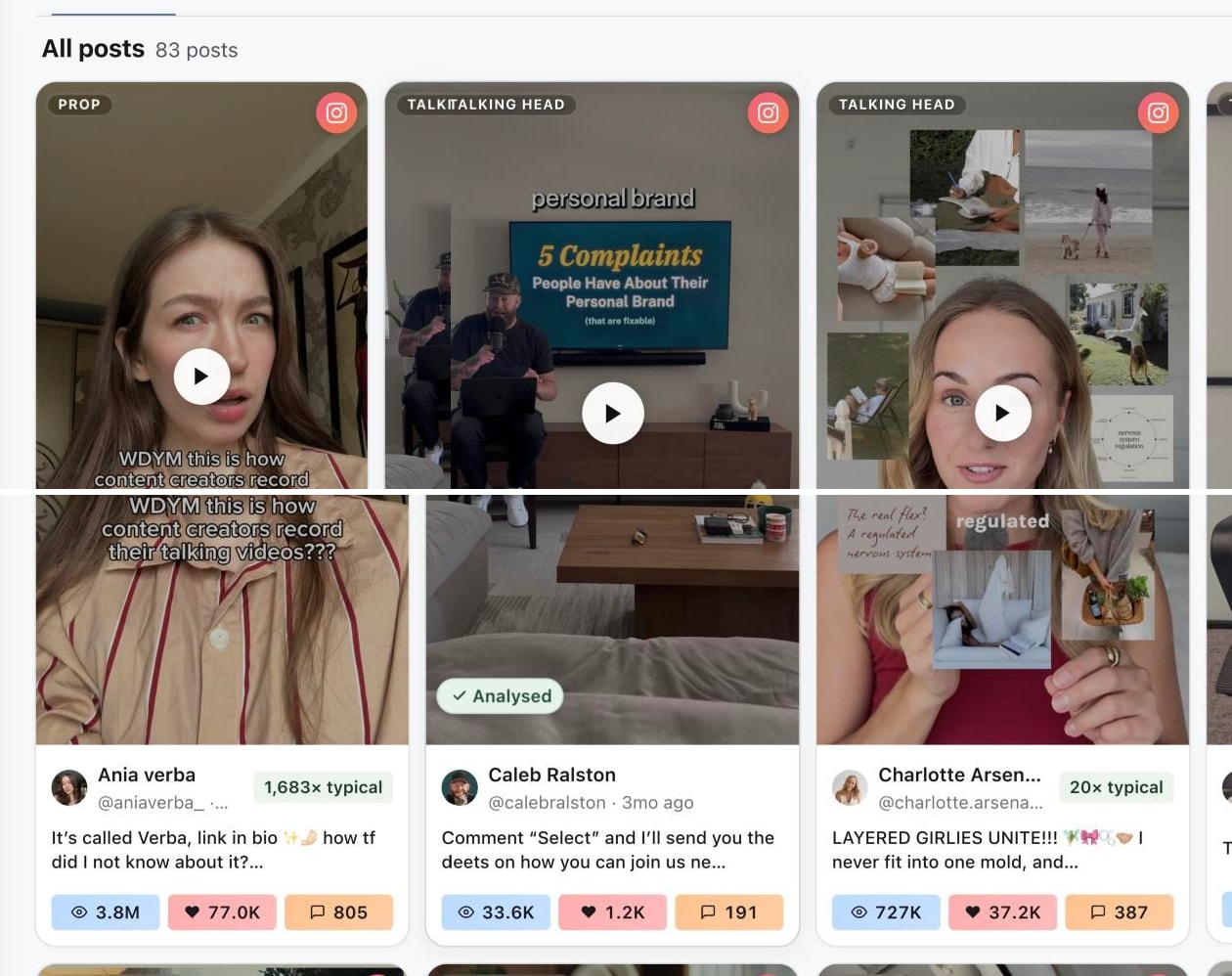
- 04Check the preview Sequence shows for the link, then select Save. The new post appears first in All posts.
1. Open the Inspiration Library
2. Open Add to library
3. Paste a direct post link
4. Check the saved reference
The importer recognises current supported sources shown in the window, including Instagram, TikTok, YouTube, LinkedIn, X, Threads, Facebook and Meta Ads. Available formats vary by source.
Understand the three stages
Saving the reference, capturing its media and analysing its creative are separate stages. A saved card can exist before media or analysis finishes. Open the card to check its current state.
If Sequence rejects the link, copy it from the original public post and remove tracking text. If capture or analysis fails after the card exists, follow Fix a social post that Sequence cannot import and retry only the failed stage.
Was this page helpful?
Related articles
Need more help with this?