
Sequence keeps the posts it has already collected for each creator. When you want to study more of their back catalogue, Load more posts fetches older posts from the platform and adds them to the creator's page and to Explore.
Load posts
- 01Open a creator's page from Creators or your Watchlist.
- 02If the creator has several platforms, pick the tab you want, such as Instagram or YouTube.
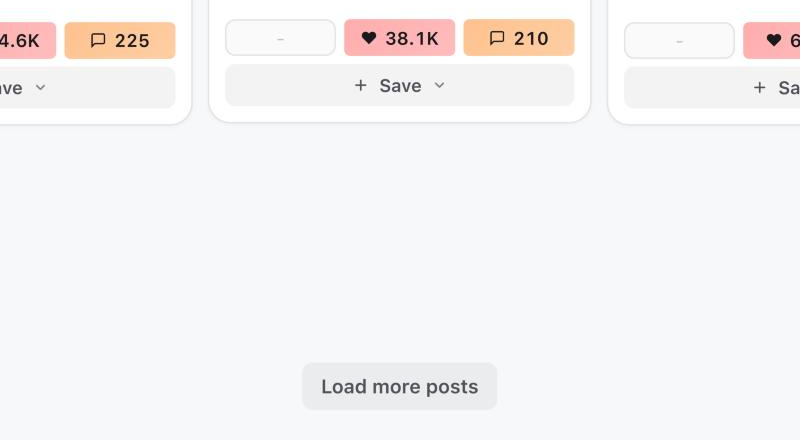
- 03Scroll to the end of their posts and select Load more posts.
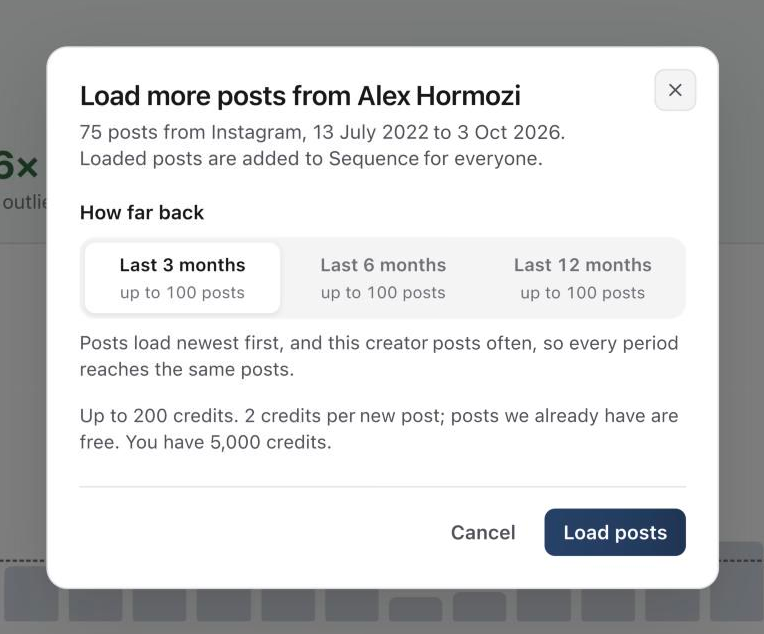
- 01Under How far back, choose Last 3 months, Last 6 months or Last 12 months. Each option shows how many new posts it could add.
- 02Check the cost line, then select Load posts. Posts usually arrive within a minute; Meta ads can take up to four minutes.
What it costs
Each new post costs 2 credits. Posts Sequence already has are free, so the window shows the most a load can cost, not what it will cost. If your balance covers fewer posts than the period could add, Sequence loads as many as your credits cover. On plans with unlimited credits, the window says loading is included.
One load adds at most 100 posts, or 25 Meta ads. If a period shows that there's nothing new to load, Sequence already has the posts from it.
Posts load newest first. For a creator who posts often, the shortest period can already reach as many posts as one load adds, so every period offers the same posts and the window says so.
Loaded posts are added to Sequence for everyone, so every brand's research gets better. See AI credits and troubleshooting for how credits work.
Was this page helpful?
Related articles
- Creators and outliersSee how Sequence measures a creator's typical views, what an outlier score like 20x means, and how to browse creators and their linked accounts.
- Watch creatorsFollow up to 15 creators per brand on Pro. Sequence adds their new posts to the Watchlist every day and alerts you when one beats their typical views.
- AI credits and failuresReview AI credit usage and activity, understand the allowance and recover a failed generation without repeated attempts.
- Plan usage and limitsRead workspace usage and allowances, understand limit messages and find the relevant billing or AI controls.
Need more help with this?