
Save from Instagram lets you save posts to your Inspiration library without leaving Instagram. Share a reel or an ad to @sequencesocial in your DMs, pick the brand it's for, and it's saved with its creator, stats and media.
What is Save from Instagram?
@sequencesocial is Sequence's own Instagram account. Once your Instagram account is linked to you in Sequence, anything you share to it in a DM is saved to the brand you choose, the same way as adding it with Add post. It works with any Instagram account and is available on Pro.
Posts you save are also shared to Explore for other Sequence users.
Connect your Instagram account
You only need to do this once.
1. In your brand, open Inspiration and select Save from Instagram at the top right.

2. Select Get code.
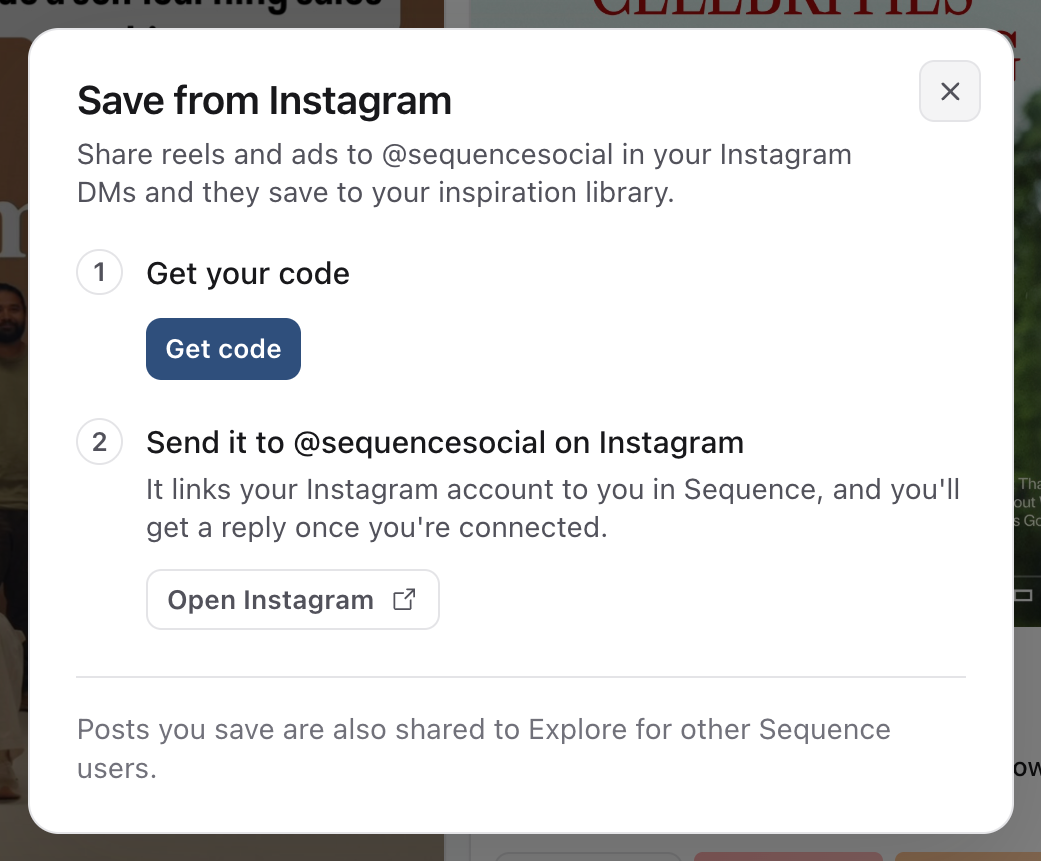
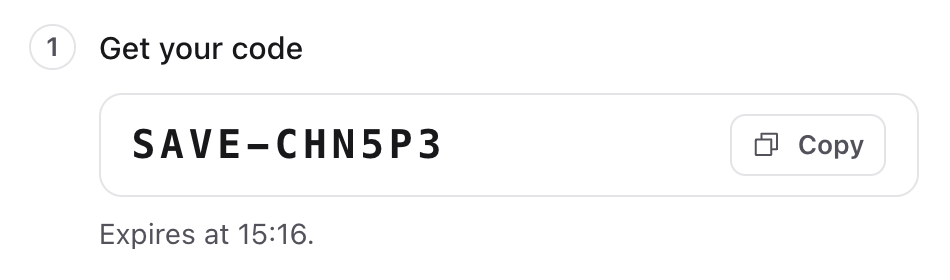
3. Copy your code. It starts with SAVE- and works for 20 minutes.
4. Select Open Instagram, or open Instagram yourself and start a DM with @sequencesocial. Send the code as a message.
5. @sequencesocial replies to say you're connected. The Save from Instagram window in Sequence then shows your Instagram username.
Save a post
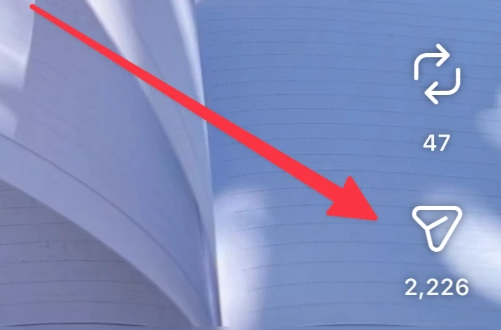
1. On a reel or an ad, tap Share, the paper plane icon.
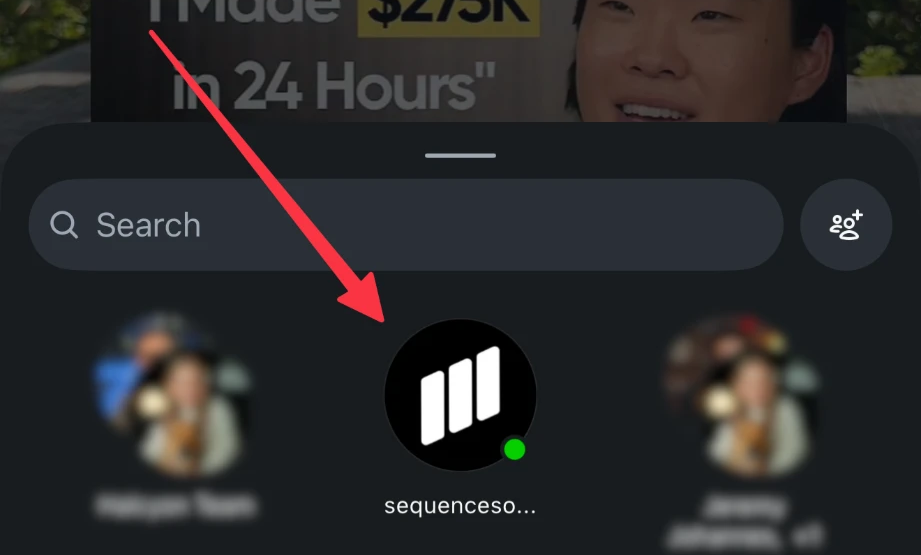
2. Choose @sequencesocial and send it.
3. @sequencesocial asks which brand it's for. Your brands are grouped by workspace, with the brand you used last at the top. Tap a brand, or reply with its number or name. Instagram on a computer doesn't show the buttons, so reply with the number there.
4. You get a reply with a link to the saved post in that brand's library. The media and details can take a minute to finish loading.
If you share several posts before answering, one answer saves them all to that brand.
Change the brand after saving
Tap Change brand under the saved reply and pick another brand. The post moves to the new brand, and it's removed from the first brand if this share added it there. Instagram only shows buttons on the newest message, so change the brand before you share the next post.
What you can save
- Reels are saved with the creator, stats and media.
- Ads are matched in the Meta Ad Library by their caption and saved as Meta ads.
- Links from any platform Sequence supports, such as TikTok or YouTube, save the same way. Paste the post link into the chat.
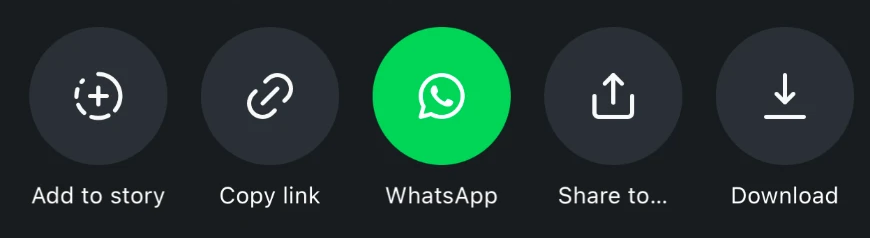
- Posts and carousels can't be saved from a share, because Instagram doesn't send their link. Tap Share, then Copy link, and paste the link into the chat instead. That saves every slide.
- Stories can't be saved yet.
Copy link is in the same Share menu, below your contacts.
Good to know
- If you don't pick a brand within 24 hours, the shared posts aren't saved. Share them again.
- If a post is already in the brand's library, @sequencesocial tells you instead of saving it twice.
- Saving from links is limited to 100 posts an hour, shared with saving in Sequence and the Chrome extension.
- Each Instagram account links to one person in Sequence at a time. Sending a new code links it to the person who created that code.
- To stop, open Save from Instagram and select Disconnect.
Was this page helpful?
Related articles
- Save a post from a URLPaste a direct public post link into the active brand library and separate import, media capture and AI analysis.
- Search saved inspirationFind saved references by text, platform, post type and analysis state instead of scrolling the full library.
- Fix inspiration importRecover a blocked social reference import by distinguishing link validation, media capture and AI analysis.
Need more help with this?