
Connect a Facebook Page to the correct Sequence brand and give the connection access to the business portfolio that owns it. If only one Page appears during setup, the Meta authorisation may only have access to that Page or business portfolio.
Before you start
You need permission to connect channels in the Sequence brand. In Meta, sign in with the personal Facebook profile that has access to the Page and its business portfolio. If another person owns the portfolio, they may need to grant your Facebook profile access before the Page is available to connect.
Connect the Facebook Page
- 01Select the workspace and brand that should own the Facebook connection.
- 02Open Accounts in the sidebar. Under Add social account, choose Facebook.
- 03Read the connection explanation, select Continue to Facebook, then sign in to the Facebook profile that can access the Page.
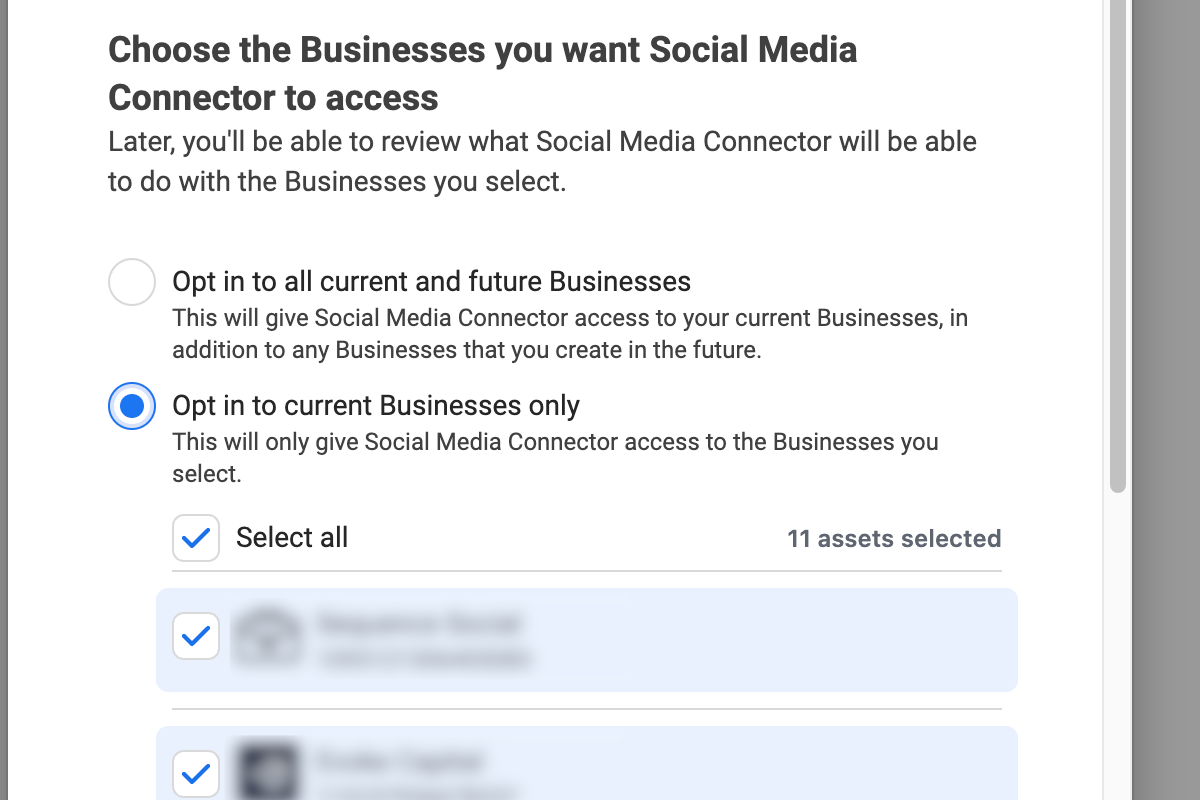
- 04When Meta asks which Businesses Social Media Connector can access, choose whether to allow all current and future businesses or current businesses only. If you choose current businesses only, select the business portfolio that owns the Page. Then select Continue.
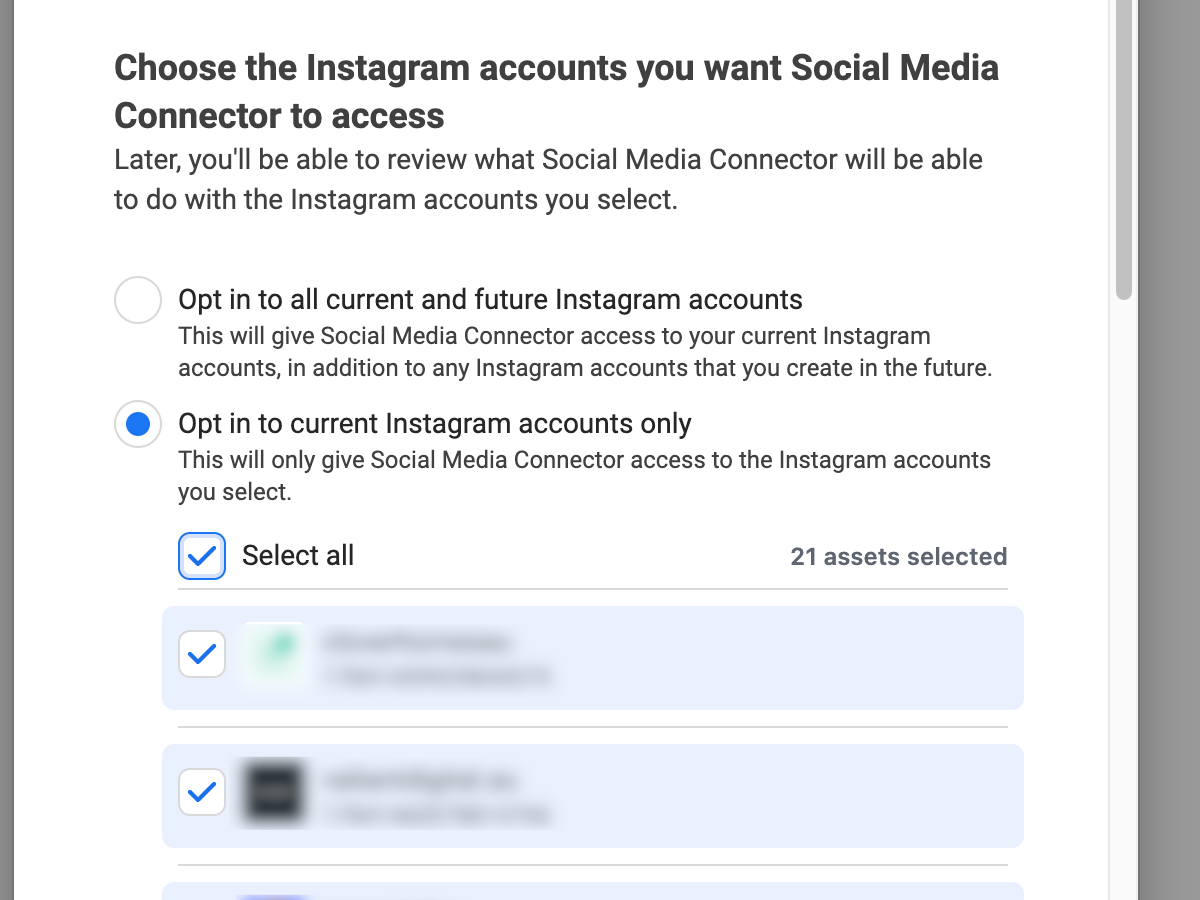
5. If Meta asks which Instagram accounts Social Media Connector can access, select the account linked to the Page when you also want that account available to the connection. Continue after checking the selected accounts.
6. Review the permissions shown by Meta and finish the authorisation. Social Media Connector is the managed connection used by Sequence for this step.
7. Return to Sequence. Under Connected Accounts, confirm that the intended Facebook Page appears and its connection is Active.
If the Facebook Page does not appear
If another client's Page appears but the intended Page does not, start the Facebook connection again and review the Businesses selected in Meta. Choose the missing business portfolio or allow access to all current and future businesses if that matches your organisation's access policy.
If the business portfolio or Page is not listed in Meta at all, check that you signed in with the correct personal Facebook profile. Ask the business portfolio owner to confirm that your profile has access to the Page, then repeat the connection after that access has been granted.
Selecting a business portfolio during authorisation lets the connection use assets that your Facebook profile is already allowed to manage. It does not give your Facebook profile access to a new client's assets.
Was this page helpful?
Related articles
Need more help with this?