
Use planner controls to narrow a busy brand to the work you need now. Filtering, sorting and grouping change your view; they do not rename statuses, delete pieces or change their assignments.
Choose the right control
| Control | What it changes | Example |
|---|---|---|
| Filter | Which pieces are included | Only In production pieces assigned to your editor. |
| Sort | The order of the included pieces | Post date, newest first. |
| Group | The headings or columns that collect pieces | Group work by Assignee or Project. |
| Search | The content matching your query | Find a piece by a distinctive part of its title. |
| Fields | Which properties are displayed | Show Post date and Assignee on cards. |
Build a focused view
- 01Open Content and choose a view such as List, Board or Gallery.
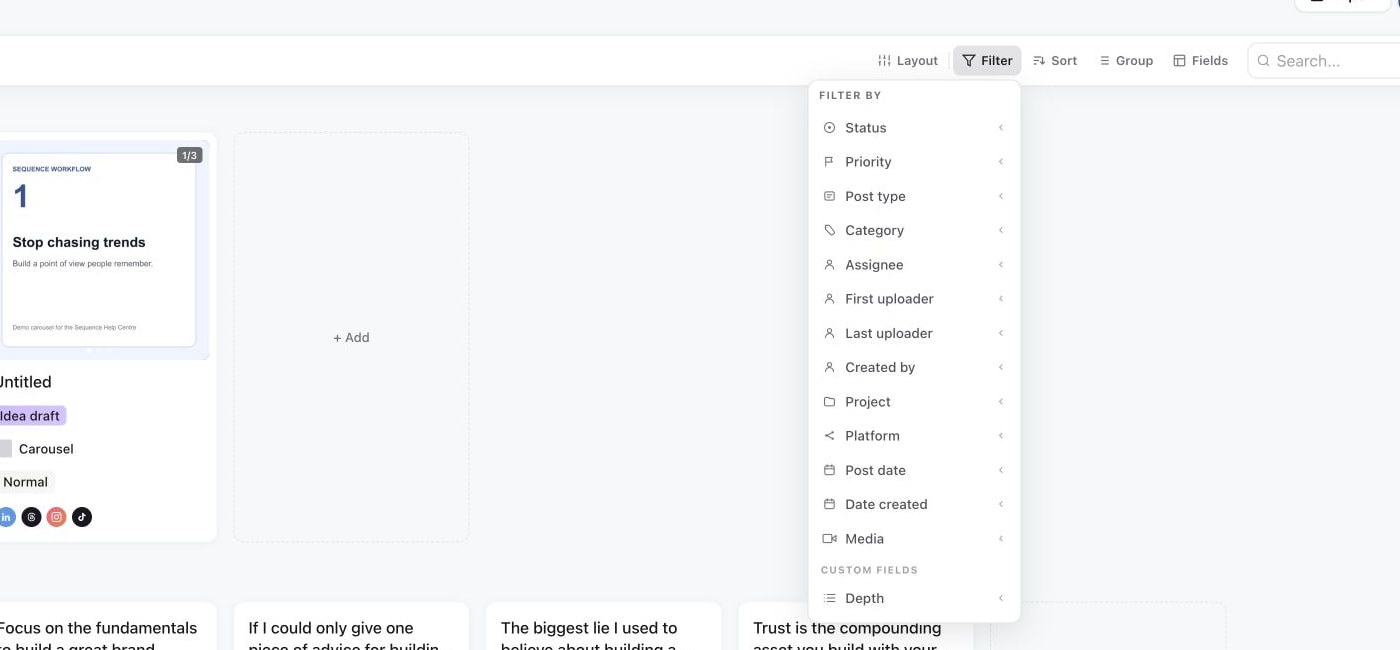
- 02Select Filter, then a property such as Status, Assignee, Project, Platform or Post date. Choose the values you need.
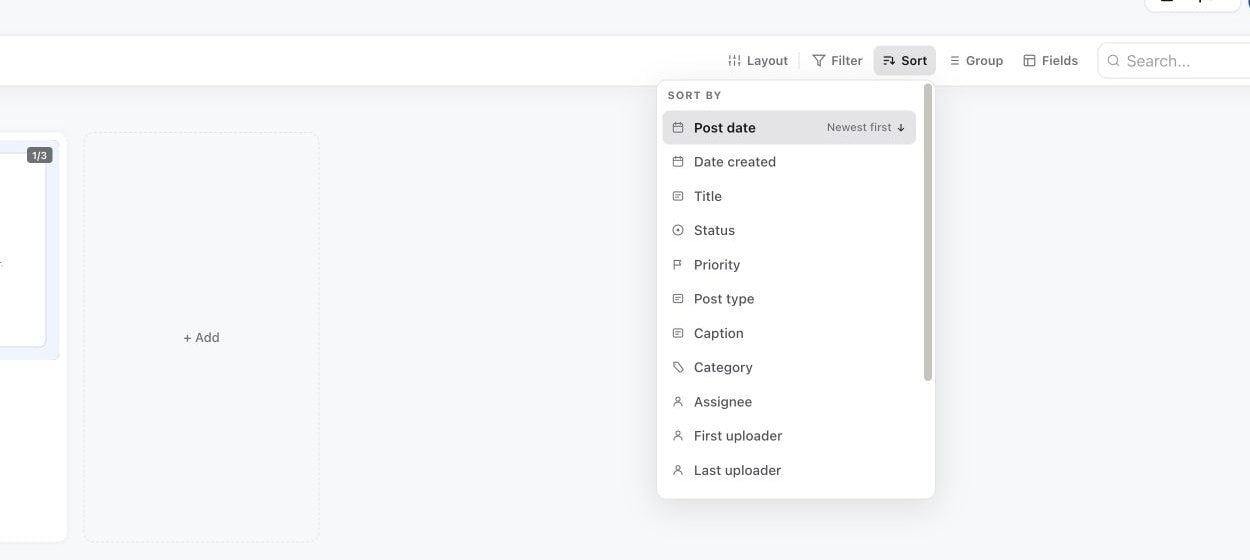
- 03Select Sort and choose the property and direction. Check the direction shown rather than assuming every date sort starts with the earliest item.
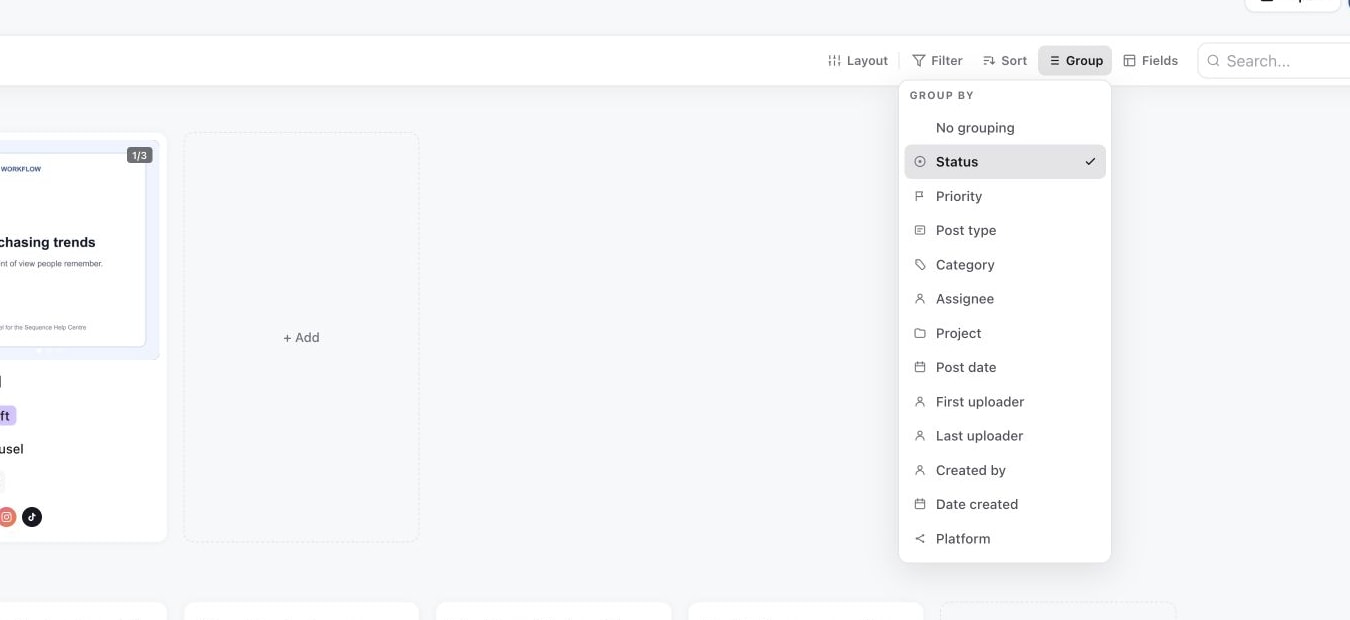
- 04Use Group to organise the remaining pieces. Available group options depend on the view.
1. Filter by workflow or ownership
2. Sort the visible results
3. Group cards by a useful field
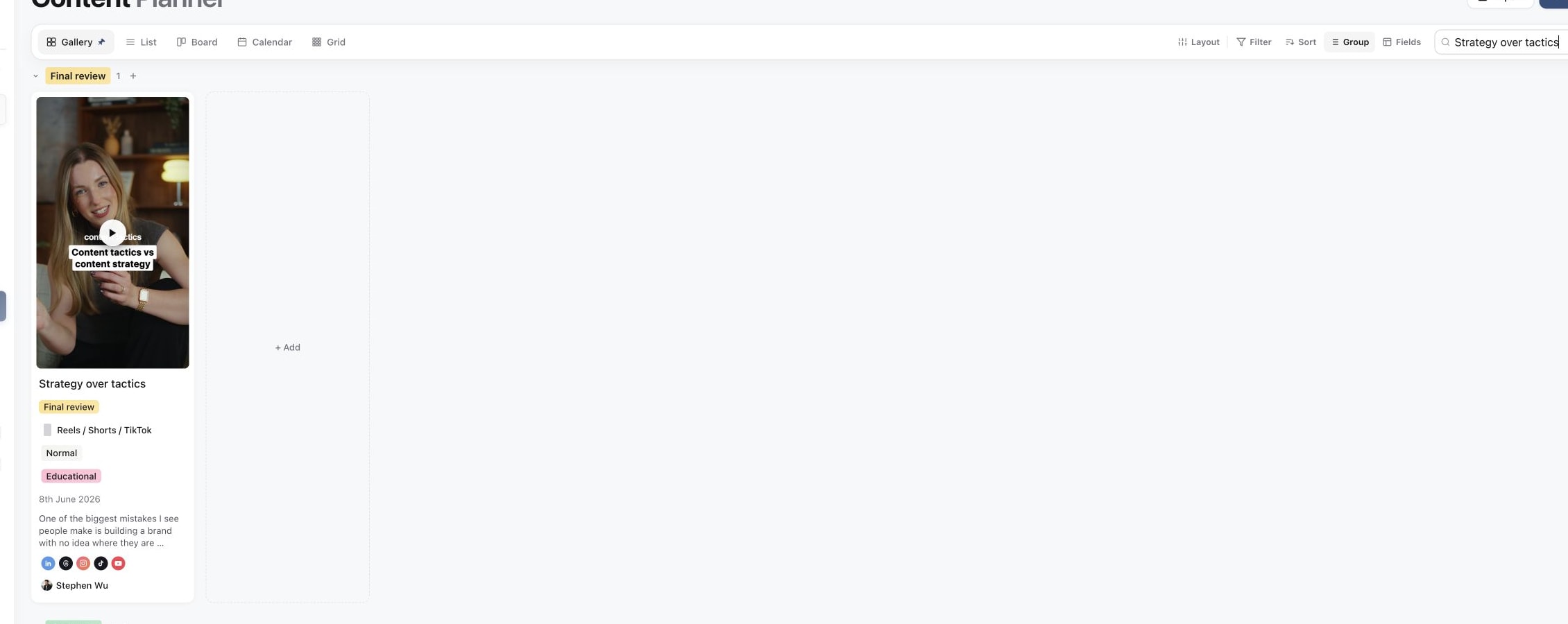
4. Search for a specific content piece
For a video editor, start with Status set to In production and Assignee set to that editor. For a social media manager preparing a campaign, filter by Project and inspect Media approved, Final review and Ready to post work. Filtering to a review status only shows those pieces; it does not send a review request.
Search within the work you are viewing
Type a distinctive word or phrase into the planner's search box. If the expected piece does not appear, clear the query and remove restrictive filters before searching again. Also check the selected brand and any collapsed groups. An older post may be outside the date range in a calendar view.
Use Fields when the right pieces are visible but a property is missing. Showing a custom field is separate from creating its definition or setting its value. See custom fields.
Keep view changes separate from content changes
Choosing a Group option rearranges the view. Editing a field value, or moving a card between groups that support editing, changes the piece itself. Check the selected pieces before using the bulk toolbar, particularly when a filter makes part of the brand invisible.
To change many pieces intentionally, follow duplicate and bulk update content. To compare the different layouts, see planner views.
Was this page helpful?
Need more help with this?