7 Best Buffer Alternatives for Agencies in 2026
Seven Buffer alternatives organised by the agency job they need to do, with a three-post replacement trial and a practical queue migration checklist.

Moving your publishing queue is only worthwhile if it improves the work around it. Here are seven Buffer alternatives to consider, depending on whether your agency needs better production handoffs, client review, reporting, or broader social management.
Start with the part of Buffer you want to replace
Buffer alternatives make sense when they solve a specific problem in your agency's working week. That could be preparing content before it is ready to schedule, presenting a calendar to clients, or producing the reports included in your retainer. Moving a queue without improving that problem is a lot of change for little return.
Buffer itself deserves a fair baseline. Its current plans include ideas, publishing, analytics, and community tools, with approvals and unlimited users on Team. Calling it “just a scheduler” would miss what it now offers. Buffer's plan comparison is the starting point for deciding whether a different plan or a different product is needed.
We build Sequence, one of the alternatives below. These are editorial recommendations based on official product documentation checked on 4 September 2026 (approval plans in the table rechecked on 24 October 2026), not results from a timed hands-on benchmark. The order groups useful options; it is not a universal ranking.
Seven Buffer alternatives, by the job you need done
✅ Included in the named plan. ❌ Not included in the named plan; the available upgrade is shown alongside it. ◐ Paid option. Check channel, format and capacity limits.
| Tool | Social scheduling | Approvals | Useful for |
|---|---|---|---|
| Sequence | ✅ Built in | ✅ Pro | Brief to published post |
| Planable | ✅ Built in | ✅ Basic: optional; ❌ required on Basic; ✅ Pro: required | Visual client review |
| Later | ✅ Built in | ❌ Starter; ✅ Growth / Scale | Visual planning |
| Metricool | ✅ Built in | ❌ Starter; ✅ Advanced | Client reporting |
| Sendible | ✅ Built in | ❌ Core; ✅ Plus and above | Multiple client workspaces |
| Hootsuite | ✅ Built in | ❌ Standard / Professional; ✅ Advanced | Broader social management |
| Sprout Social | ✅ Built in | ❌ Essentials / Standard; ✅ Professional+ (clients: Advanced) | Publishing and customer care |
Sprout Social’s approval workflows start on Professional, but external client approvers need Advanced, which allows up to three, according to Sprout’s help centre. Checked 24 October 2026.
Sequence: start the work before the caption is ready
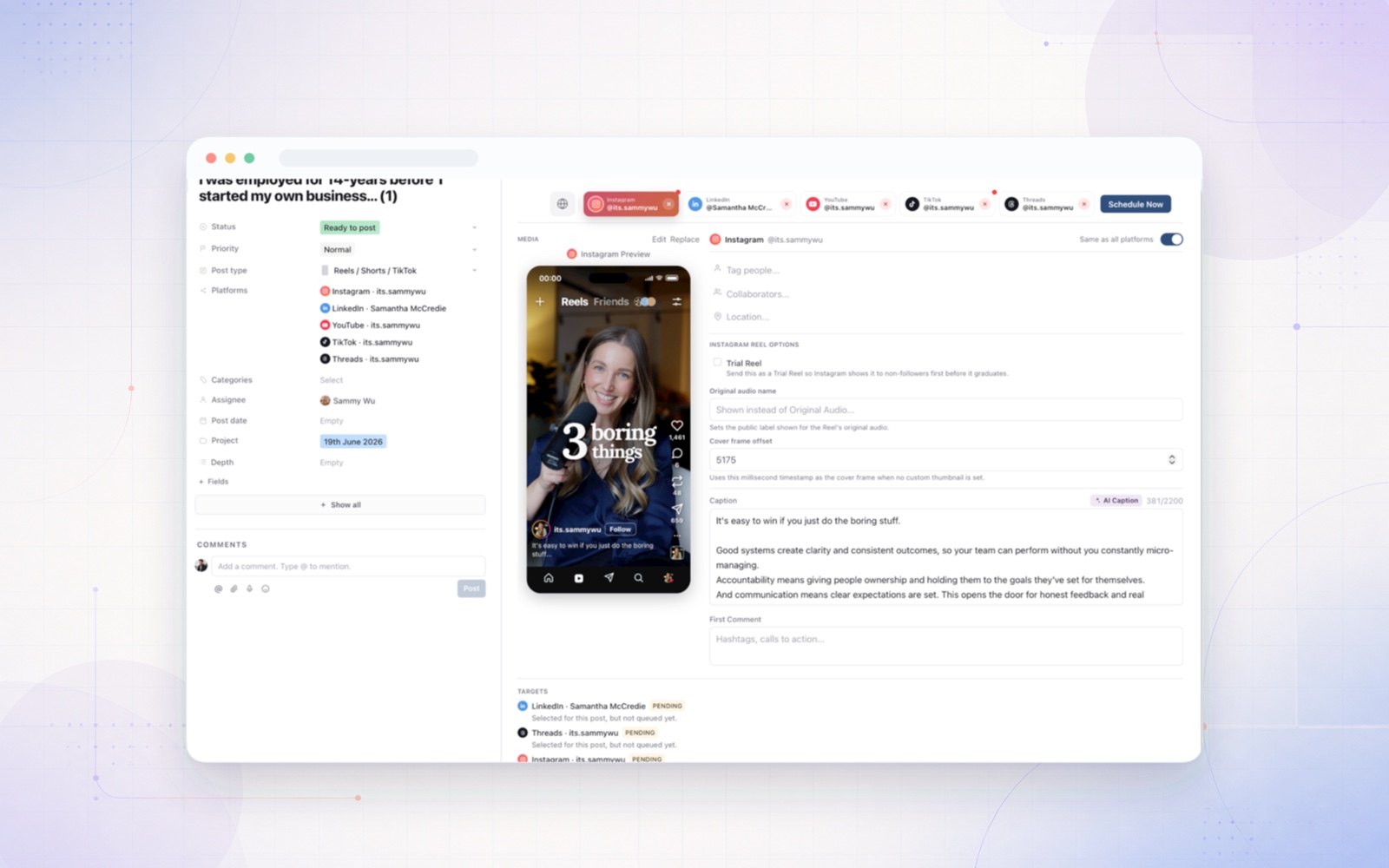
Sequence is worth evaluating when a finished post is the last step in a much longer production process. Its planner, media review, approvals, publishing, and results share a content workspace. That makes the relevant question: can the person scheduling a video find its brief, current creative, and approval without reconstructing the history? See the Sequence workflow.
Bring an unfinished piece into the trial. Assign the next task, add the media when it arrives, and follow it through review. If your agency already has a production system everyone likes, moving that work may offer less value. Check channel support before treating Sequence as a complete replacement for your current publishing setup.
Planable: make the calendar easy to review
Planable presents content in visual views, with feedback beside the post and configurable approvals. Its appeal is particularly clear when clients need to judge how a collection of posts looks and reads together. Planable's product overview also covers version history and platform-specific variations.
For a trial, give a client a realistic week of content and ask them to identify what needs changing. Then compare the effort of gathering those decisions with your current process. Check which plan supplies the approval requirement you need; the existence of an approval button does not by itself establish a mandatory publishing gate.
Later: organise a visual publishing service
Later belongs on the list for agencies whose deliverable centres on a visual social calendar. Its current plans package accounts into social sets, and vary the included users, publishing capacity, and analytics history. Later's pricing page explains those limits.
Map the client's actual profiles before comparing prices. A package that includes several different networks is not automatically equivalent to the same number of interchangeable accounts. Evaluate your usual Reels, image posts, and other deliverables, including the final steps needed to publish each format.
Metricool: make reporting part of the selection
Metricool is a useful candidate when clients spend as much time discussing results as approving next week's posts. Its plans combine publishing and measurement, with different brand capacities and access to reporting features. Check the current Metricool plans.
Use last month's client questions as the test brief. Can you show the relevant accounts and date range, explain the strongest posts, and produce an appropriate report? Confirm the tier for collaborators and approvals, and whether your chosen analytics functions or networks require an add-on.
Sendible: organise the client roster
Sendible structures its current offering around workspaces for client brands or locations. Its pricing page describes publishing, reporting, and client-facing options, with unlimited users advertised across the plans. See Sendible's current model.
This deserves a look when managing account access and recurring delivery across a roster is your main concern. Test the experience of switching between two clients and preparing each one's work. Treat branded reports and white-label options as requirements to verify at the appropriate tier, rather than assumed inclusions.
Hootsuite: connect publishing to customer care
Hootsuite, now branded Hootsuite Social OS, spans content, inbox and customer care, listening and insights, and employee advocacy. Instagram comment-to-DM automation is built into every plan. Its plans distinguish capabilities and users across tiers.
Shortlist it if those functions are in the service you actually sell. A client that expects message handling and wider monitoring presents a different brief from a client buying twelve posts a month. Ask for a configuration against that brief. Additional scope can justify additional expense, but only when somebody on the team will use it.
Sprout Social: evaluate a broader operating requirement
Sprout Social is another candidate when the agency needs publishing, engagement, and reporting within a wider social management system. Its pricing page separates plans and additional solutions.
Take your report requirements and the number of people who will work in the tool to the evaluation. This is a fit question, not a claim that the more expensive or more extensive product is better. For a small publishing-only engagement, a narrower setup may be easier to justify.
Run a replacement trial with three deliberately awkward posts
A polished demo will usually show a straightforward post. Your trial should include work that exposes the handoffs.
First, use a video whose caption is approved but whose edit still needs changes. Can everyone identify the outstanding decision? Second, use one idea with different copy for two networks. Can the reviewer tell which variation they are approving? Third, move a post after the calendar has already been shared. Check whether the people responsible can find the new date.
Keep a simple tally: manual re-entry, links sent to explain context, and questions about status. These are observations from your own trial, not promised savings. The best replacement is the one that improves the part of the week you set out to fix.
Move the queue carefully
Choose a cutover date and give each scheduled post a single publishing owner. Confirm which posts will still go out through Buffer and which will be recreated in the replacement. Review times, time zones, media, and channel-specific settings before the new queue starts.
Do not assume drafts, comments, approvals, or historical analytics will transfer just because both products support the same network. Preserve the records your team needs and check migration options separately.
For agencies weighing a broader move than a new queue, our all-in-one social media management software comparison covers which tools combine publishing with approvals, inbox and reporting.
If production handoffs are your main reason for switching, start a Sequence workspace with one upcoming content batch. For a closer comparison, read Sequence vs Buffer.