
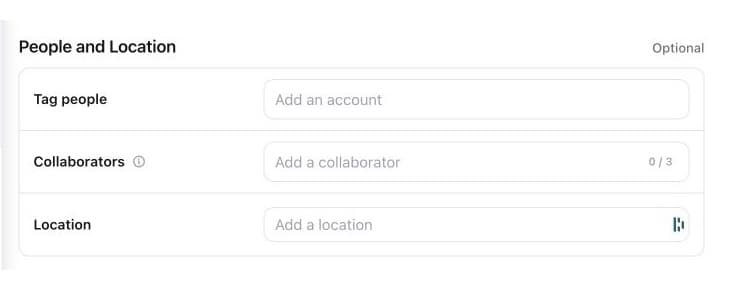
Bring the right people into the post.
Tag people, invite collaborators and add a location without leaving your workflow.
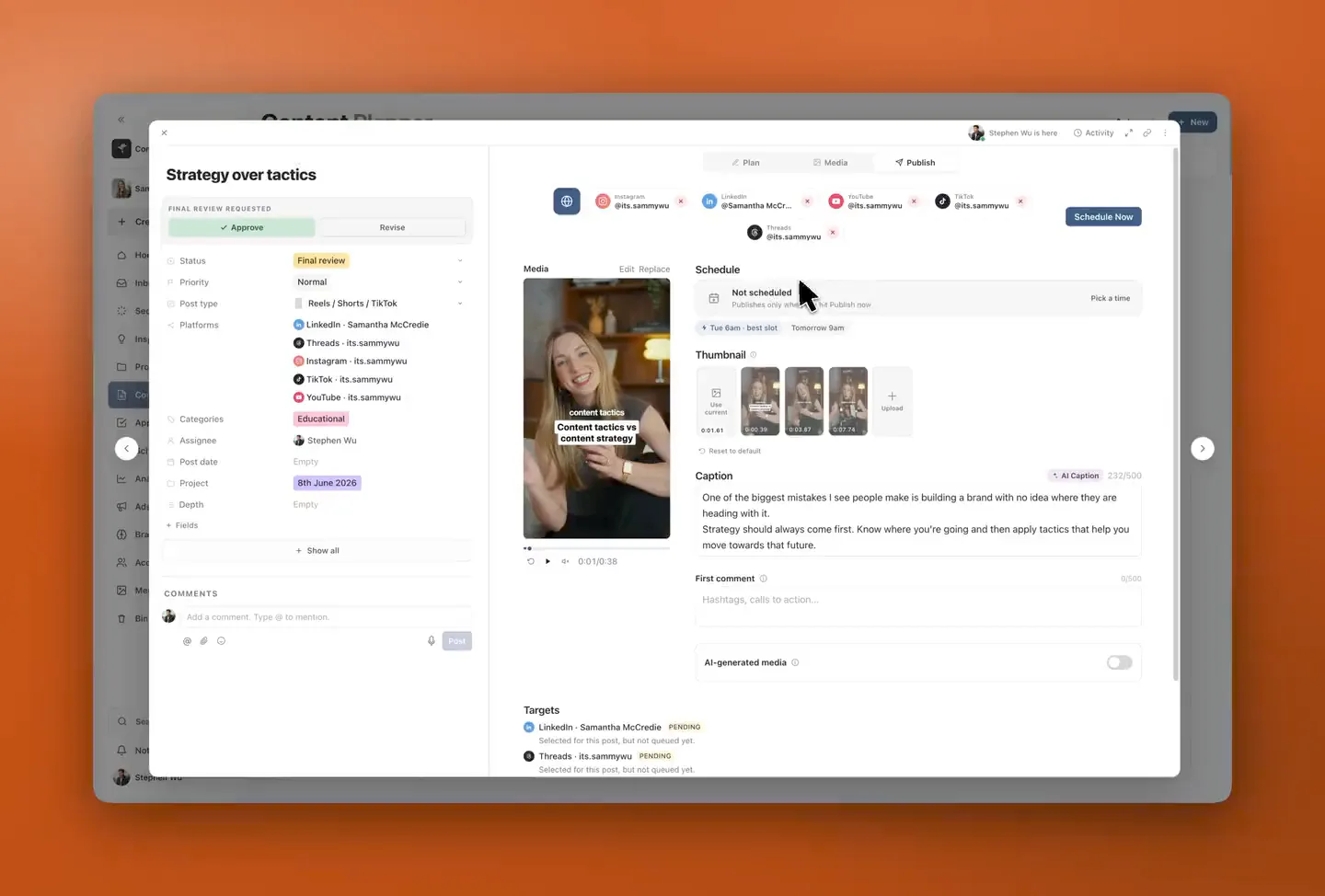
Prepare your post, tailor it for each platform and choose when it goes live. All from the same workspace where you planned and approved it.
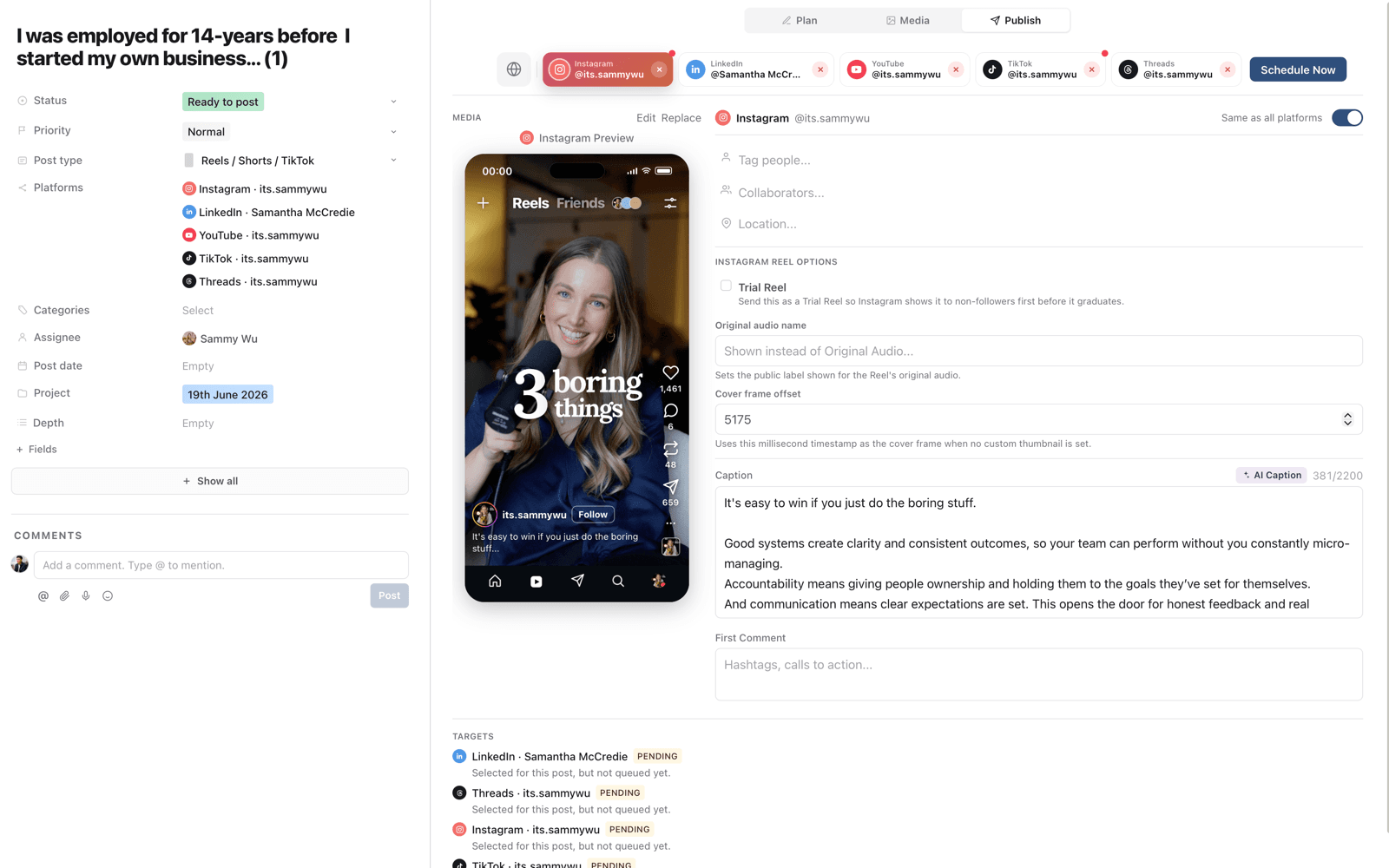
Keep the original creative together while you give each audience the right caption, cover and finishing touches.
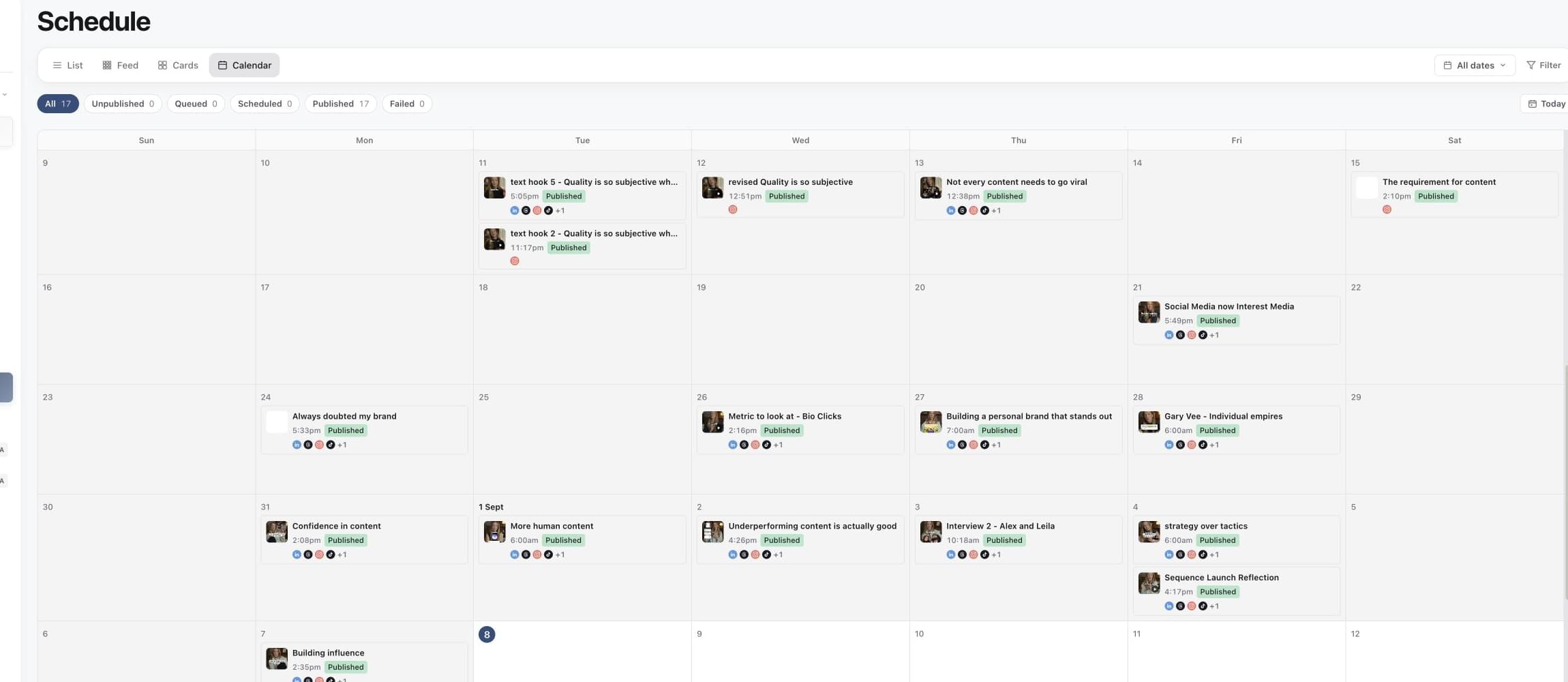
Bring your scheduled and published posts into one calendar. Check the week ahead, spot the gaps and keep every brand’s publishing plan in view.
Set the date, time and time zone before the post joins the queue. Need to move it? Update the schedule from the same post.
Explore scheduling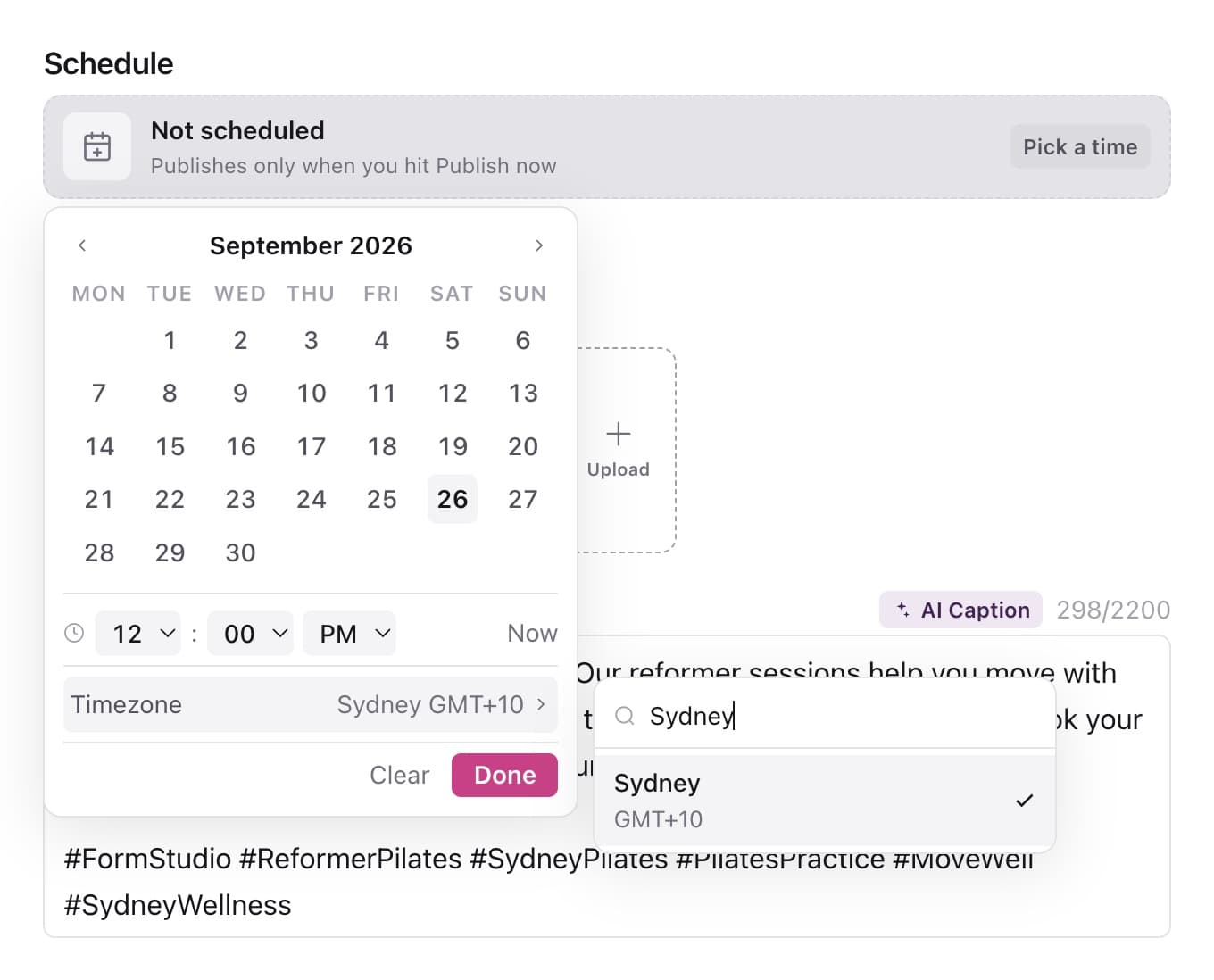
Find the controls each platform needs, right beside its preview. Available options depend on the format and connected account.
Tag people, invite collaborators and add a location without leaving your workflow.
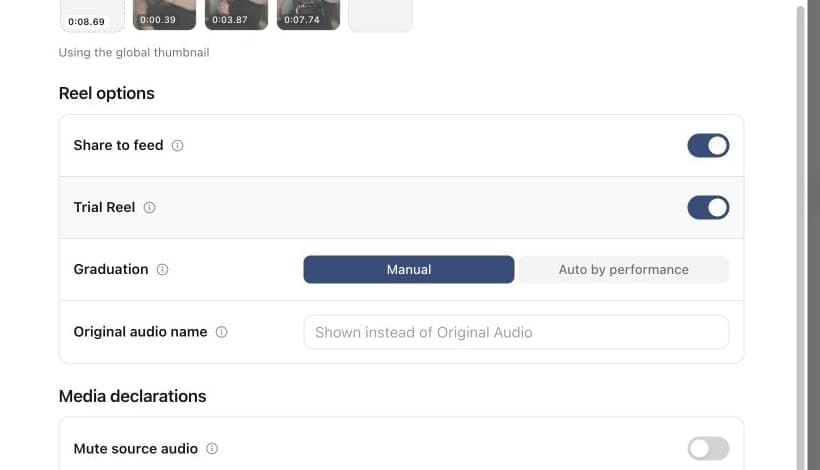
Show eligible Trial Reels to non-followers first. Choose manual graduation or Instagram’s automatic option.
Ask Skye to write timestamped YouTube chapters into the description, then review them before publishing.
See the result for each account, open the published post and follow up if a destination needs attention. The status stays with the work.
Manage scheduled and published postsThis post is published
Internal fields stay editable. Published status and content fields are locked to match the live post.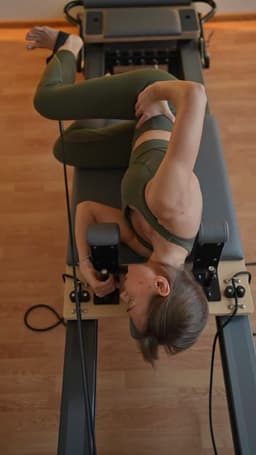
Caption
New to reformer Pilates? You do not need to be flexible, coordinated or experienced to begin. We will guide every movement and meet you where you are, so come try your first class at Form Studio.
Targets
Performance
Sequence supports publishing to Instagram, Facebook, LinkedIn, YouTube, TikTok, Threads, X and Pinterest. Available formats and controls vary by platform and connected account.
Yes. The Publish tab shows platform previews alongside the media, caption and network settings so you can check each version before scheduling.
Yes. Sequence provides platform-specific captions, media preparation and supported network settings in the publish editor, with the versions kept on one content record.
Yes. Sequence Free includes one connected account and 5 scheduled posts. Pro adds account capacity, collaboration, approvals and integrations. Compare the plans.
Connect an account, prepare your post and pick a time. Start for free with one connected account and five scheduled posts. No credit card needed.