What's new

Follow the latest improvements and updates to Sequence.

August 2026

23 August 2026

Create more than one workspace

You can now create additional workspaces from the workspace picker, so separate businesses or client groups each get their own team, brands and billing.

Your first workspace stays on whatever plan it is on. Each additional workspace starts on Pro, and you choose its plan before adding the first brand. Being invited to someone else's workspace no longer counts against your own.
17 August 2026

Print or save a report as a PDF

Reports are laid out at paper width before printing rather than restyled at the last moment, so what you get is what you saw. Useful when a client wants the month in a file rather than a link.
17 August 2026

Publish an analytics report to the web

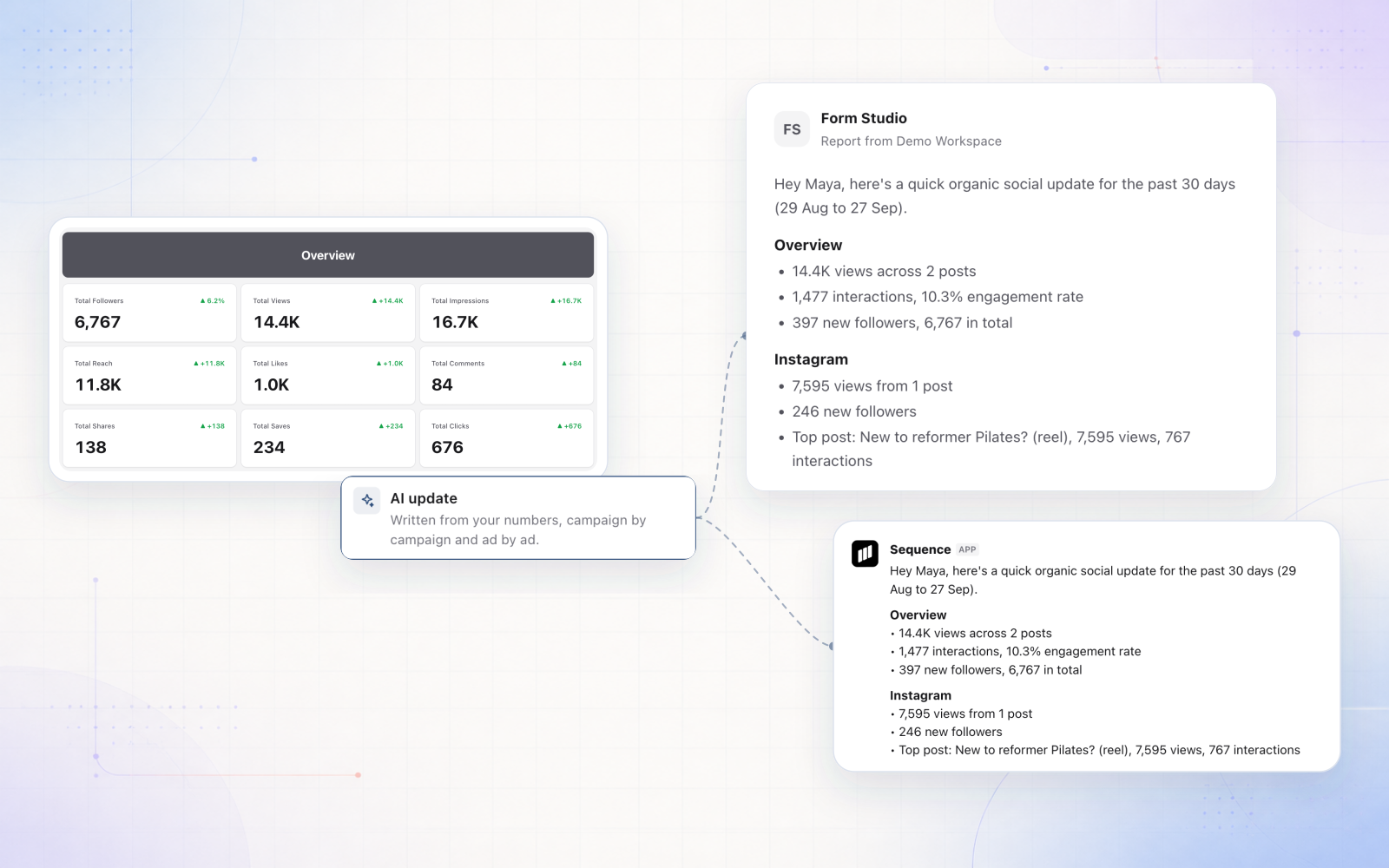
Share a dashboard as a live link instead of exporting a deck. The report keeps the date window you pinned to it and recomputes on every visit, so whoever opens it sees current numbers rather than a snapshot from the day you sent it.

Each dashboard gets one link, and only the numbers you chose to share travel with it.

16 August 2026

Build your own analytics dashboards

Custom dashboards now take the same data modules the built-in Overview uses: top posts, best times to post, posting frequency, a posts table, platform comparison, conversions, and campaigns.

Duplicating the default dashboard copies it in full, so you can start from the view you already read every week and change only what you want.

13 August 2026

Import posts from a spreadsheet

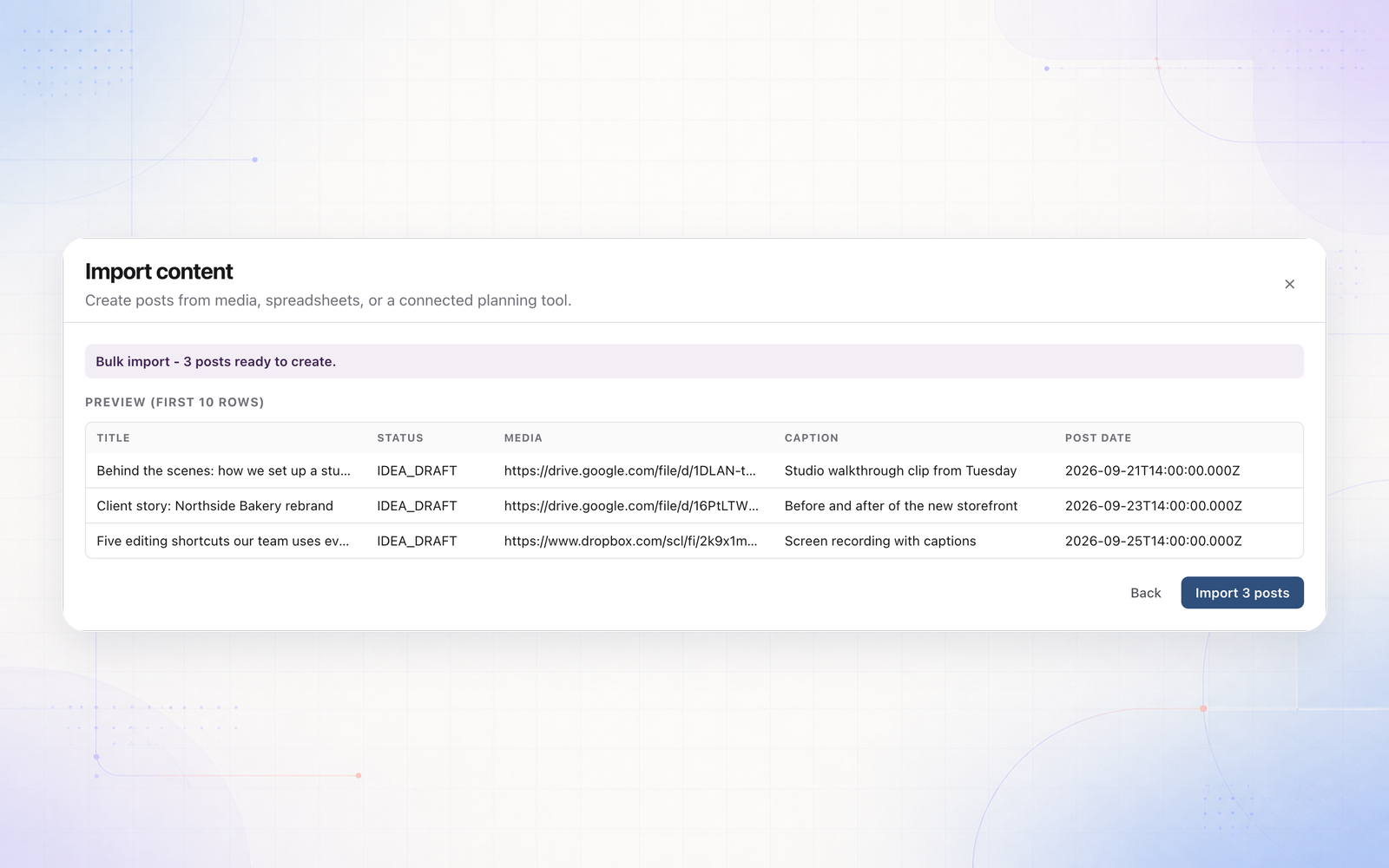
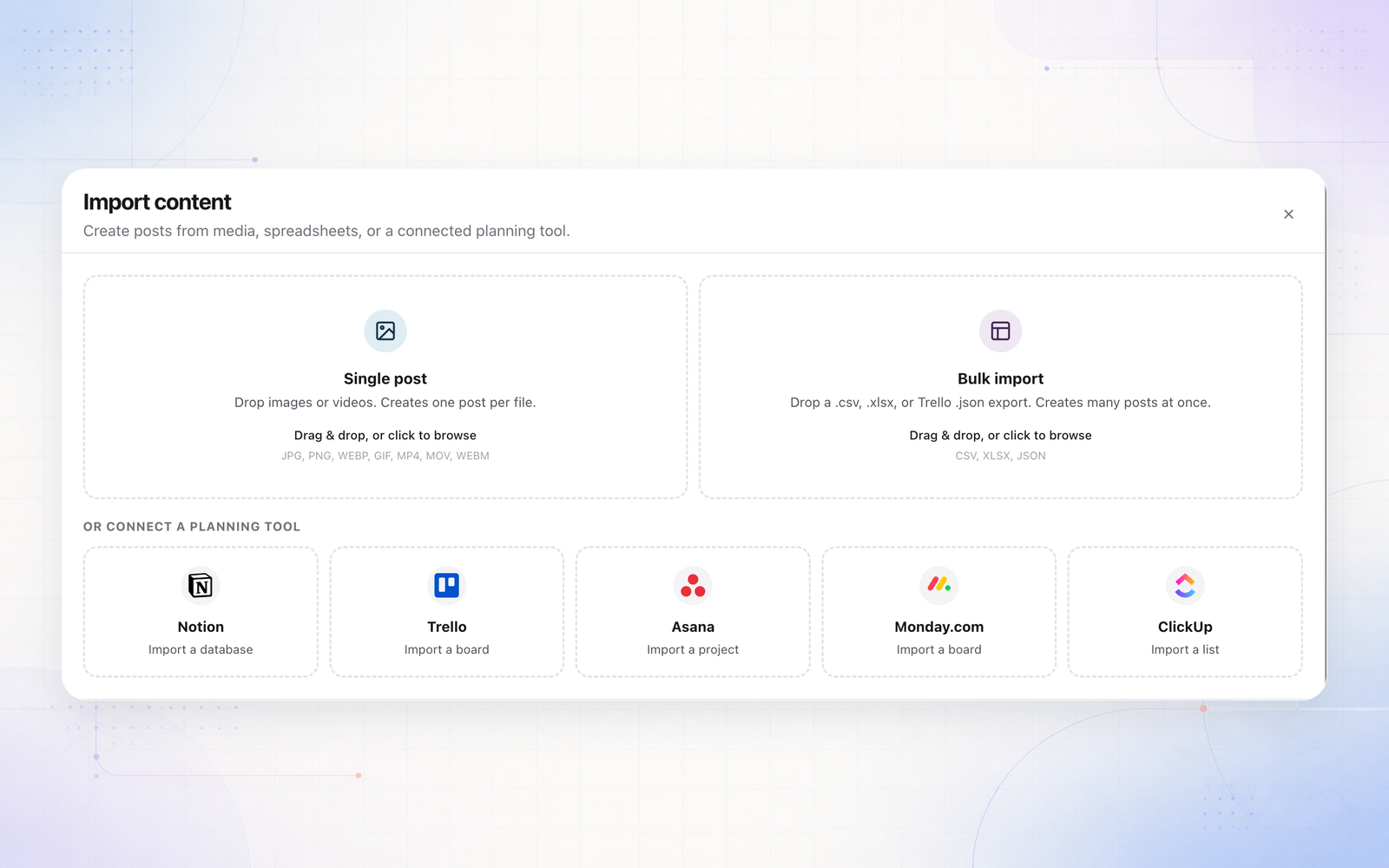
Bring a plan in from CSV or Excel by mapping your columns to Sequence fields. If the file has several sheets or the headers are not on the first row, you pick which sheet and which row to read.

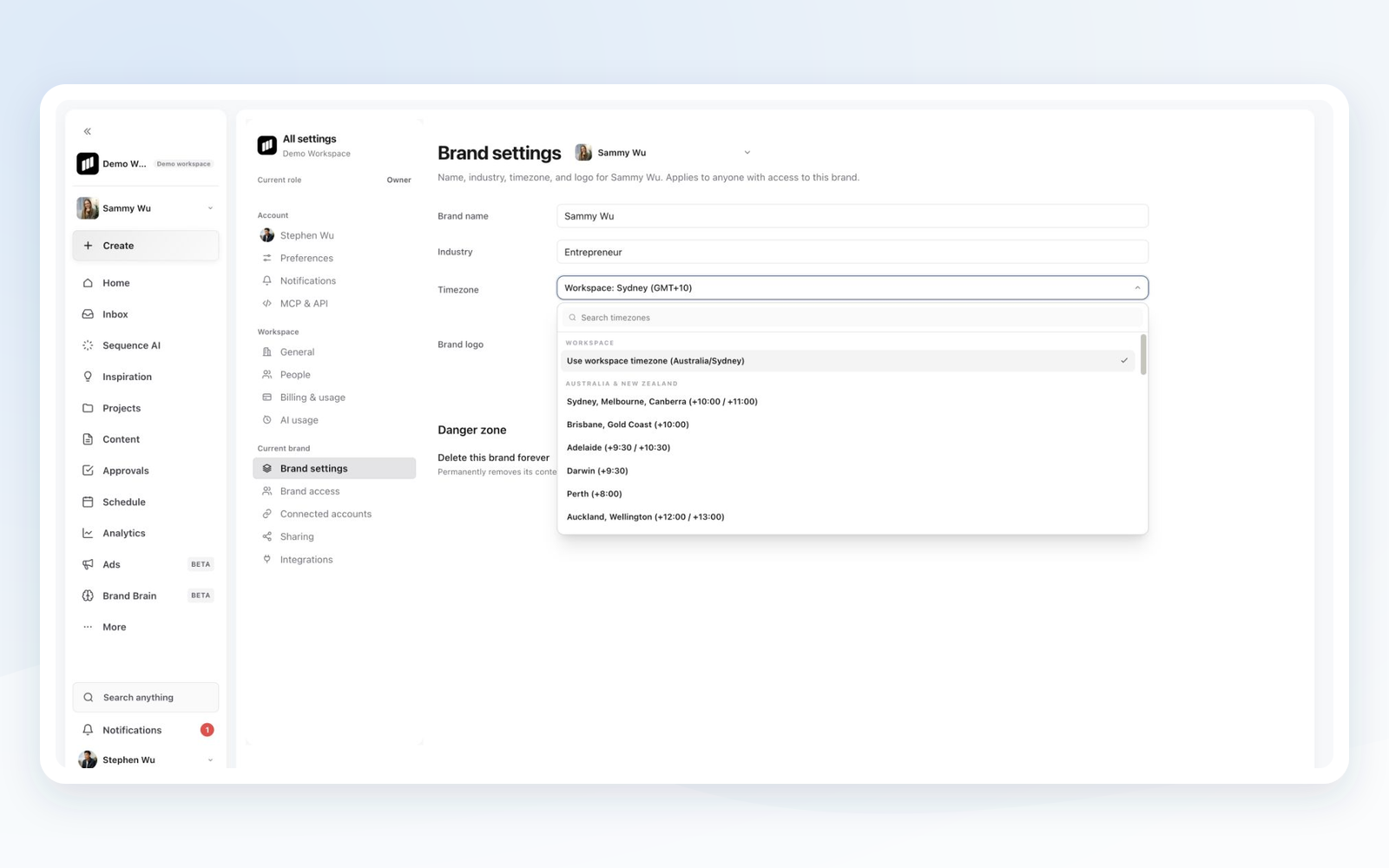
Dates are the part that usually breaks in an import, so they are parsed carefully: no American month-day guessing, no Excel serial numbers turning into the year 45677, and no drift from your computer's timezone.

11 August 2026

Guided onboarding for new workspaces

New accounts land in a guided setup instead of an empty workspace, and creating a brand is now a step-by-step wizard rather than a bare form.

10 August 2026

Your work stays readable when a trial ends

When a trial runs out you keep viewing and exporting everything for a grace period instead of hitting a wall. Creating and publishing pause until you pick a plan, but nothing is locked away while you decide.

10 August 2026

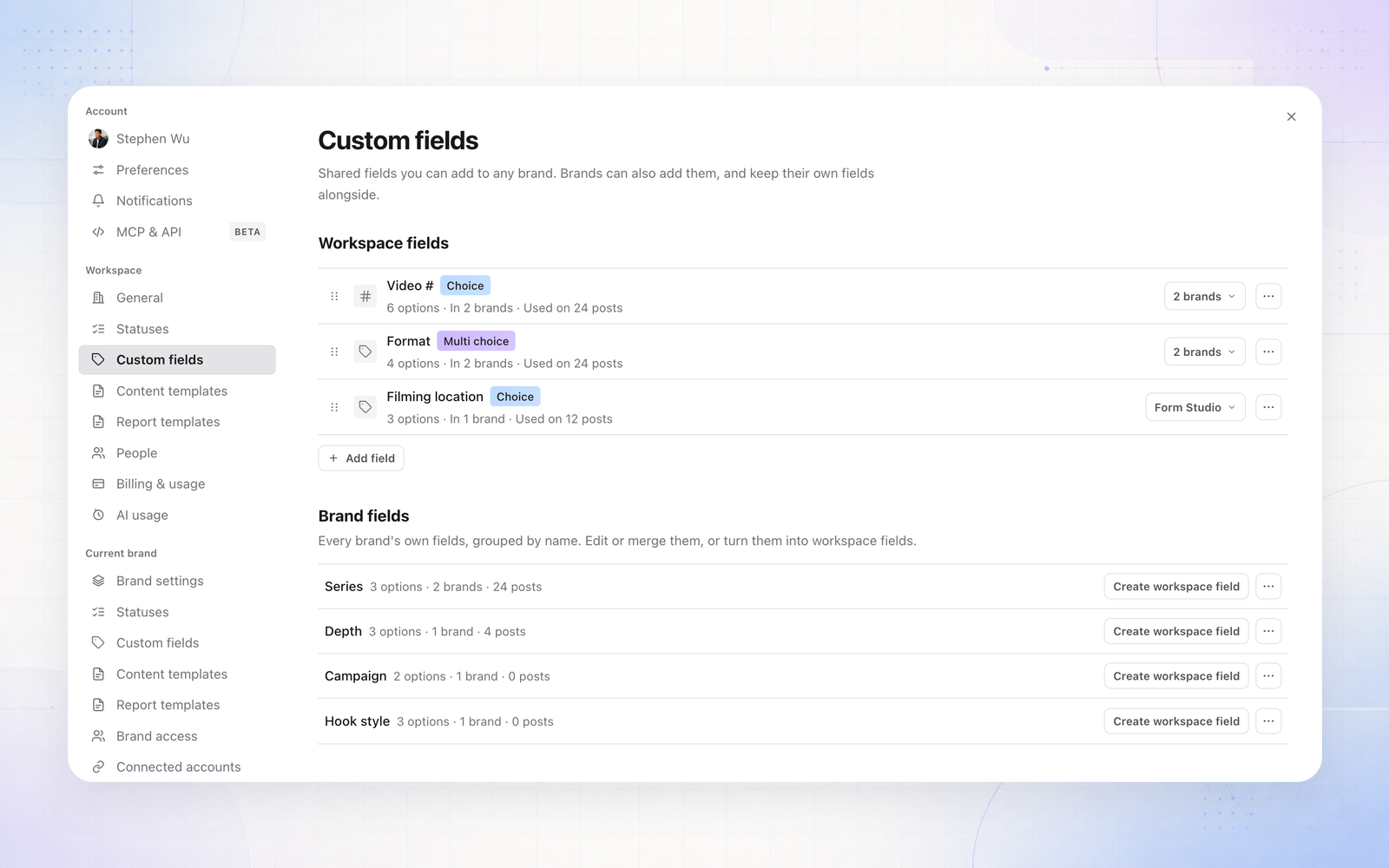
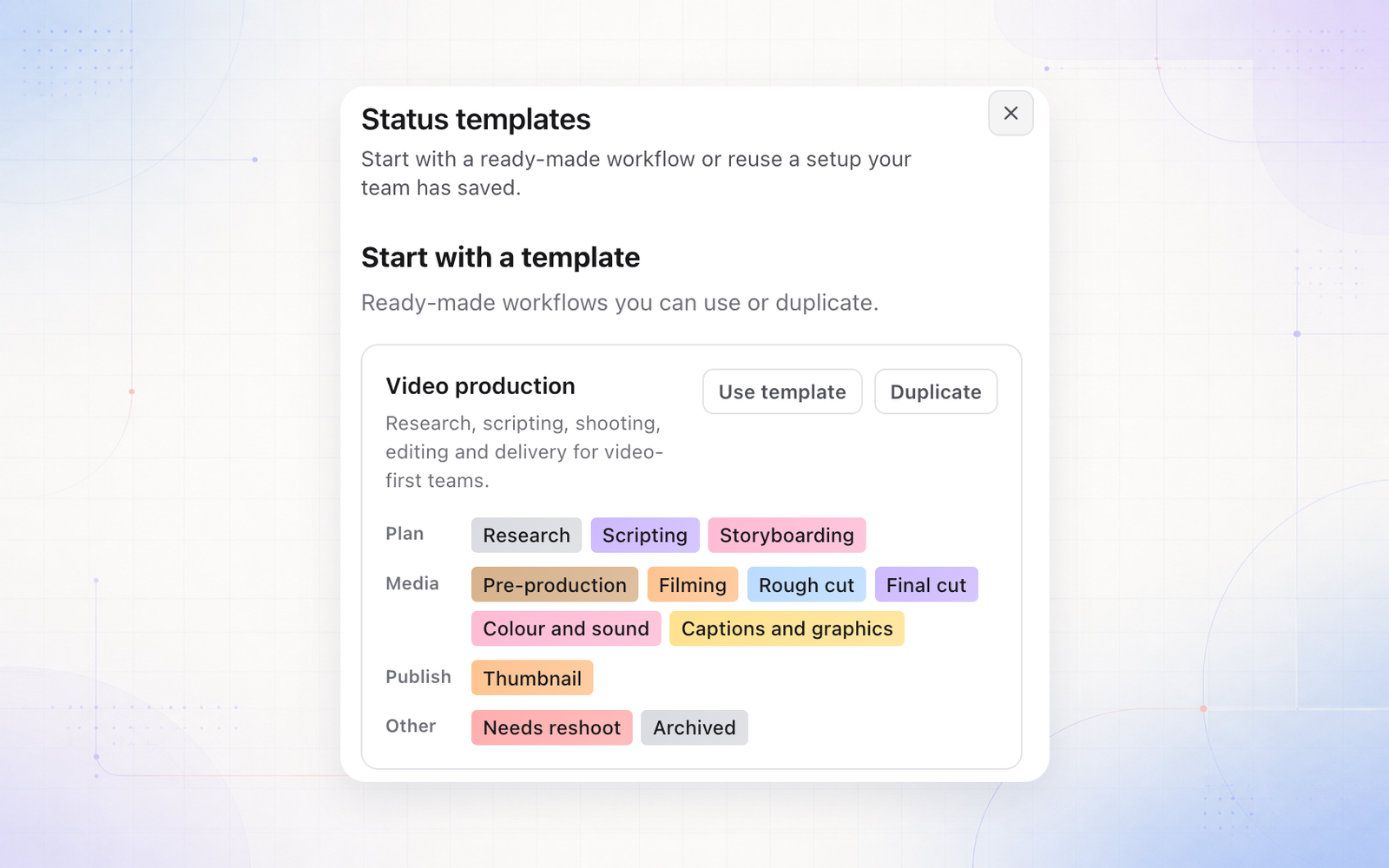
Define your own content statuses

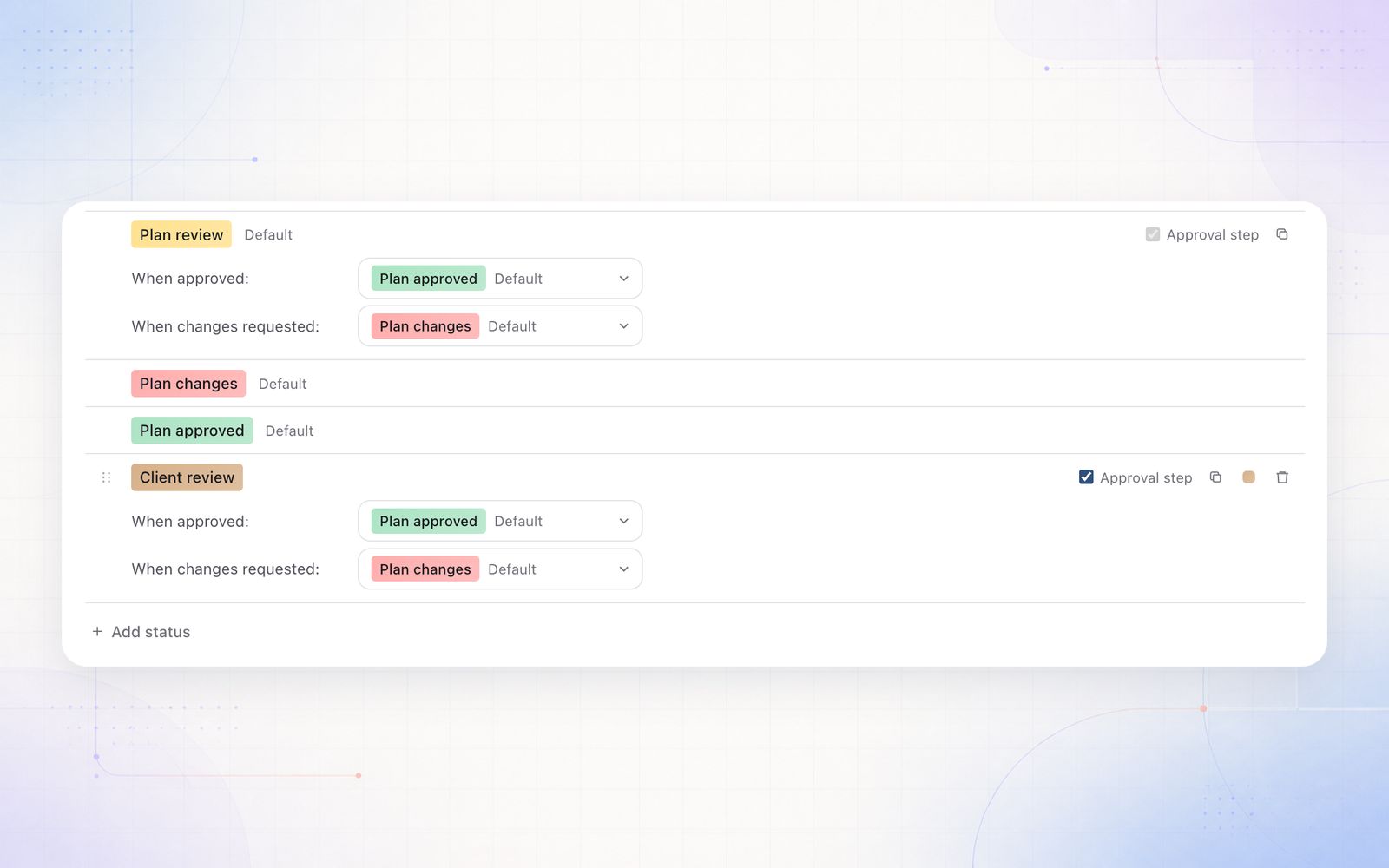
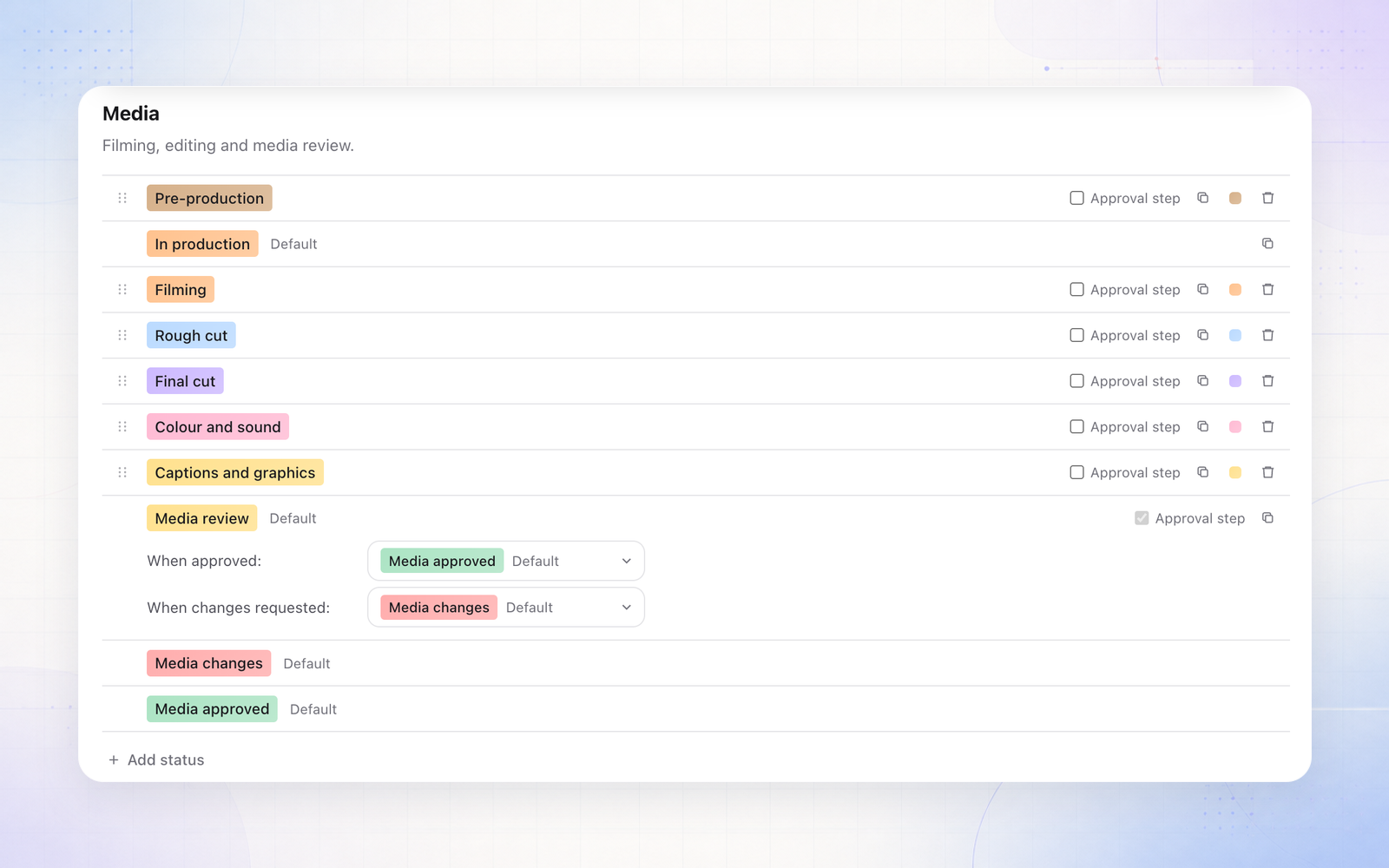
Brands can add their own parking statuses alongside the built-in ones, grouped under Custom in the status picker. They behave exactly like On hold everywhere it matters: filtering, grouping on the planner board, and every status pill in the app.

July 2026

30 July 2026

Brand Brain becomes a guided flow

Brand Brain was rebuilt from a grid of seven cards into a three-tab flow that asks you questions in order. Filling it in now feels like being interviewed about the brand rather than being handed a set of empty boxes.

What you put in is what Sequence AI reads when it drafts, so the better this is answered, the more the output sounds like the brand.

27 July 2026

The calendar scrolls continuously

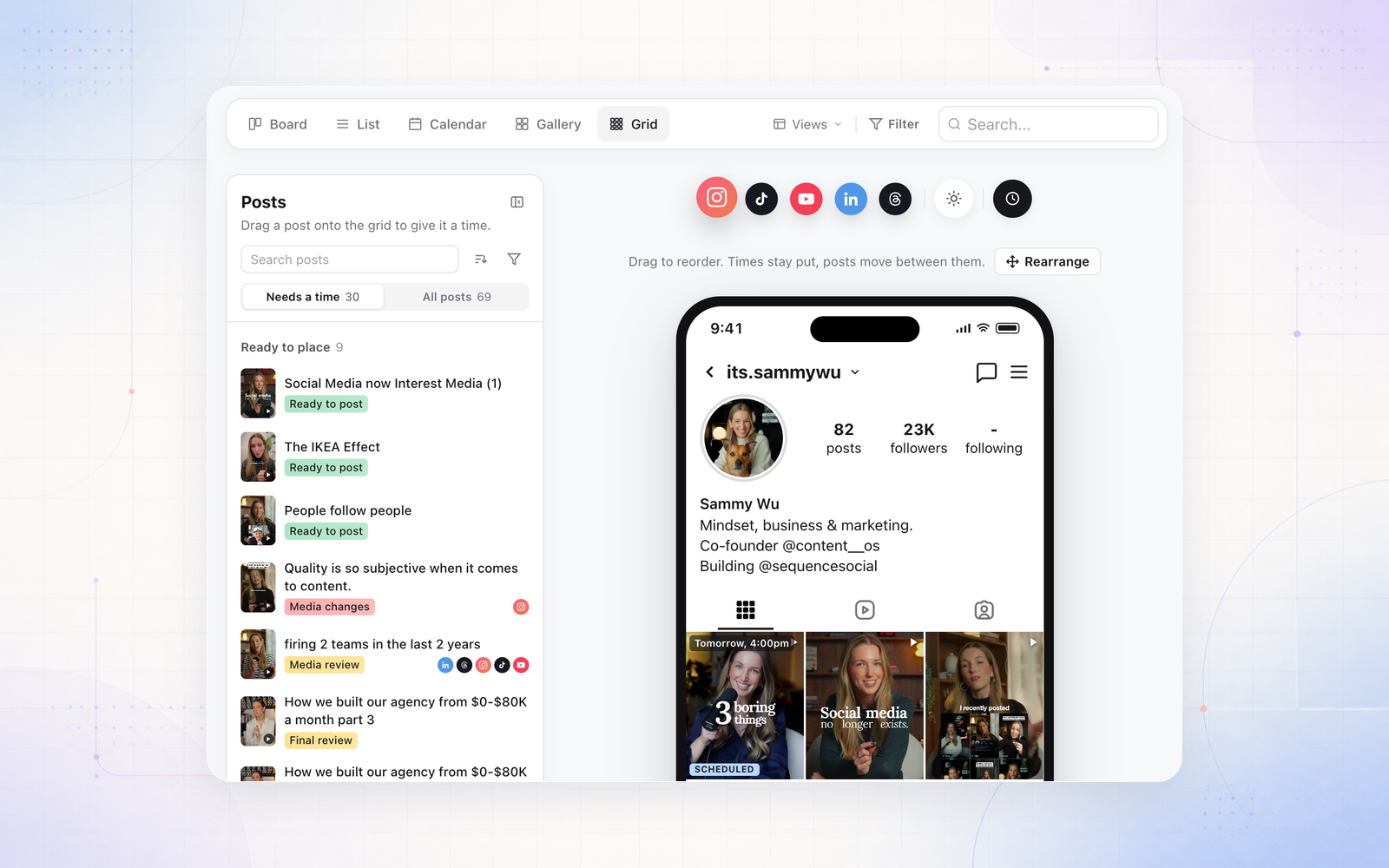
Month view is now one continuous list of weeks instead of a paginated grid, so a plan that runs across the end of a month reads as one stretch of time rather than two screens.

22 July 2026

Ads accounts, and an ads scope in Analytics

Connect Meta and Google Ads accounts per brand. Analytics splits organic and paid into their own scopes on the same page, so paid results sit beside the organic story without muddying it.

The left rail groups everything by platform, and each connected platform opens focused views for overview, posts, audience, and best times where the data exists.

20 July 2026

Generate images in the Plan Assistant

Ask the Plan Assistant for a visual and it generates one in the flow of planning, landing next to the post it belongs to instead of in a separate tool you then have to upload from.

20 July 2026

AI credits replace token limits

Every plan includes a monthly credit allowance, and each AI action has a fixed, visible cost: 1 credit for hashtag suggestions, 8 for a caption, 120 for an image. The heavier actions tell you what they will cost before they run.

Your allowance and the full price list sit in billing settings, and top-up packs start at 10 USD for 5,000 credits when a month runs long.

19 July 2026

Video is made publish-ready automatically

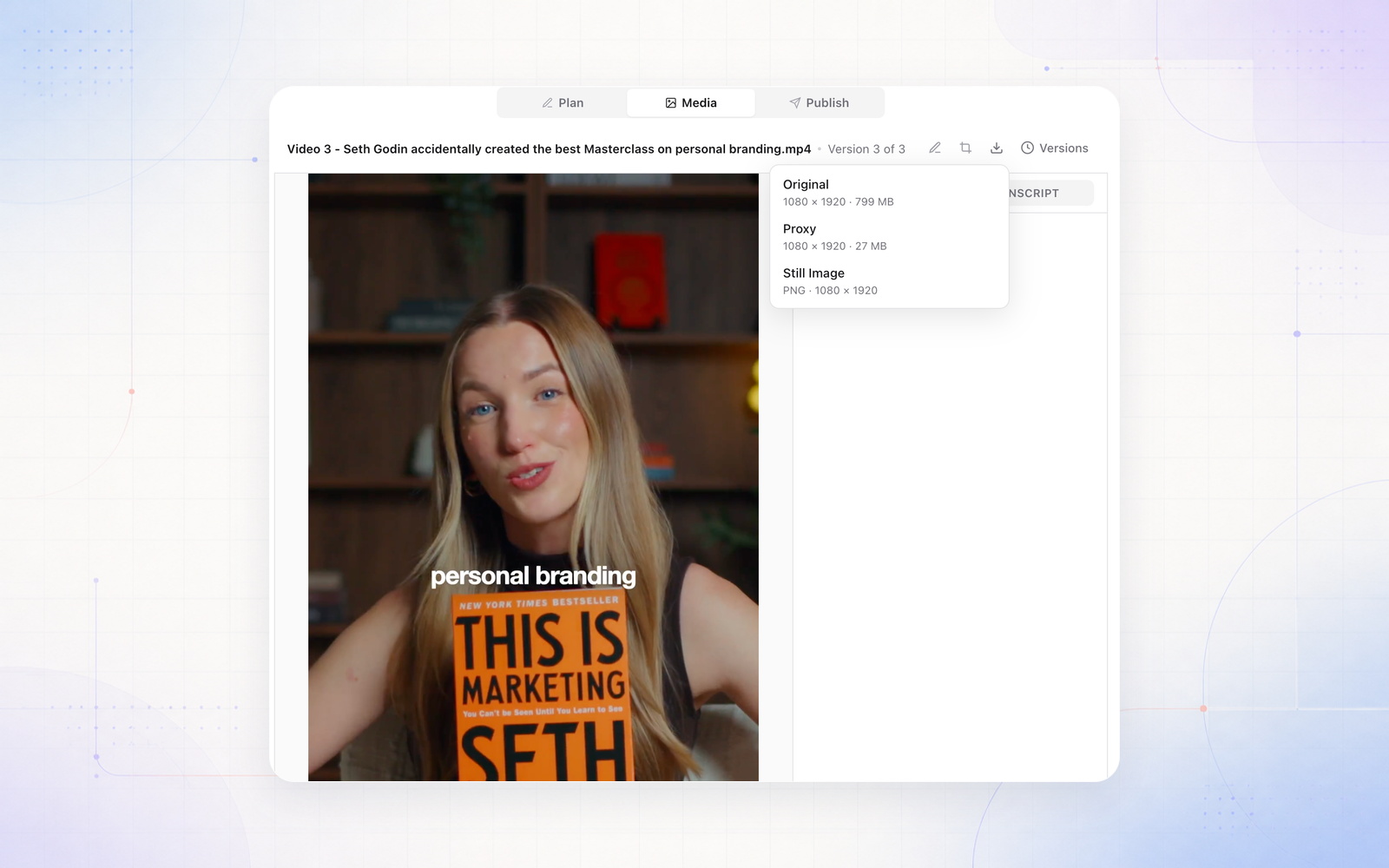
Uploaded video is converted into the variants each platform actually accepts, without you exporting a second file. A post is held back until its media is genuinely ready, so a scheduled slot cannot pass with a half-processed video attached.

16 July 2026

Assignees and mentions know the brand

The people you can assign work to or mention in a comment are now drawn from that brand's members, so you are picking from the team actually on the account rather than everyone in the workspace.

16 July 2026

Import a brand from Notion

Connect Notion and pull an existing brand document straight into Brand Brain, so brands already written up in Notion do not have to be retyped.

7 July 2026

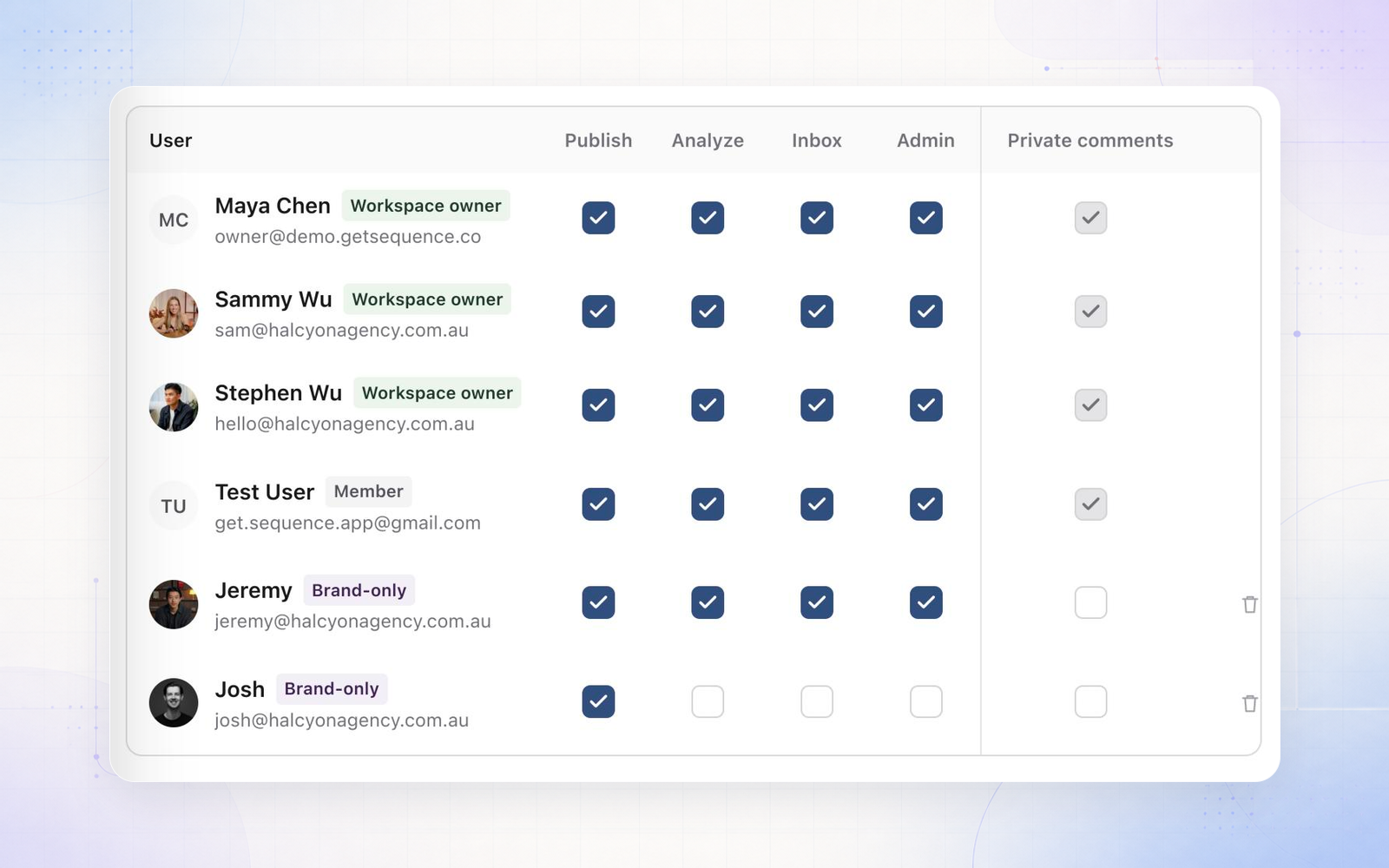
Four brand roles, and a permissions matrix

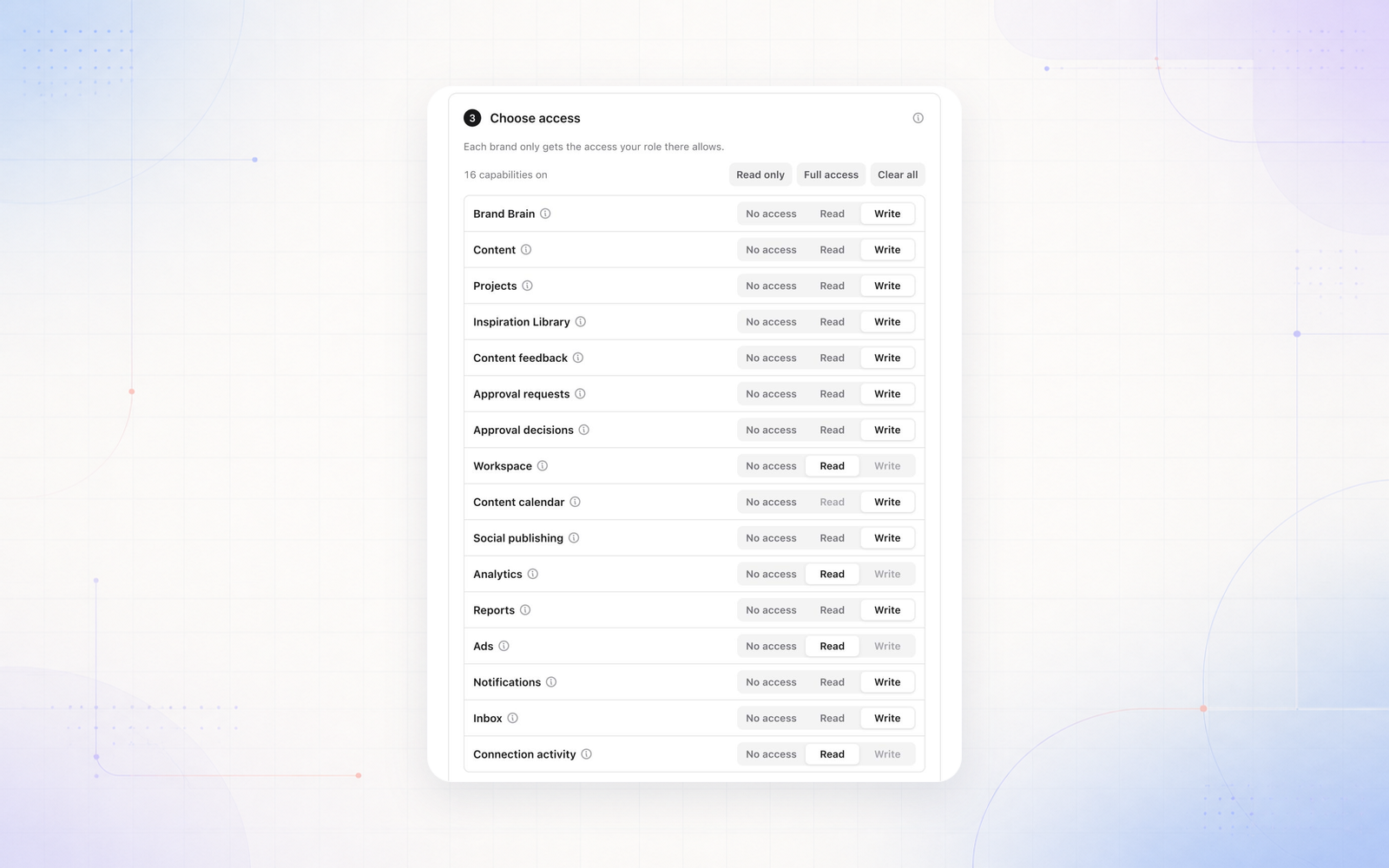
Access is set by picking one of four brand role presets rather than assembling permissions by hand, with a matrix showing exactly what each role can do. Workspaces also get a default brand access level, so new team members start with the right reach instead of none.

6 July 2026

Sequence AI moves to current-generation models

Sequence AI and the Plan Writer run on current-generation models, with guardrails that keep drafts sounding like the brand instead of generic.

5 July 2026

Dark mode polish and resizable panels

Dark mode was tidied across the app, and the detail and assistant panels can be dragged to the width you want, with the size remembered.

June 2026

26 June 2026

AI captions in your brand voice

The caption writer was rebuilt around what Brand Brain knows about the brand, and tuned to stop it mirroring the prompt back at you. Drafts read as a starting point in the brand's register rather than something generic you have to rewrite.

15 June 2026

Approvals rebuilt end to end

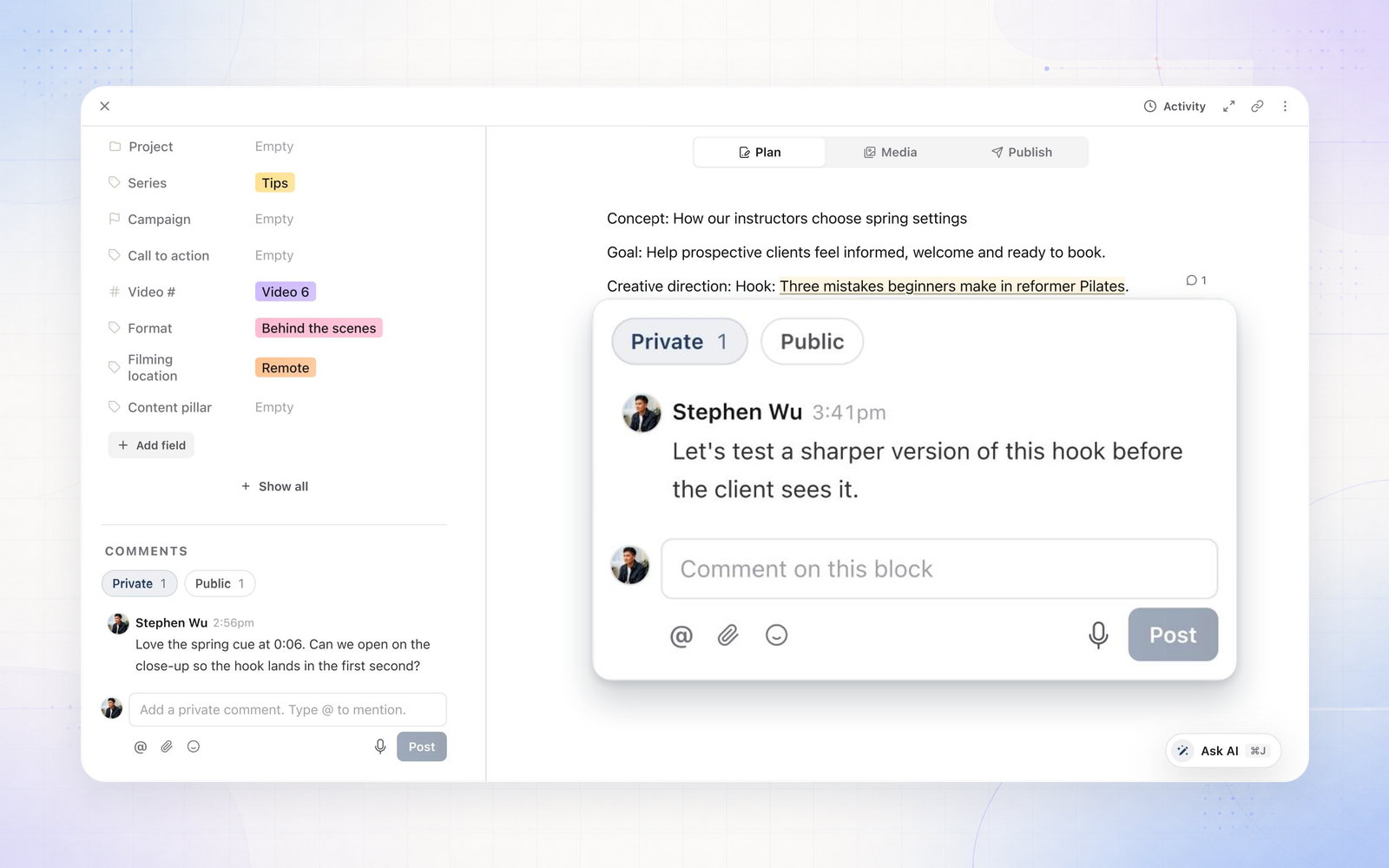
Send work for approval in bulk straight from the planner, approve in bulk with a decision flow, and route requests to the right reviewer with notifications that follow.

The decision and the feedback stay attached to the post, so nothing has to be reconstructed from a thread later.

9 June 2026

See who else is in the planner

Live presence and cursors show who is working alongside you, and the planner loads faster: the Plan tab renders straight away while the rest syncs behind it.

5 June 2026

Client onboarding sets inbox access

Bringing a client into a workspace now includes their inbox permissions, so client-side teams see exactly the conversations they should from their first day and nothing else.

May 2026

27 May 2026

Media review plays instantly

Video in media review streams from the CDN with review-sized versions generated up front, so opening a cut to leave feedback does not mean waiting for a large file to load.

20 May 2026

Instagram and Facebook publishing hardened

Long video uploads, the checks that gate an upload before it goes out, and automatic recovery on retries were all reworked. Fewer posts stall, and the ones that hit a platform hiccup pick themselves back up.

10 May 2026

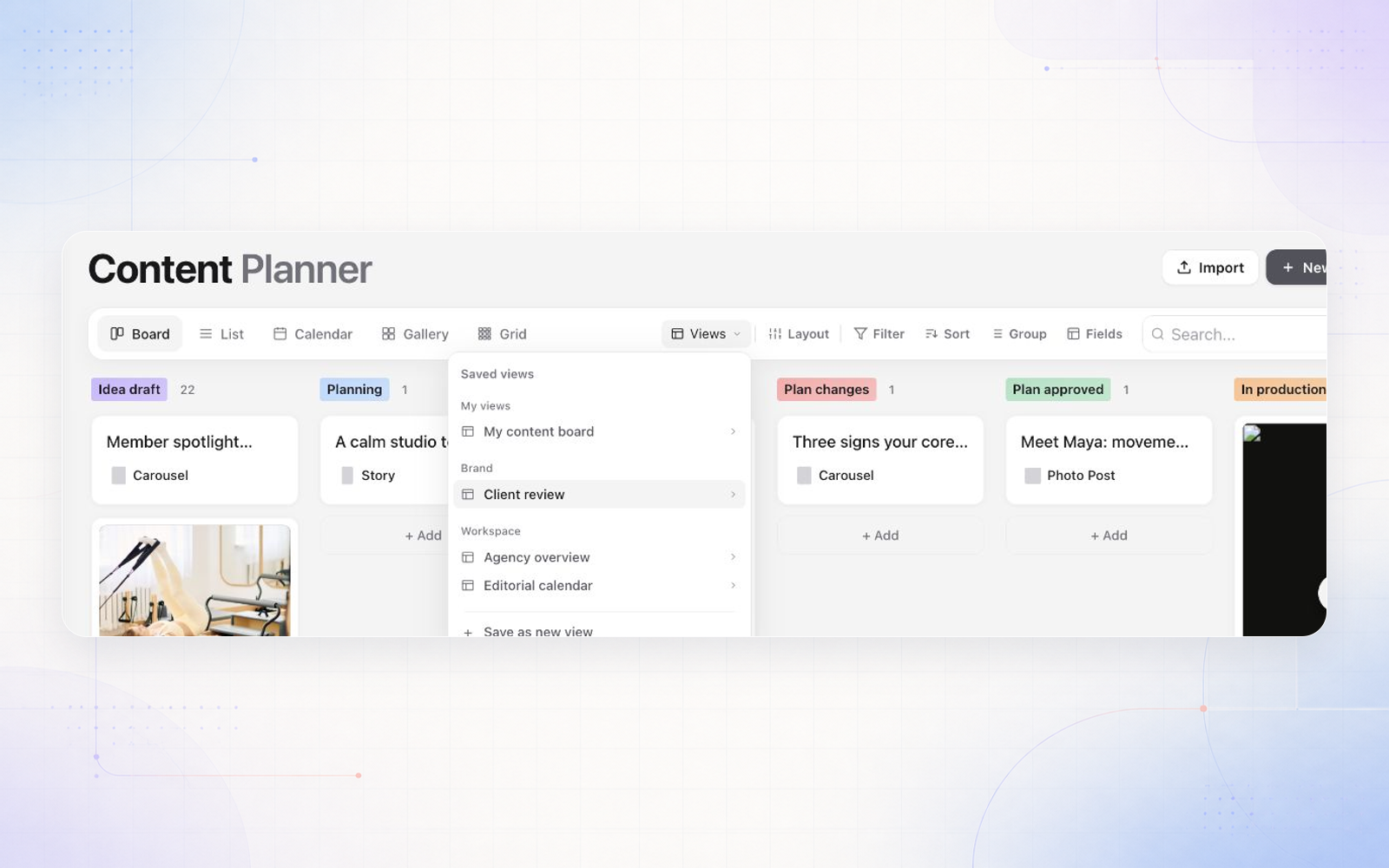
Planner and calendar polish

Calendar interactions, board scrolling, and the account profiles on the dashboard were all smoothed out.