
Your work, in focus
Filter by assignee, status or project to see the posts that need your attention.
See the whole plan, then open any post to write the brief, review the creative and get it published. Every view leads back to the same work.
Your first reformer class, explained
Why slower reps build better control
Three small cues that make a difference

A quieter start to your morning
Each card opens into Plan, Media and Publish. Your document, creative, feedback and final post stay together, from the first idea to the moment it goes live.
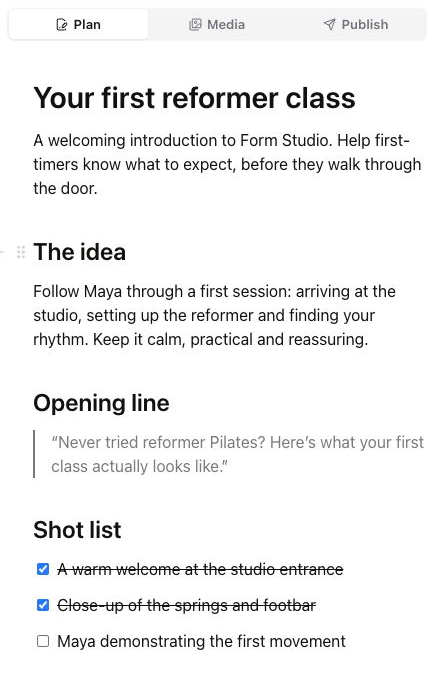
Give the brief room to breathe. Write a script, add headings and checklists, and bring in files, links and visual references. Start with a template or a blank page, then shape it together with comments and Skye.
Explore the Plan editor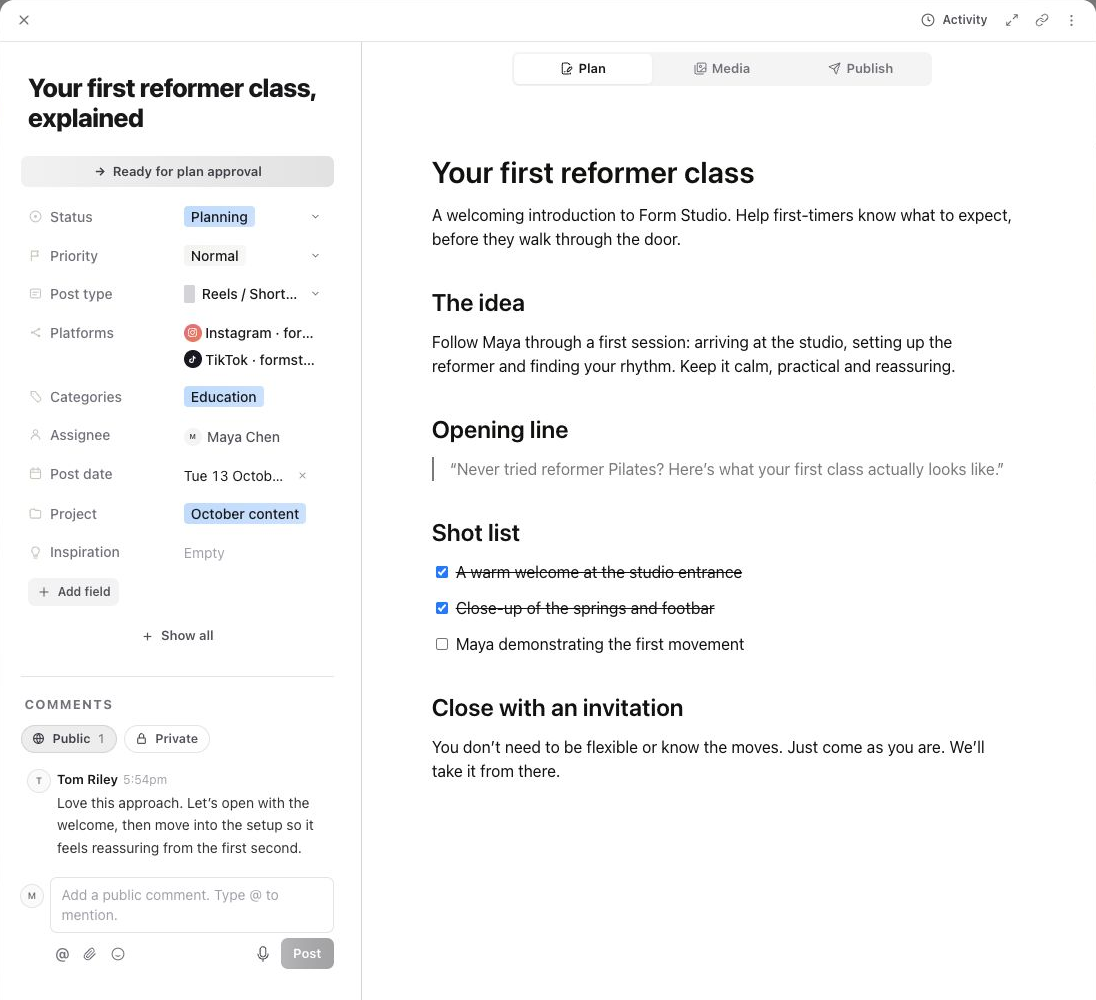
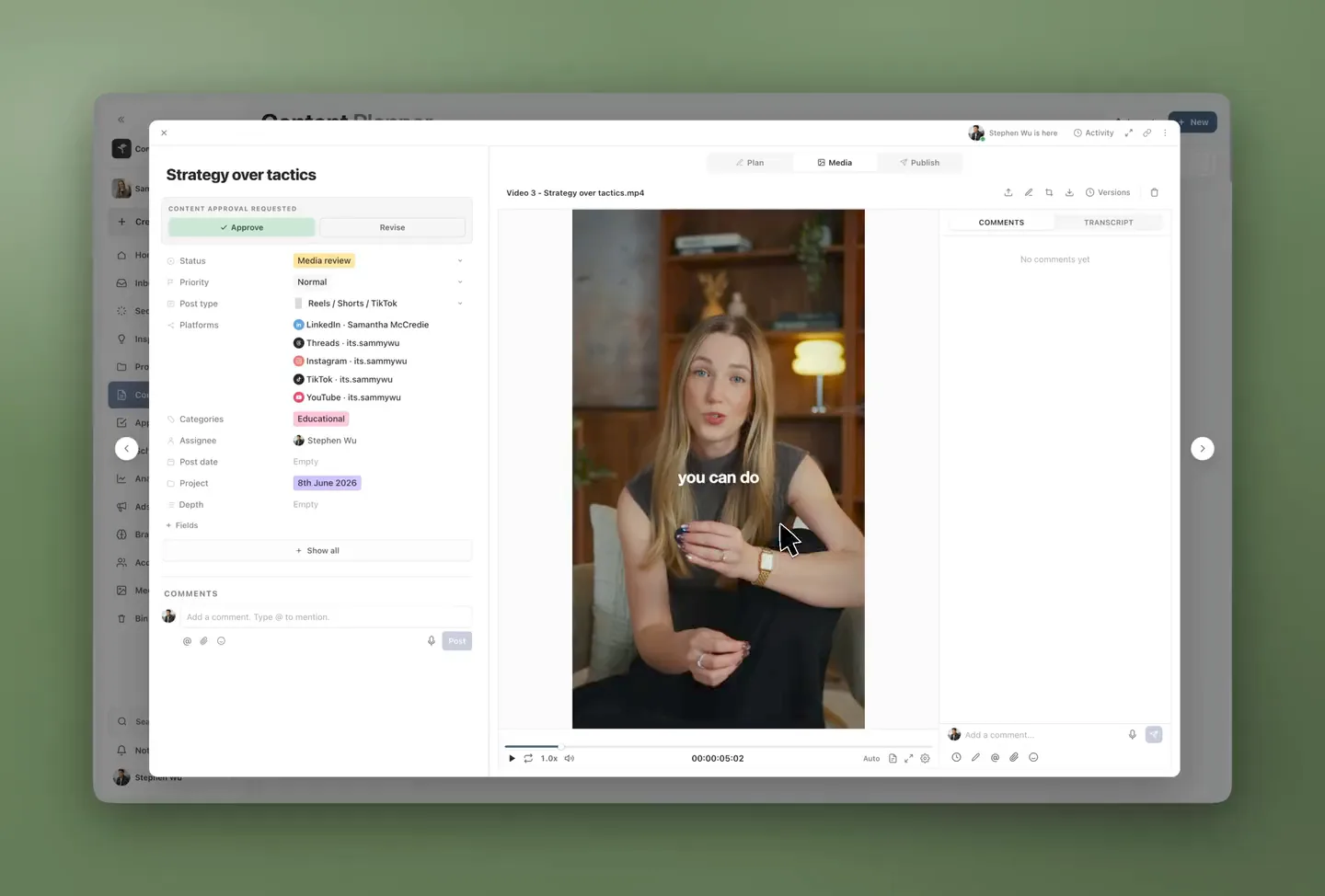
The kind of creative review you expect from a dedicated review tool, inside the post you’re already working on.
Switch to Publish on the same post. Choose the accounts, tailor the caption for each platform and check the previews before you set the time.
The plan and review history stay one tab away, so you can check the thinking behind the work right up to publishing.
Explore publishing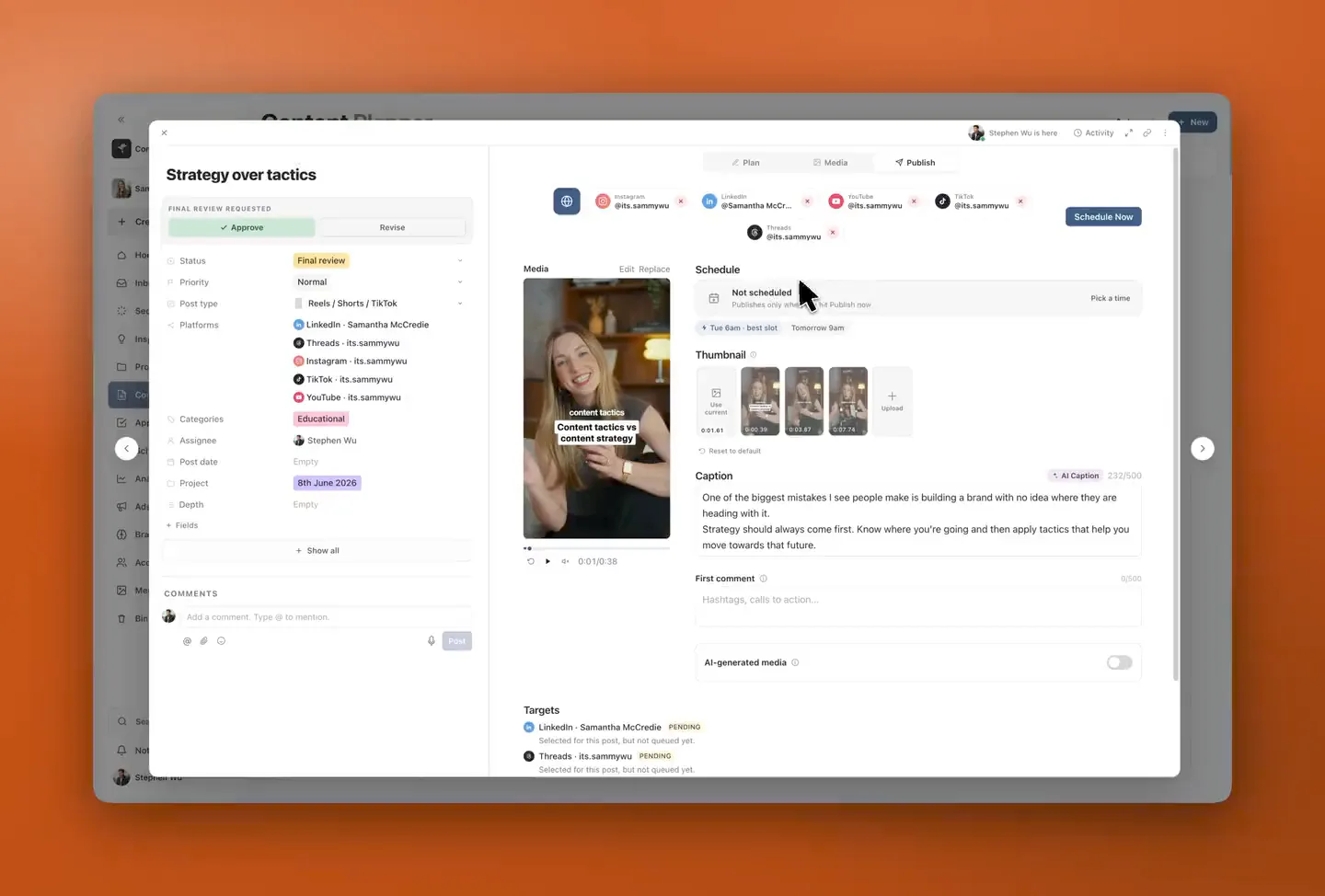
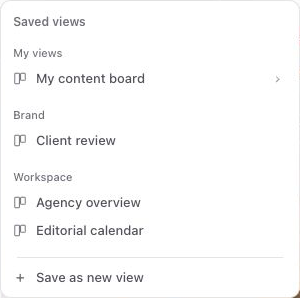
Choose the layout, filters and fields that make sense for you. Save the view and come back to it whenever you need it.
Filter by assignee, status or project to see the posts that need your attention.
Keep the grouping, sorting and visible fields you use every day.
Keep a view just for you, or share a brand or workspace view with your team on Pro.
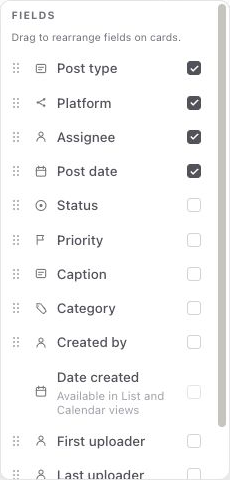
Track your content pillars, calls to action and production details right on the cards. On Pro, add your own statuses and approval steps so the plan follows your process.
Explore custom fields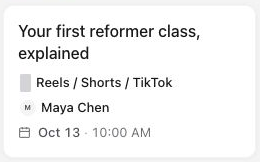
No. Sequence combines a production queue with List, Calendar and Board views, plus Gallery and Grid views on Pro. Each post keeps its Plan, media, approval state and publish settings.
Yes. Plan gives you a document for the brief, script and references. Media keeps files, versions, timestamped comments and annotations together. Publish holds the connected accounts, captions, previews and schedule. Team collaboration and approval workflows are included in Pro.
Yes. Pro includes team and client collaboration with access set per brand. Clients see the current content and review state instead of a separate calendar export.
Yes. Sequence lets you save filters, grouping and layout. Pro collaboration adds shared brand and team views alongside your personal views.
Yes. Custom statuses are included in Pro, so your team can organise content around its own production and review steps. Compare Free and Pro.
Start with one brand on the free plan. Bring your ideas, creative and deadlines into the same workspace, and take your next post all the way to published.