





 its.sammywu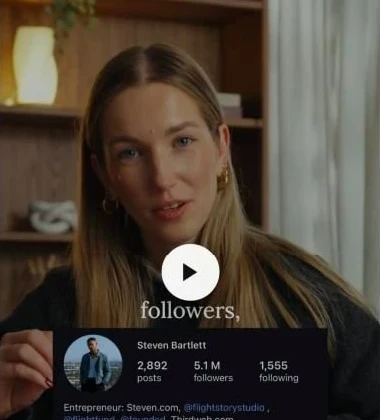
Send it to Sequence on Instagram.
Link your account once, then share a Reel or ad to @sequencesocial. Choose the brand it belongs to and get a reply when it’s saved. Available on Pro.
Set up Instagram savingDiscover standout posts, understand the hooks behind them and keep your favourite creators close. Turn the references you save into original content with Skye.
In your Instagram DMs or in your browser, bring the posts worth keeping straight into your brand’s Inspiration library.
Link your account once, then share a Reel or ad to @sequencesocial. Choose the brand it belongs to and get a reply when it’s saved. Available on Pro.
Set up Instagram savingThe Sequence Capture Chrome extension adds a Save button to posts on Instagram, TikTok, YouTube, LinkedIn and more. Pick a brand and keep scrolling.
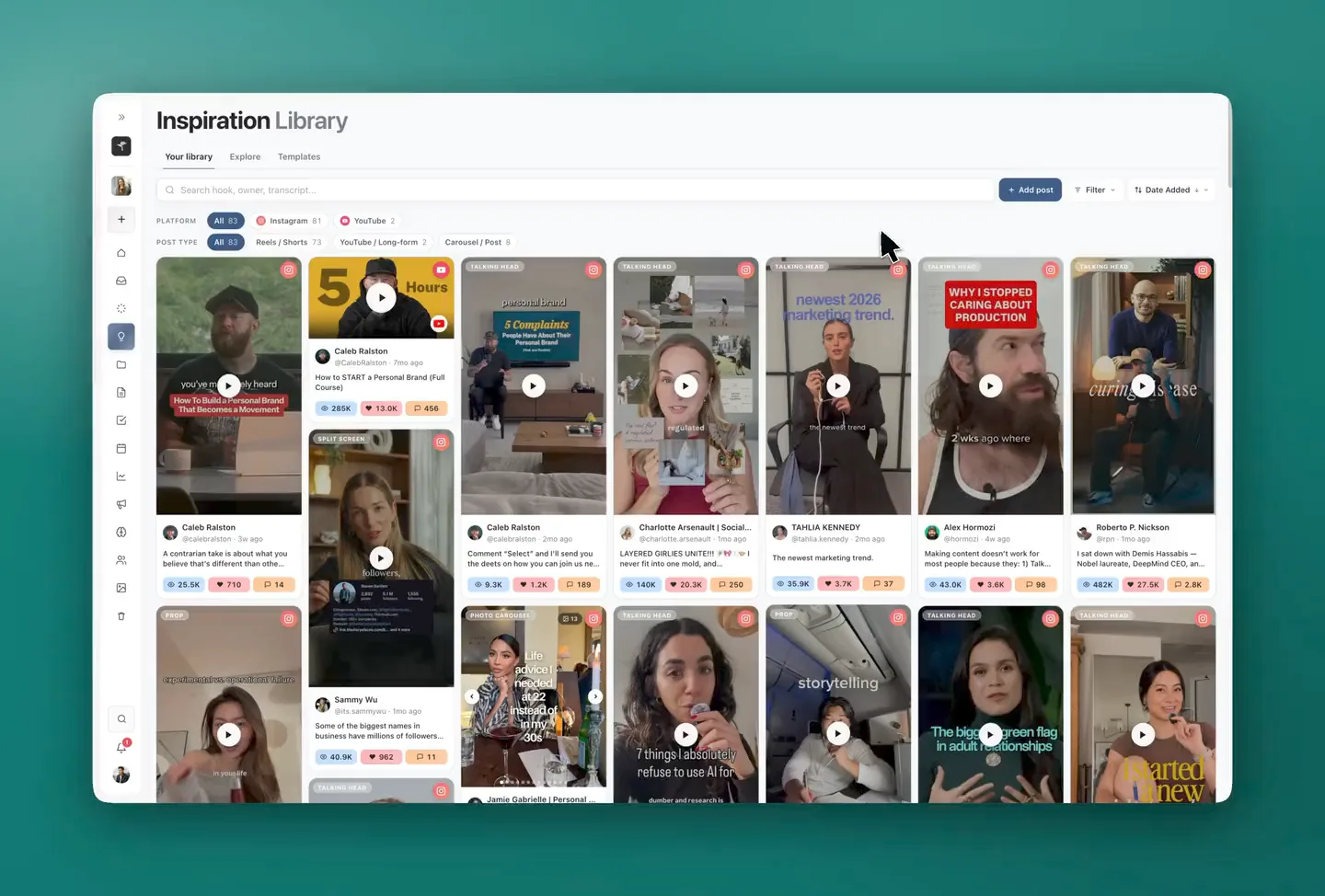
Get the Chrome extension (opens in a new tab)Give every reference a home. Keep each brand’s posts in folders, then search by hook, creator or transcript to find the idea you need.
Organise your libraryOpen the reference and study the idea, the words and the visual treatment. Find a mechanism you can adapt to your own subject.
Identify the promise, contrast or tension that gets someone to keep watching.
“You’ve most likely heard this strategy in [topic] called [strategy name].”
A recognisable opening becomes a pattern you can adapt to a different story.
Read the transcript alongside the analysis. Return to the source to check the pacing and delivery.
Give Skye your angle, your evidence and your brand’s voice. Review the proposed Plan before allowing the changes, then take the draft into production.
The original reference stays attached. Your team can see where the idea started without losing sight of where you’re taking it.
From reference to draftReference
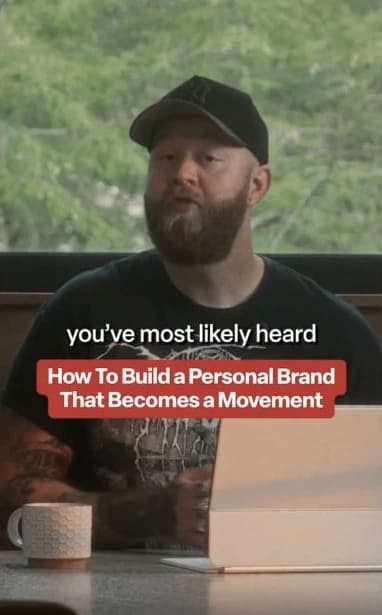
 @calebralston · Instagram
A contrarian take is about what you believe that’s different than others in your space.
Identify your common enemy.
Open postHook
Your content doesn’t need another tool. It needs fewer handoffs.
Body
The idea is in one app. The script is in another. Feedback is buried in a chat.
The problem isn’t your team. It’s the gap between each step.
Keep the reference, plan, creative and publishing together, so a good idea can keep moving.
Call to action
Start with the idea. Keep everything that follows in Sequence.
Browse creators by industry or search by name and handle. See their recent posts, then open a profile to explore their accounts, typical performance and strongest outliers.
Explore creator browsingAdd a creator to your Watchlist and their new posts arrive in one feed, checked daily. Filter for outliers to find the posts doing at least twice as well as their usual.
Watch up to 15 creators per brand on Pro. Choose an alert in Sequence, an email or your scheduled summary when something stands out.
Explore Watchlists and alertsYes. On Pro, open Inspiration and choose Save from Instagram to link your account once. Then share a Reel or ad to @sequencesocial in your Instagram DMs and choose a brand. For regular posts and carousels, paste the post link into the chat instead. Stories are not supported. Set up Instagram saving.
Sequence Capture adds a Save button to posts on Instagram, TikTok, YouTube, LinkedIn, X, Threads, Facebook and the Meta Ad Library. Log in, pick a brand and save the reference without leaving the page. Posts you save also appear in Explore for other Sequence users. Read the extension guide.
Yes. Sequence's Develop action can create a new draft or add a reference to an existing post. You can give Skye a brief and review the Plan it proposes before allowing it.
Yes. Develop attaches the reference to the content's Plan, so your team can return to the source while working on your version.
Sequence shows the transcript and analysis on analysed references, including the hook and format. Availability depends on the source and its processing state.
Yes. Inspiration is included in Sequence Free, and AI work uses the credits included with your plan. Pro adds saving from Instagram DMs, creator Watchlists, collaboration and approval workflows. See the plans.
Start your library, find a reference worth adapting, and bring your next draft into the same workspace.


