Onboarding a new social client without the chaos week
A practical social client onboarding runbook covering inputs, access, workspace setup, approvals, calibration, and reporting expectations.
The first week with a new social client feels busy without creating certainty. Access requests sit with different people, brand references arrive in chat, nobody knows who can approve, and the first calendar starts before the agency understands what good looks like. A calmer onboarding process changes the sequence. Collect the essential inputs before kickoff, build one shared workspace, agree how decisions will happen, and treat the first two weeks of content as a calibration period. The goal is not to document every possibility. It is to give both teams enough context and operating clarity to produce, approve, publish, and learn without rebuilding the process around each post.
Collect the essentials before kickoff
Send one structured request as soon as the agreement is signed. Ask for brand voice guidance, current messaging priorities, visual rules, approved and avoided language, audience information, recent campaign plans, and examples the client considers strong. Request references from the client’s own work and from other brands, with a note explaining what they like about each one.
Collect channel and asset access through the safest method supported by each platform. Identify who owns each account, which permissions the agency needs, whether advertising accounts are in scope, and who can resolve access problems. Do not ask people to send passwords in documents or messages. Track access by account and status so a missing permission does not emerge on publishing day.
Map the approval chain before the meeting. Ask who contributes subject expertise, who checks legal or compliance issues, and who has final authority. Record a primary approver, a backup, and any content categories that need a specialist review. Bring unresolved gaps to kickoff as decisions, not surprises.
Use kickoff to make choices
Share the collected material before kickoff and use the meeting to resolve contradictions. Confirm the audience priorities, campaign goals, channel roles, voice boundaries, and near-term dates. If the brief says playful but the approved examples are formal, discuss the difference while both teams are present.
Define what success means for the first quarter and what evidence is available. An awareness programme, an engagement programme, and a conversion programme need different primary measures. Agree the reporting period, meeting cadence, data sources, and known tracking limits before the first result creates an argument about which number counts.
End with named owners and dated next actions. The agency may owe a draft plan and access check. The client may owe a reference library, product confirmation, or final approver. Send a concise decision record in the shared workspace rather than allowing meeting notes to become a second hidden brief.
Set up the shared workspace
Create the workspace around the way the account will run. Add the client brand, channels, team members, approvers, campaign or content themes, key dates, and the first planning period. Give client users access only to the areas they need, while preserving a clear place for agency preparation before work is ready for review.
Build a small reference library with the current brand guide, approved examples, campaign briefs, recurring offers, product facts, and rights or compliance notes. Add an owner and review date to information that can expire. A library is useful only when the team can tell which source is current.
Create the first plan from the agreed priorities, not from a generic posting quota. Each proposed post should show its purpose, channel, format, owner, planned date, and approval status. This gives the client something concrete to react to and lets the agency spot gaps before production expands them.
Agree the approval model and cadence
Choose whether the client will review individual posts as they are ready or review content in planned batches. Batches usually reduce interruptions for planned work. Individual review may suit reactive or specialist content. The model can include both, but every content type should have a known path before it enters production.
Set the states, review window, reminder pattern, and consequence of a missed deadline. Define what approval covers and how many consolidated revision rounds are included. Confirm that final approval belongs to the named approver, even when other stakeholders comment. If feedback conflicts, the client approver resolves it before the next agency revision begins.
Agree the operating cadence around those rules. A weekly planning check can address priorities and blockers. A scheduled review window can gather decisions. A monthly performance conversation can turn results into changes for the next plan. Cadence should reduce status chasing, not create meetings that duplicate what the workspace already shows.
Treat the first two weeks as calibration
Label the first two weeks as a calibration period with normal quality standards but a tighter learning loop. Start with a representative mix of themes and formats rather than the maximum possible volume. Ask the client to explain why a draft feels right or wrong, then turn that feedback into reusable guidance instead of fixing only the current post.
Review calibration at the end of each week. Look for repeated voice changes, missing references, slow approvals, unclear ownership, and assumptions that surfaced during production. Update the working guidance and process only where the evidence supports it. By the end of week two, both teams should know what can move quickly and what needs more preparation.
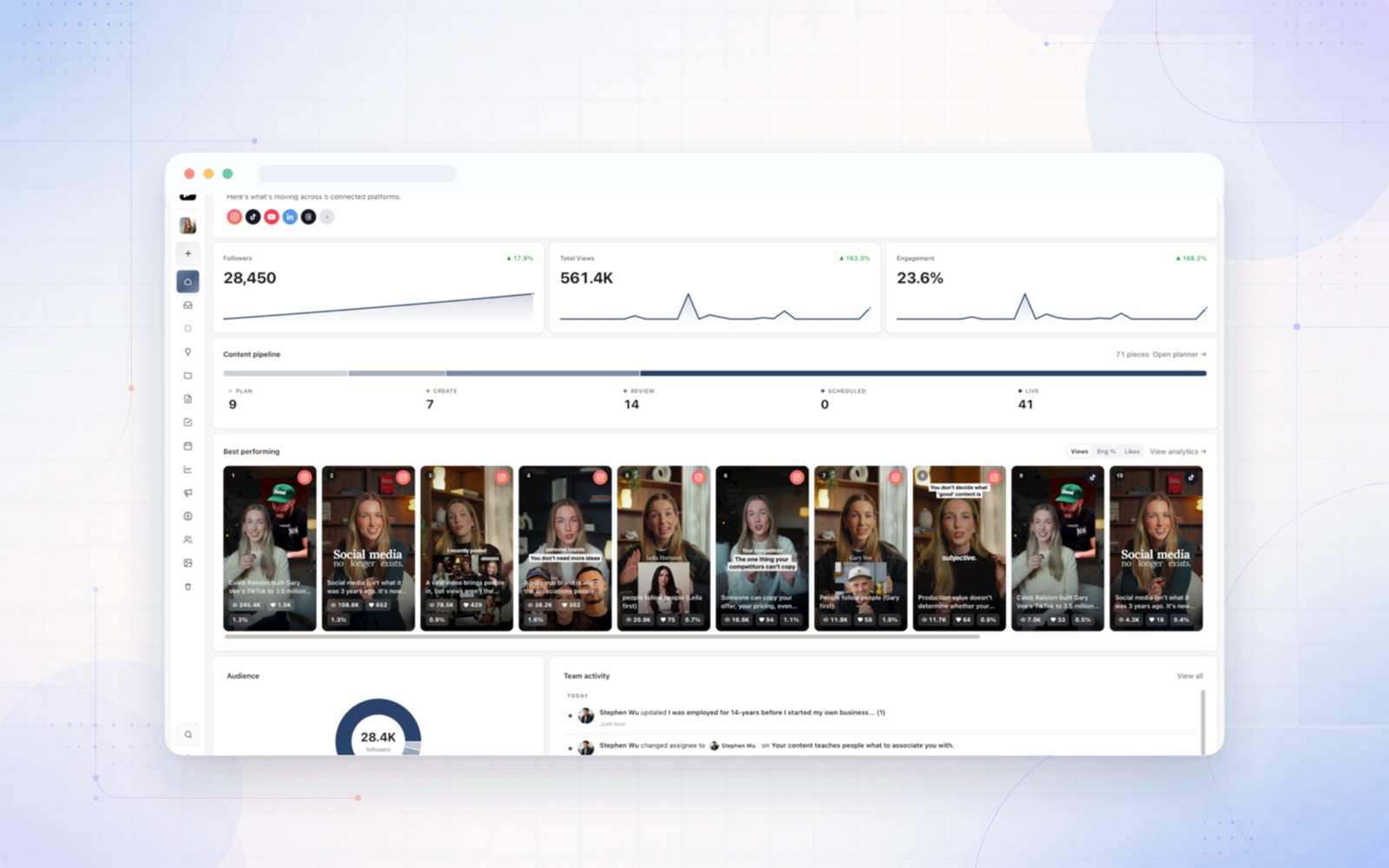
The common failures are predictable: no clear approver, no usable reference library, and reporting expectations left unset. Resolve them before scaling the calendar. Sequence can hold the plan, references, approval states, and analytics in the shared agency and client workspace, keeping onboarding decisions near the work they govern. The tool supports the runbook, but named owners and explicit agreements make it reliable.