
Edit live posts on YouTube, Facebook and LinkedIn
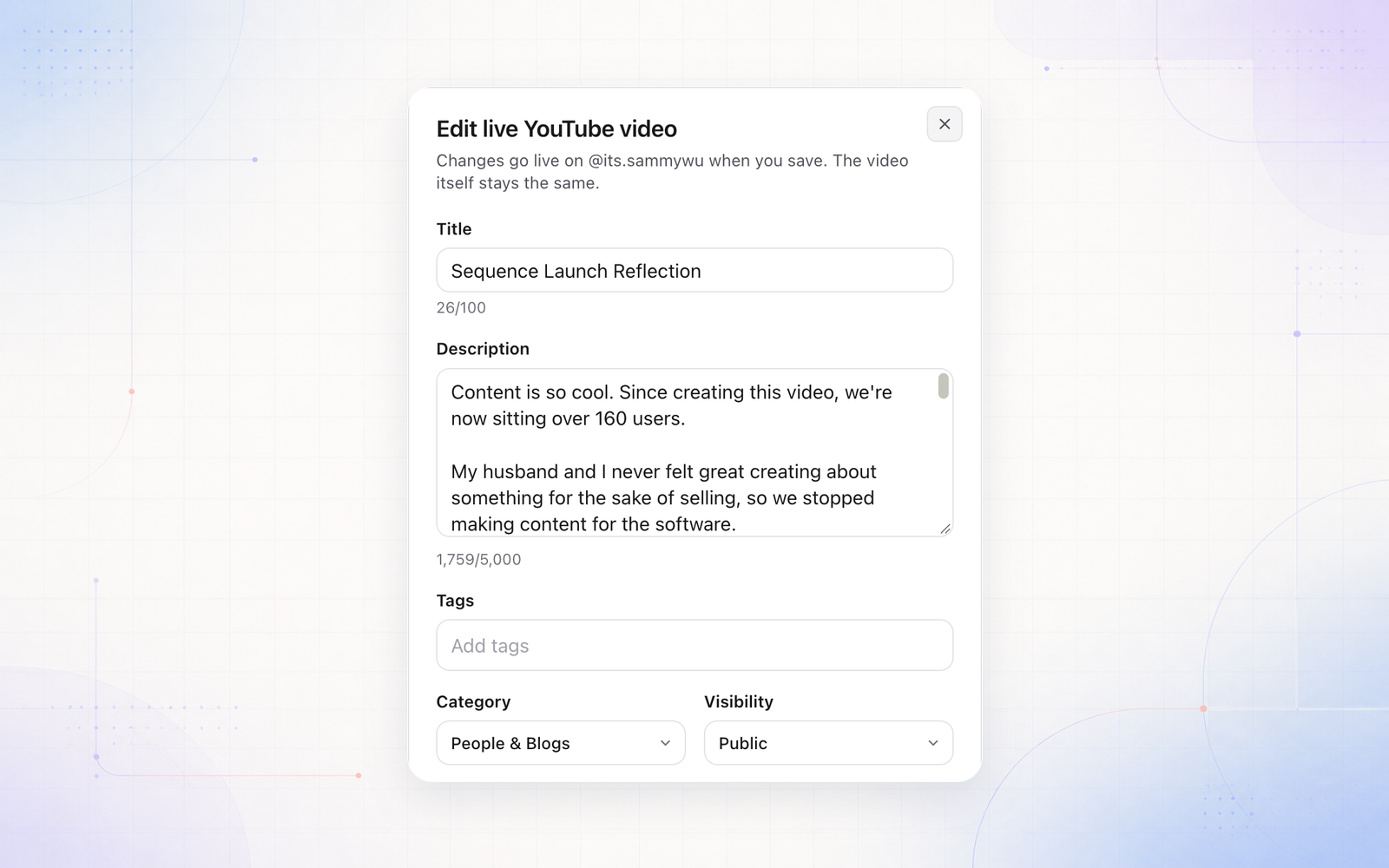
You can now change a post after it has gone live, without leaving Sequence. Open a published post, go to Publish, and select Edit live post next to the YouTube, Facebook or LinkedIn account.
- On YouTube, edit the title, description, tags, category, visibility, playlist, the Made for kids and AI labels, and the thumbnail on regular videos.
- On Facebook and LinkedIn, edit the post text. Those platforms don’t allow other changes after posting.
One edit updates every account the post went out to on that platform, and the new details are saved back to the post in Sequence. You need permission to publish, or to publish with approval and approve posts.