
Meet Skye, your AI assistant beside every page
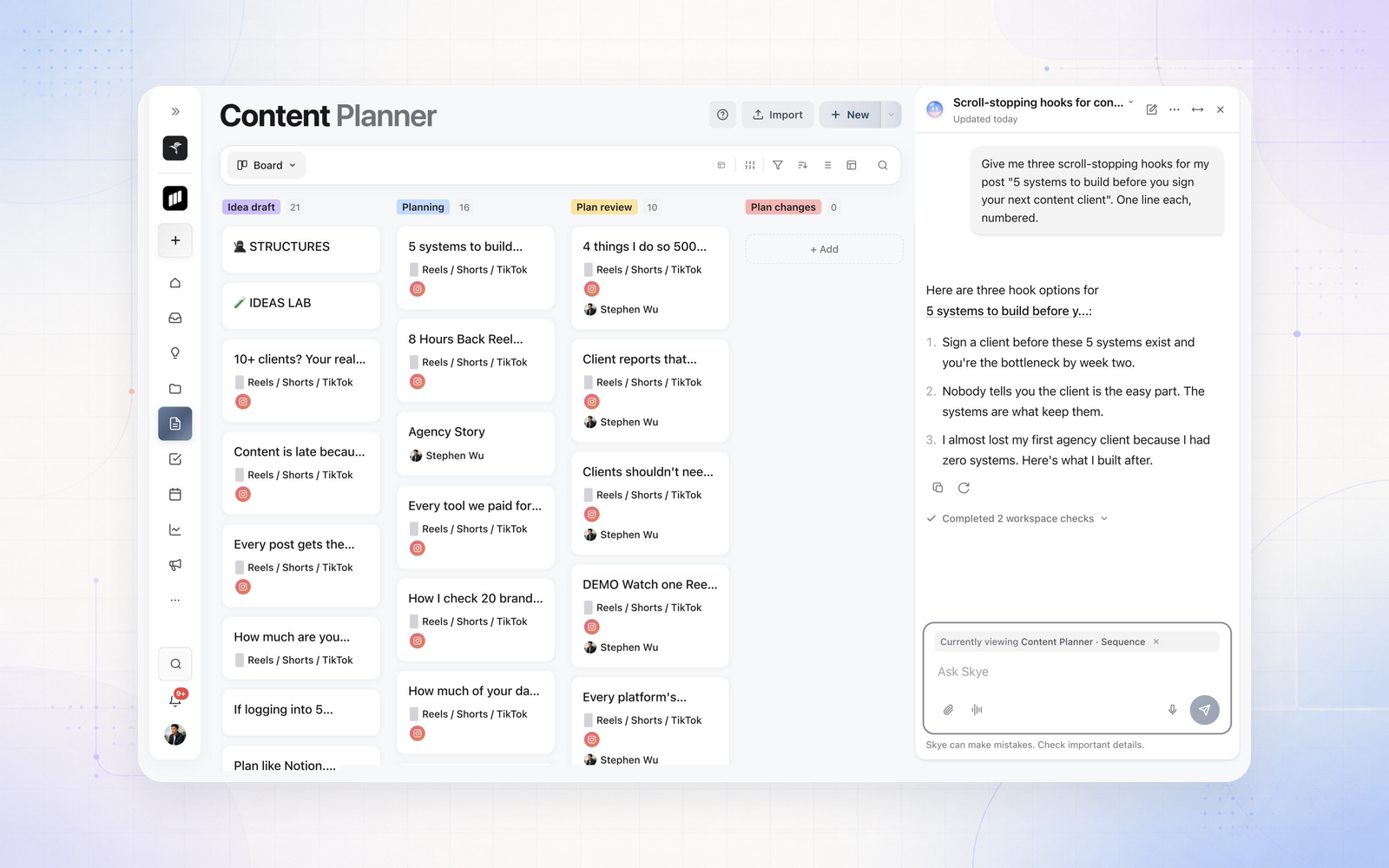
Sequence AI is now Skye, and it no longer lives on a page of its own. Skye opens beside whatever you're working on, from the Content Planner to your analytics, so you can ask for hooks, captions or a quick read on your pipeline without leaving your work. Select Skye in the bottom corner or press Cmd+J (Ctrl+J on Windows).
Prefer to talk it through? Select Talk with Skye and have a hands-free conversation in one of three voices: Bright, Calm or Warm. Your words are transcribed as you speak, and you can talk over Skye to change direction mid-answer. In Settings you can also choose Skye's sky colour and where it waits while the panel is closed.