
Save reels and ads from Instagram DMs
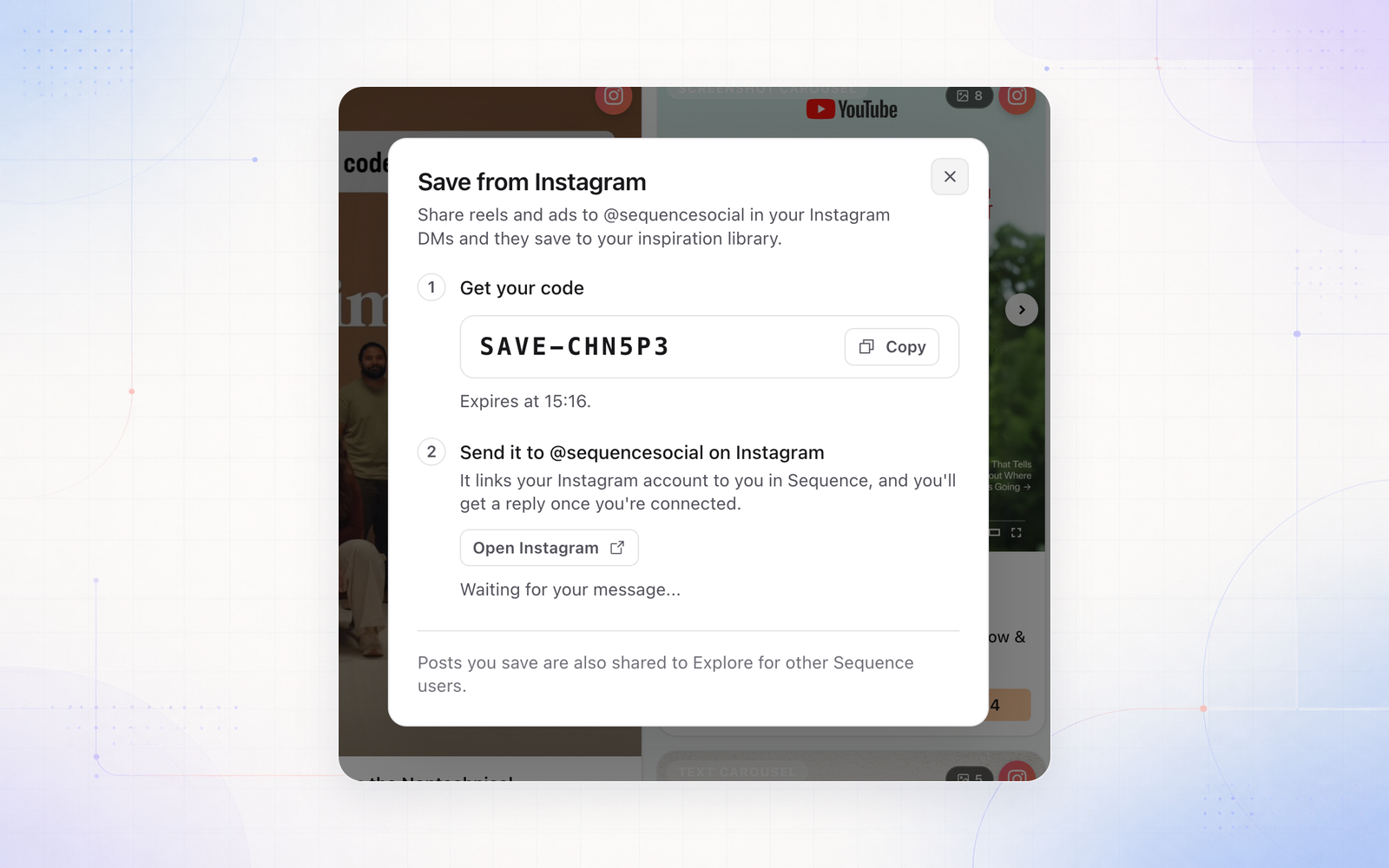
You can now save reels and ads to your inspiration library straight from Instagram. Share a post to @sequencesocial in your DMs, pick the brand it's for, and it's saved with its creator, stats and media, ready to analyse and turn into your next post.
To connect, open your Inspiration library and select Save from Instagram, then send the code to @sequencesocial. Each time you share, you pick a brand from a list grouped by workspace, with the brand you used last at the top. Ads are matched in the Meta Ad Library and saved as ads, and you can paste a link from any supported platform to save it too.
Instagram doesn't send a link when you share a regular post or carousel, so for those, copy the post's link and paste it into the chat. Save from Instagram is available on Pro.