
Let a client or freelancer see Private comments
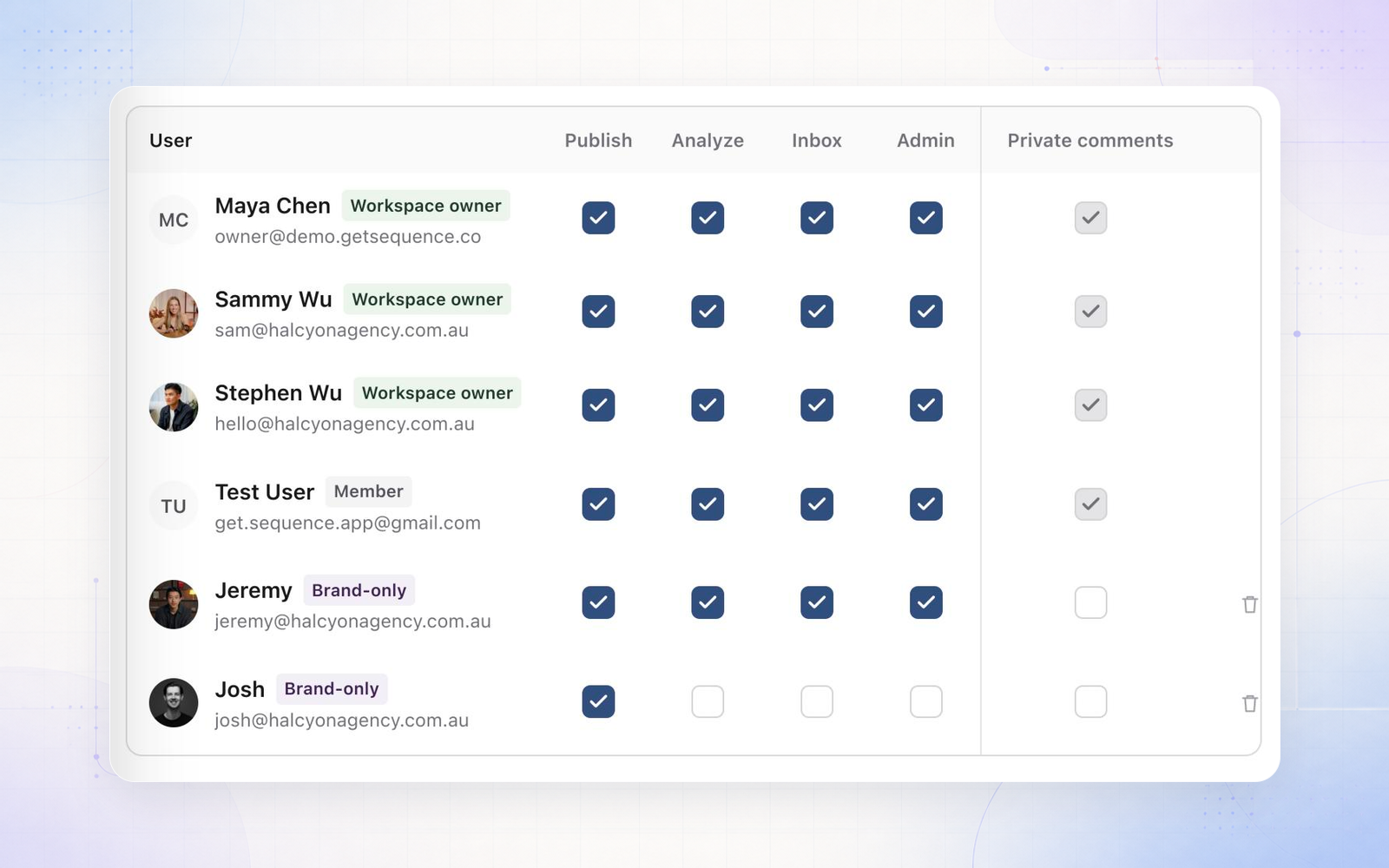
Your team can now give a brand member access to Private comments, for example a freelance editor or a trusted contact at the client. Open Settings, then Brand access, and tick their box in the new Private comments column. Sequence asks you to confirm first, because they'll see every Private comment on that brand, including earlier ones.
- Access is per brand, and only your workspace team can give it. Changing their role or resetting their checkboxes keeps it.
- People with access can write Private comments, get notified about them and be mentioned in them.
Private is also easier to spot. Comments now open on Public, and Private has a lock icon, a line under the tabs saying who can read it, and a comment box tinted in your theme colour with a Post privately button.