
Preview posts from your Projects page
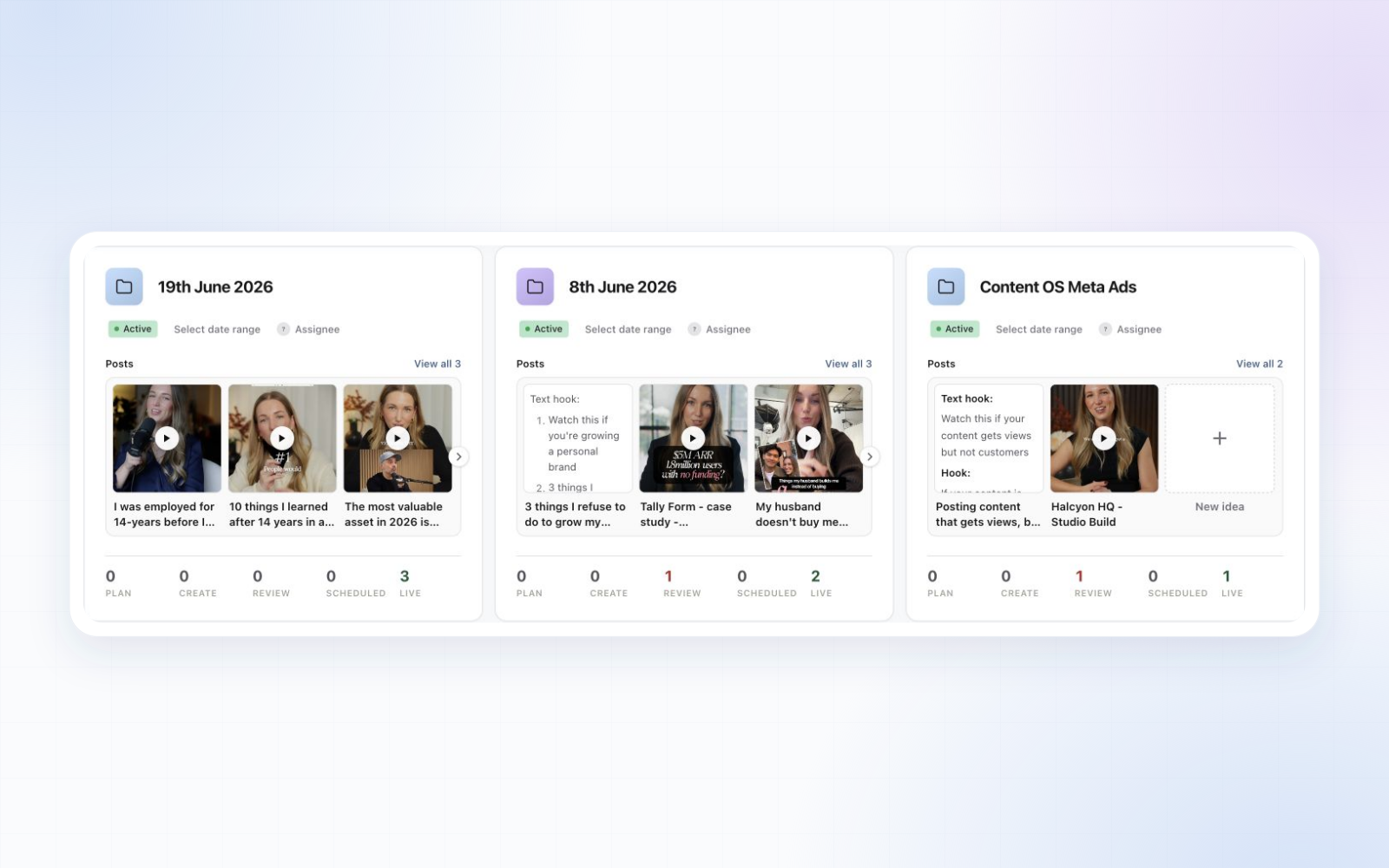
Project cards now show the posts inside them, with a media or Plan preview and the post title underneath. Play a video, move through carousel slides, or open a post directly from the Projects page. Add your next idea with the + New idea card.
Choose Auto, square, portrait or landscape previews, adjust Fit or Fill, or hide previews for a simpler overview. Use Save view beside Filter to keep your display preferences across devices. Project names now open the project, with Rename project in the three-dot menu.