Save posts to Inspiration with the Chrome extension
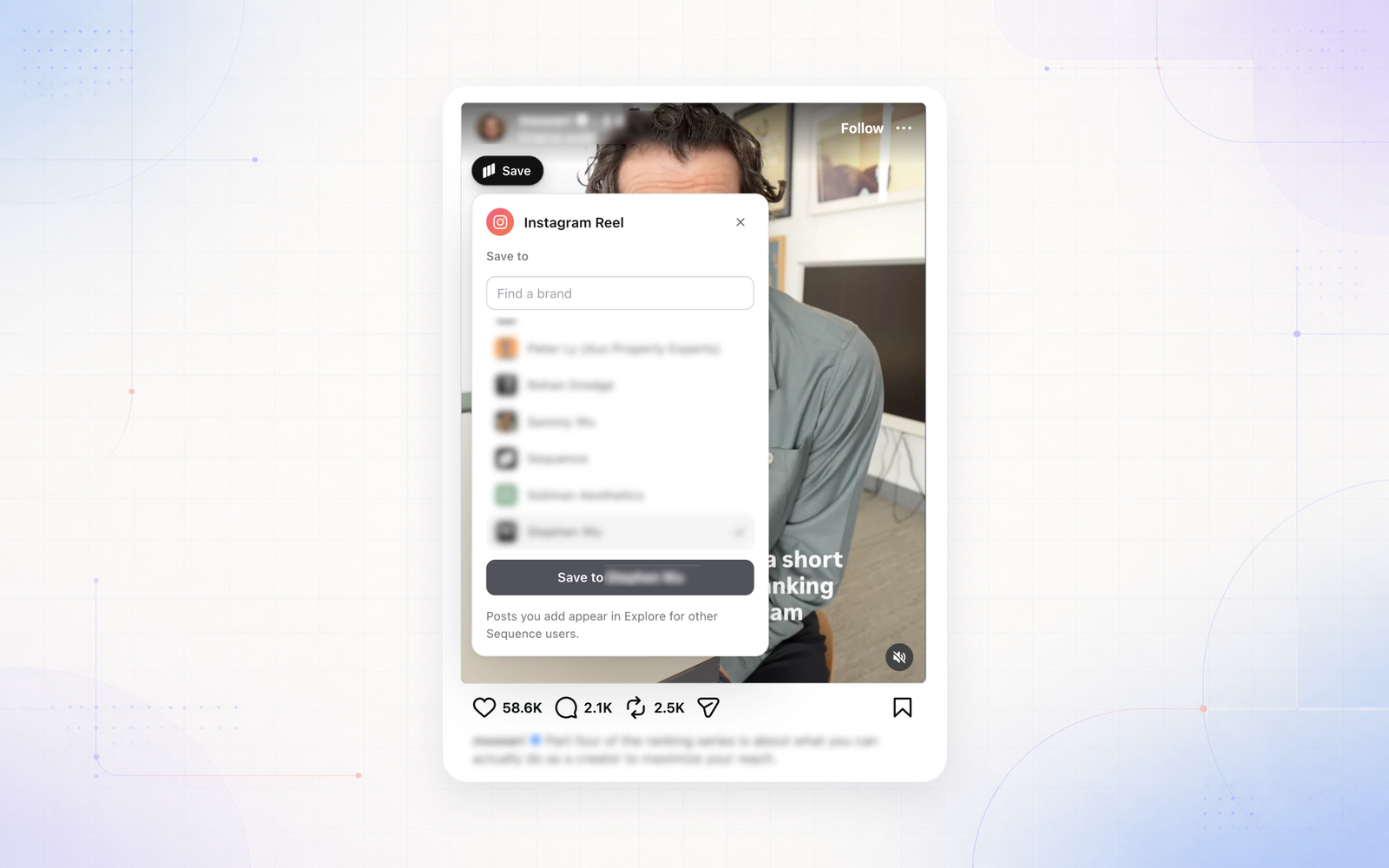
The Sequence Chrome extension has been rebuilt so saving a post to your Inspiration library takes one click. Hover a post on Instagram, TikTok, YouTube, X, Threads, Facebook or the Meta Ad Library and a Save button appears on it. On a YouTube video page, Save sits beside Like, and on LinkedIn it sits under each post’s profile.
Pick the brand from a list grouped by workspace, with brand logos and a search box when you have lots of brands. The post saves in the background and a confirmation lets you open it in Sequence. Instagram ads in your feed are found in the Meta Ad Library and saved as ads, and LinkedIn posts and reposts save with their own link.
Install Sequence Capture from the Chrome Web Store and sign in once. Disconnect in the extension signs that browser out of Sequence straight away.