
Faster video review with automatic proxy files
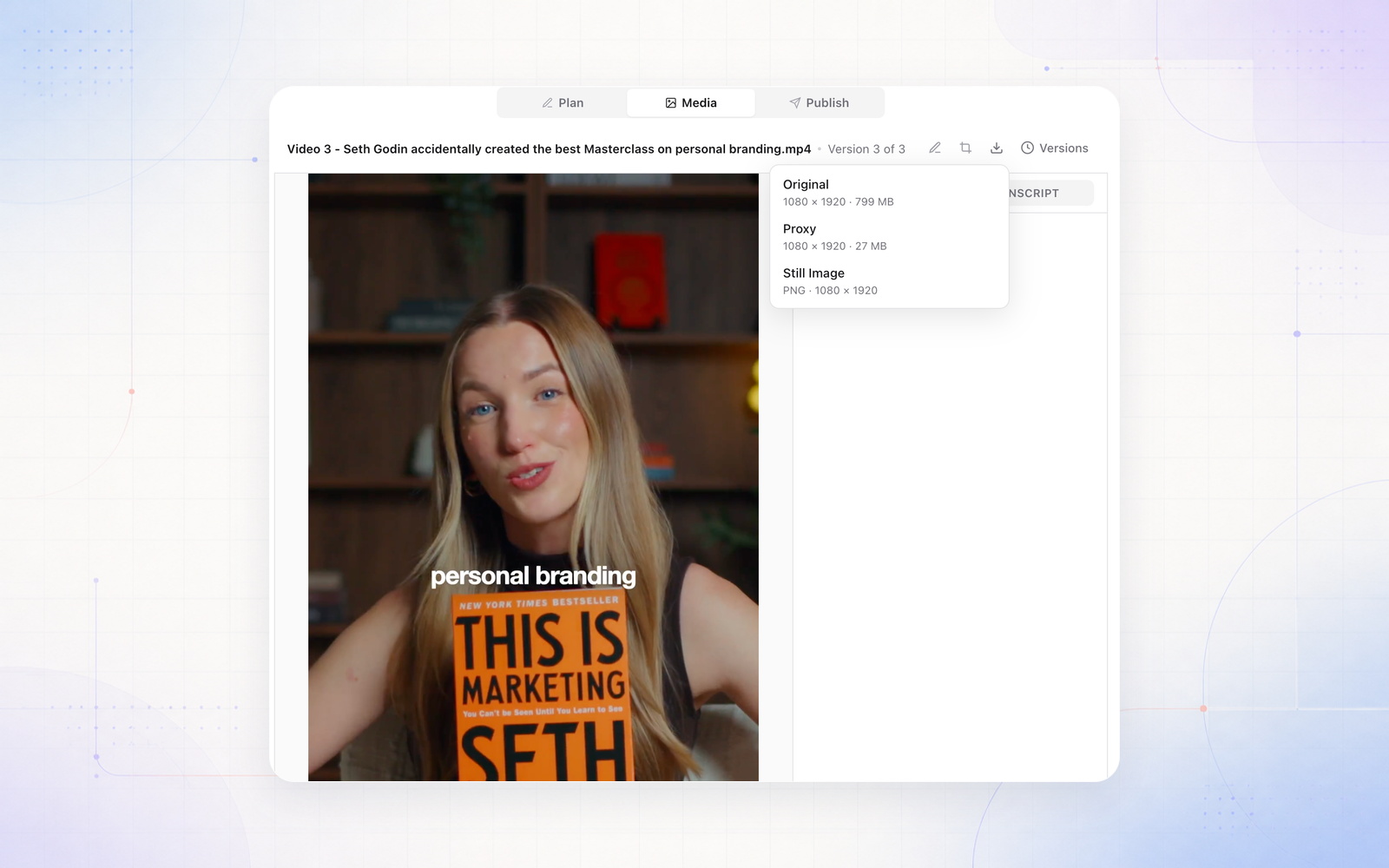
Sequence now creates a proxy for every video you upload: a lighter copy made for smooth playback. Videos start quickly in the Media tab and on Content Planner cards, even when the original file is hundreds of megabytes.
Your original is never changed. Switch between Proxy and Original from the quality button under the player when you need to check full-quality detail, like colour or grain. Each option shows its resolution and file size.
The download button in the Media tab now lets you choose the Original, the Proxy or a Still Image of the current frame, with the resolution and size listed for each.