
Move or copy posts to another brand
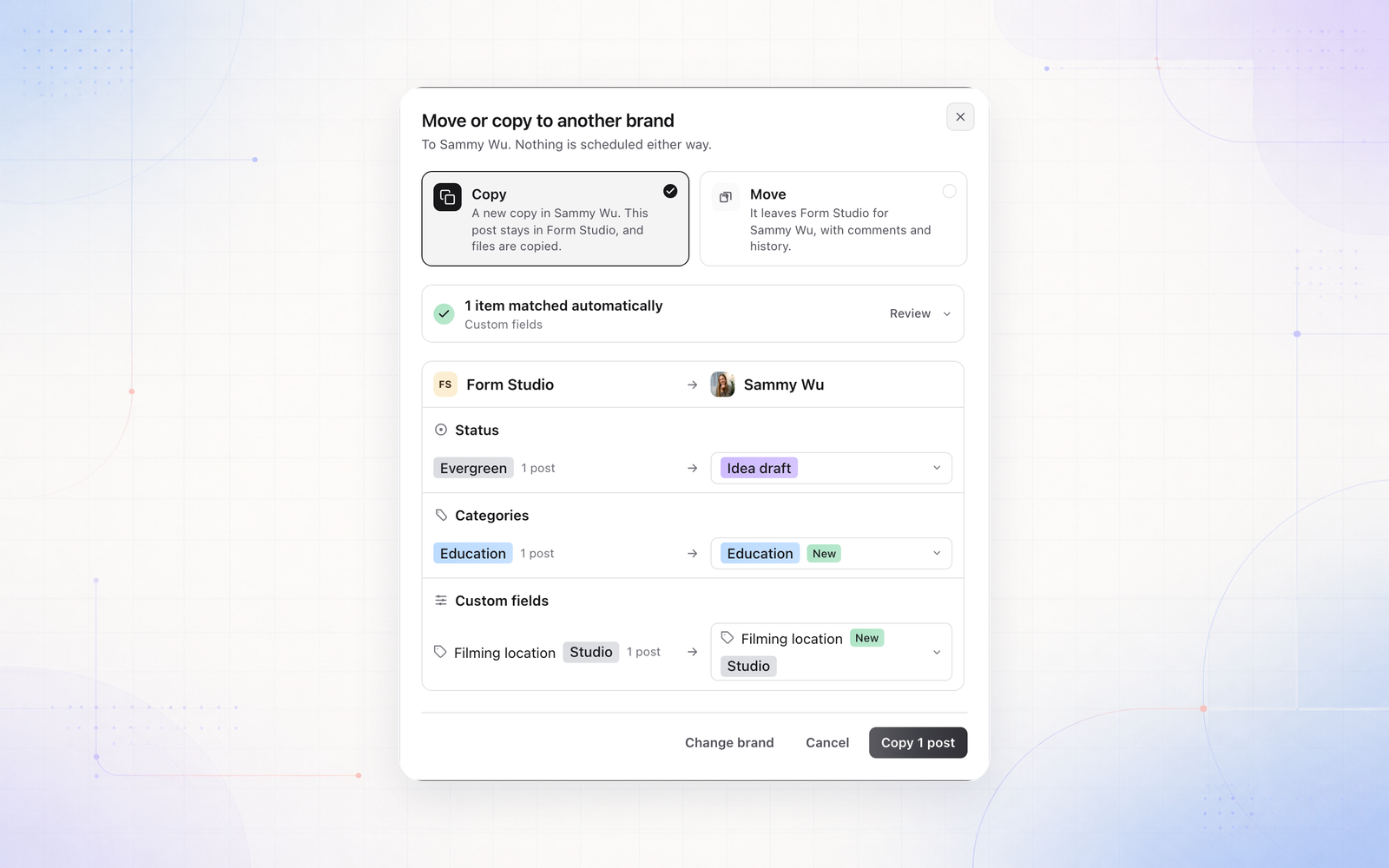
Posts can now go from one brand to another in the same workspace. Right-click a post, use More in the bulk bar, or open a post’s menu and choose Move or copy to brand. Projects have the same option, on the Projects page and on the project itself.
Copy leaves the original where it is and duplicates its files. Move takes the post across with its comments, history and Plan. Scheduled and published posts stay put, so unschedule them first or make a copy.
If the other brand is missing something the post uses, such as a status, a custom field, a category or a teammate, you see the two brands side by side and choose: use something that brand already has, add it there, or leave it out.
Adding someone to a brand also no longer signs them out.