
Right-click and bulk edit in Grid view
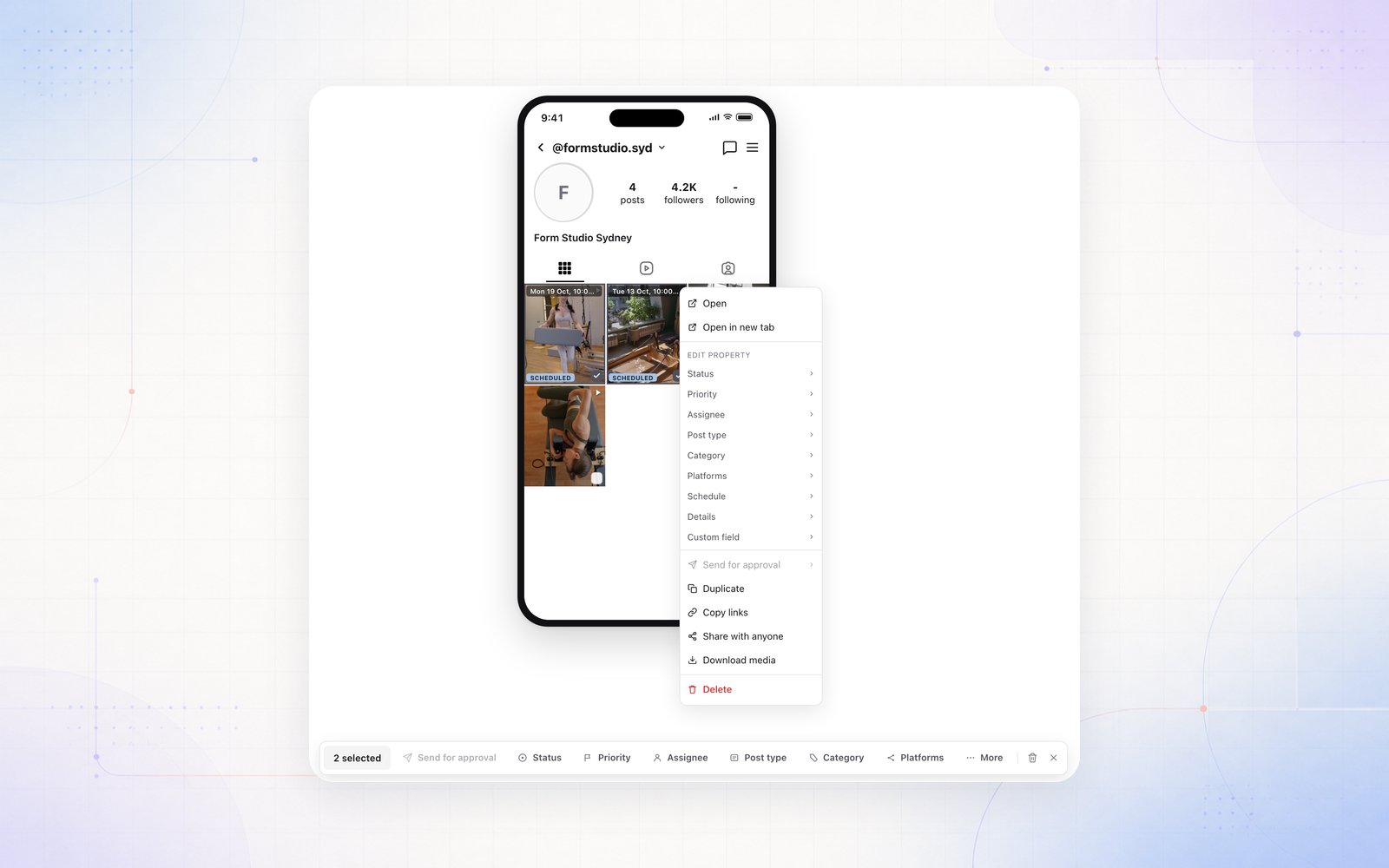
Grid view now works like the rest of the planner. Right-click any tile to change its status, assignee, schedule and more, or tick a few tiles and edit them together from the bulk bar.
The posts list beside the grid has the same right-click menu, and Cmd or Ctrl + A selects every post on the profile you’re looking at. Posts that are already live on the account stay as they are.