
Add trending music to Reels and TikTok posts
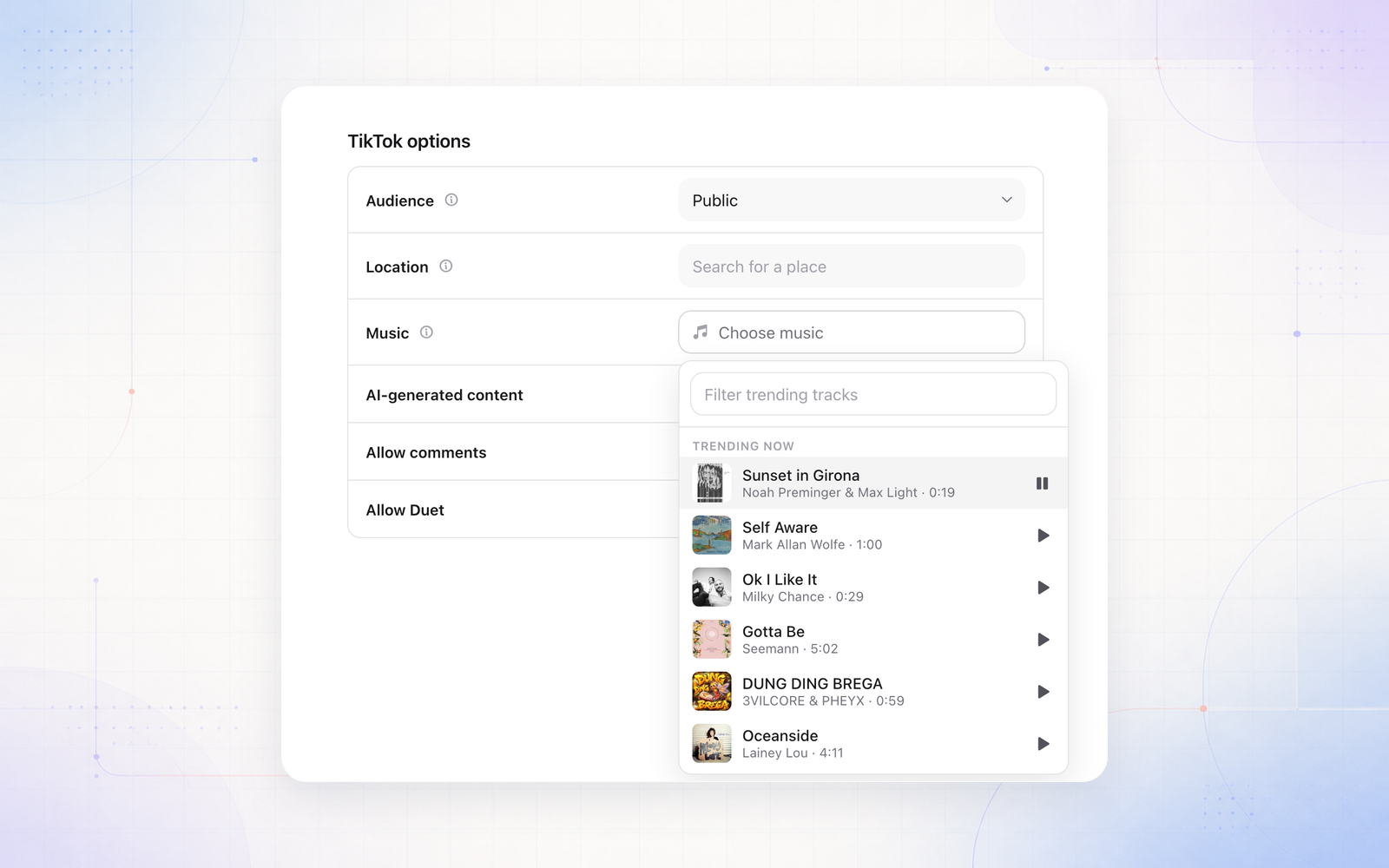
You can now add music to Reels and TikTok posts in the Publish tab. Open Music in the platform’s options to see what’s trending, play a preview, then pick a track and set how loud it plays against your video’s own sound.
On TikTok, choose from the 100 tracks trending in TikTok’s Commercial Music Library, on video and photo posts. This needs a TikTok Business connection.
On Instagram, choose from Instagram’s business music library and creators’ original sounds on Reels. This works for Instagram accounts connected through Facebook, and an account connected through Instagram can switch from its card in Channels. Chart songs can still only be added in the Instagram app.
If an account can’t use the track you picked, Sequence tells you before you schedule, so a post never goes out without its music.