
Let clients edit captions and the Plan from a share link
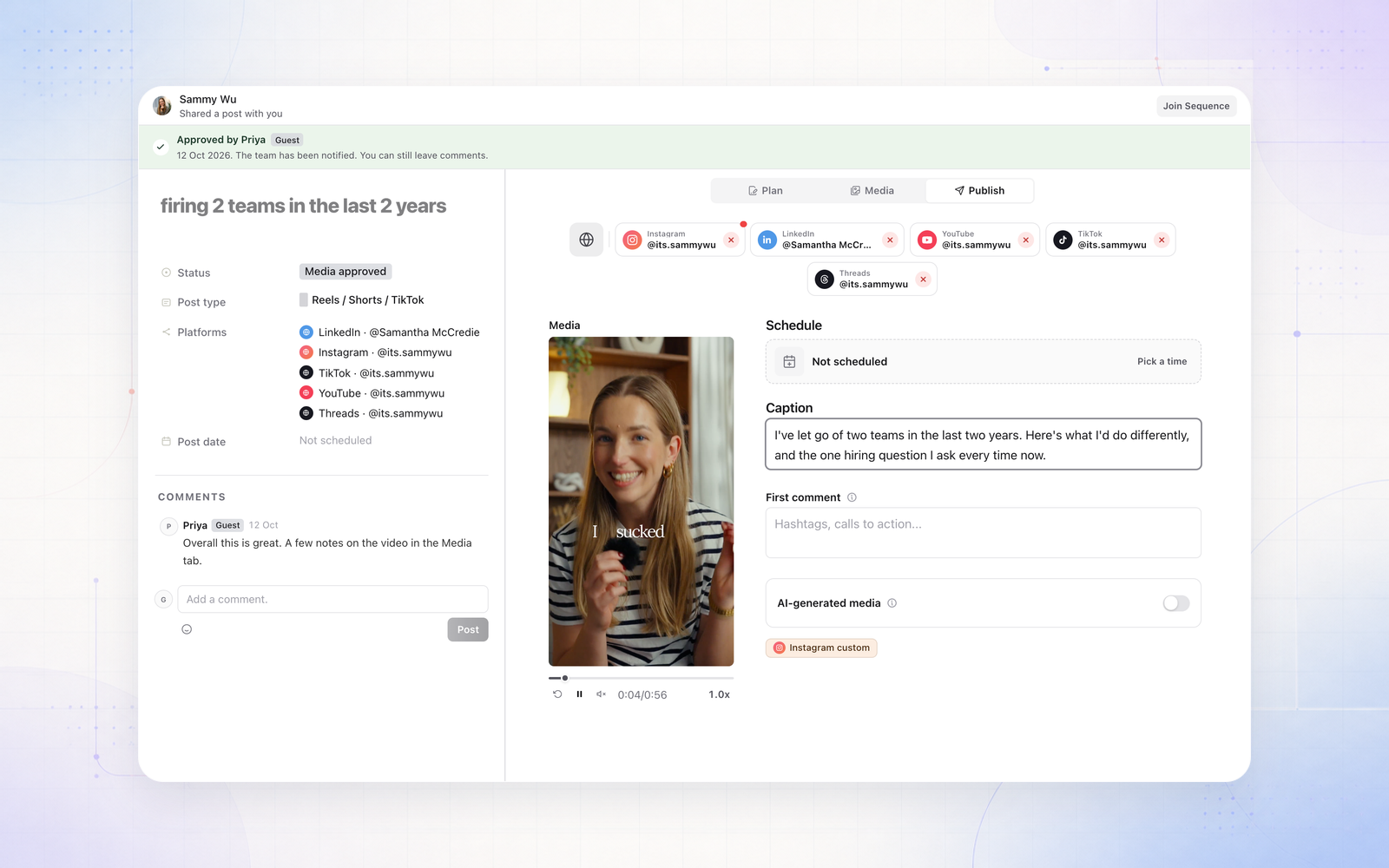
A share link can now let your client make changes, not just comment. Turn on Edit the Plan or Edit captions and settings in the Share dialog, and whoever has the link can:
- edit the Plan, which saves as they type
- edit captions, first comments and each platform’s settings, the post date and time, and which accounts it goes to
- upload or replace media and covers, when the link also shows Media
Every change is saved under their name and shows in the post’s history. Editing stops once the post is scheduled or published, the same as in Sequence, and a link can never schedule or publish. A link can only change what the person who created it can.