
Export your content and Brand Brain
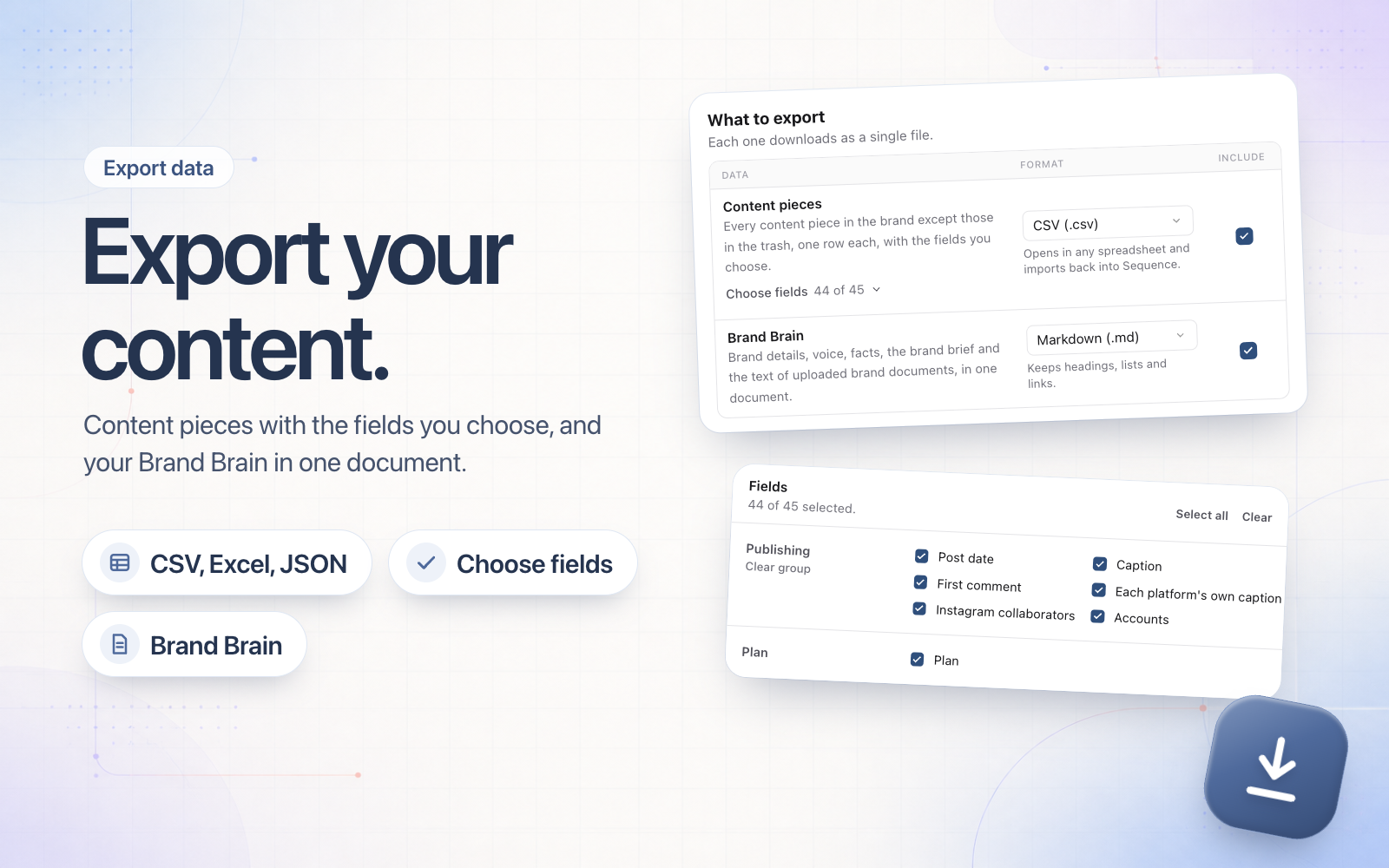
You can now download a brand's content from Sequence. Open Settings, choose the brand, then Export data.
Export your content pieces as a CSV, Excel or JSON file and choose exactly which fields go in it: status, post date, captions, each platform's own caption, collaborators, your custom fields and more. The Plan is one of the fields, and a CSV imports straight back into a Sequence brand.
You can also export your Brand Brain as one document with your brand details, voice, facts, brand brief and the text of your brand documents, in Markdown or plain text.
Export data is available on every plan to anyone who can manage the brand's settings.