
Filter projects and hide board columns
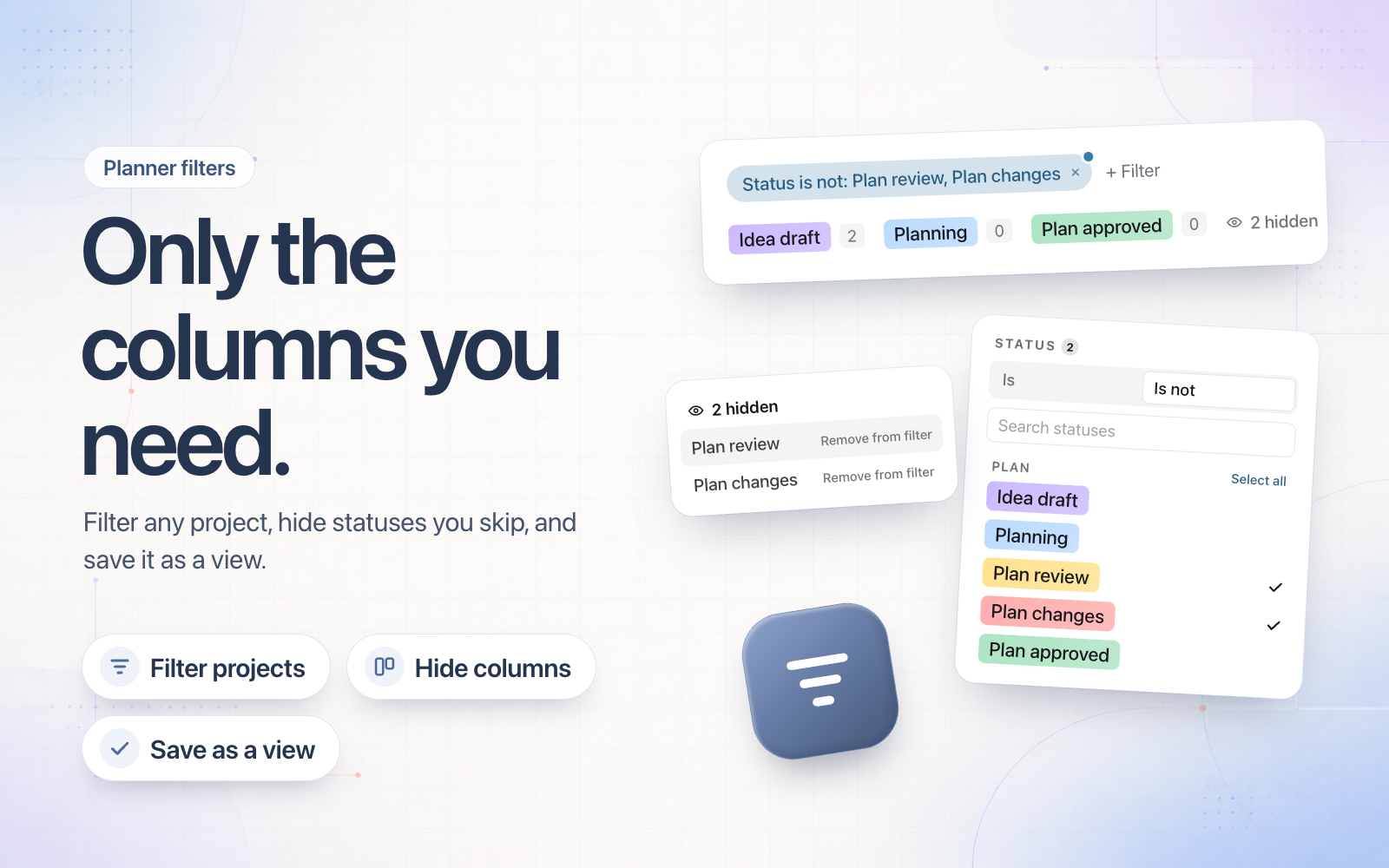
Project pages now have the planner's Filter menu, and the filters you choose save with that project's views. So each project can show its own set of posts.
On the Board, a filter on a field such as Status now removes the columns it leaves out, so you only see the stages you work in. You can also hide any column from its menu and bring it back from the hidden list at the end of the board. Hidden columns save with the view.
Your active filters, sort and grouping now sit as chips under the toolbar, each with a dot until you save. The Status filter also has Is not, a search box and Select all for each stage.