
Pin your projects to the top
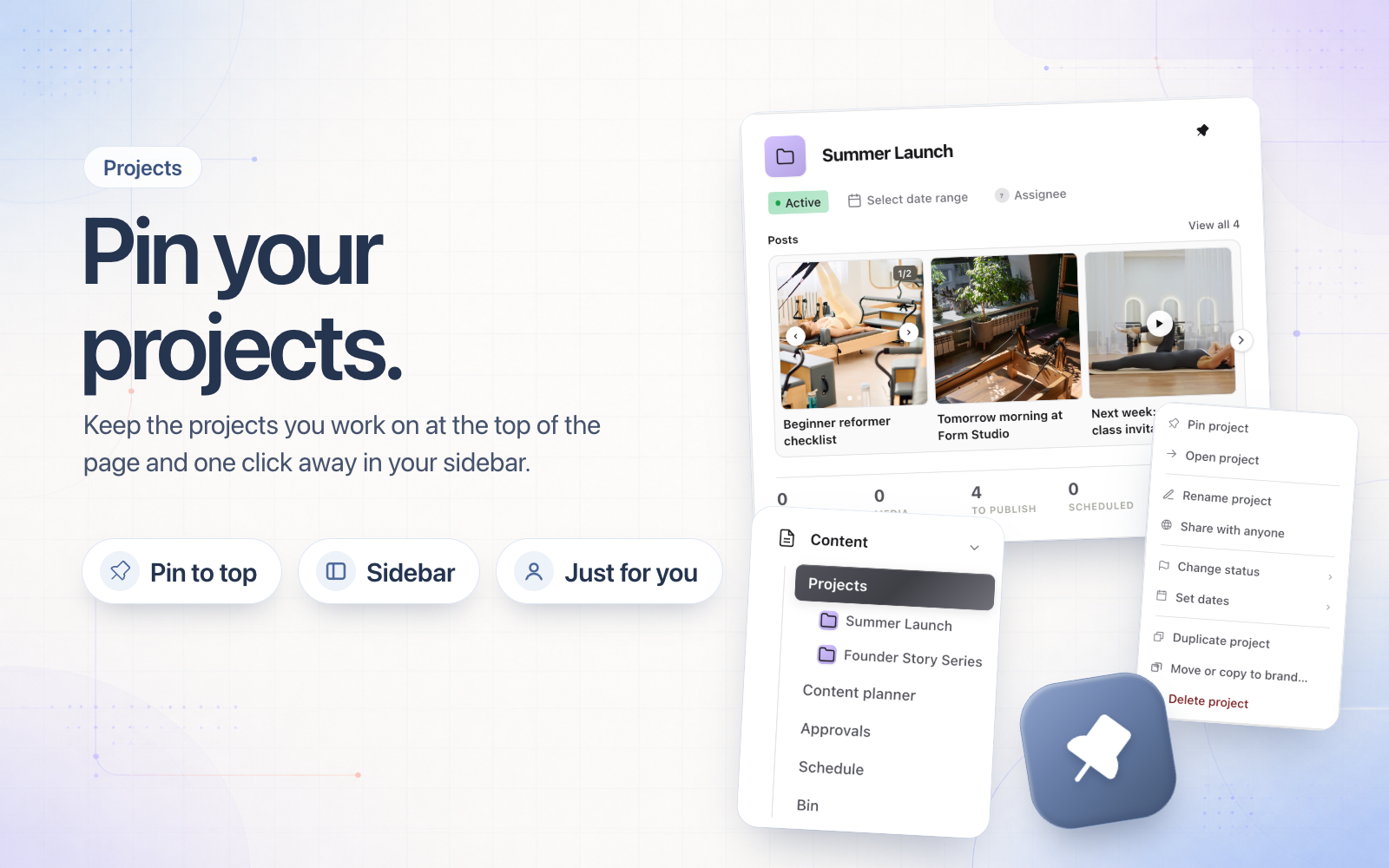
Pin the projects you're working on and they move to a Pinned section at the top of your Projects page, in Cards and List view. They also appear under Projects in your sidebar, so you can open them from anywhere in Sequence.
Hover a project and click the pin beside its menu, or choose Pin project from any project menu, including the one on the project page. Pins are yours alone, so your teammates keep their own. Anyone who can see the brand can pin, including people with view-only access.
You can also right-click a project card for the full project menu, and every project menu now has Open project.