
Share photos and videos to Sequence from any app
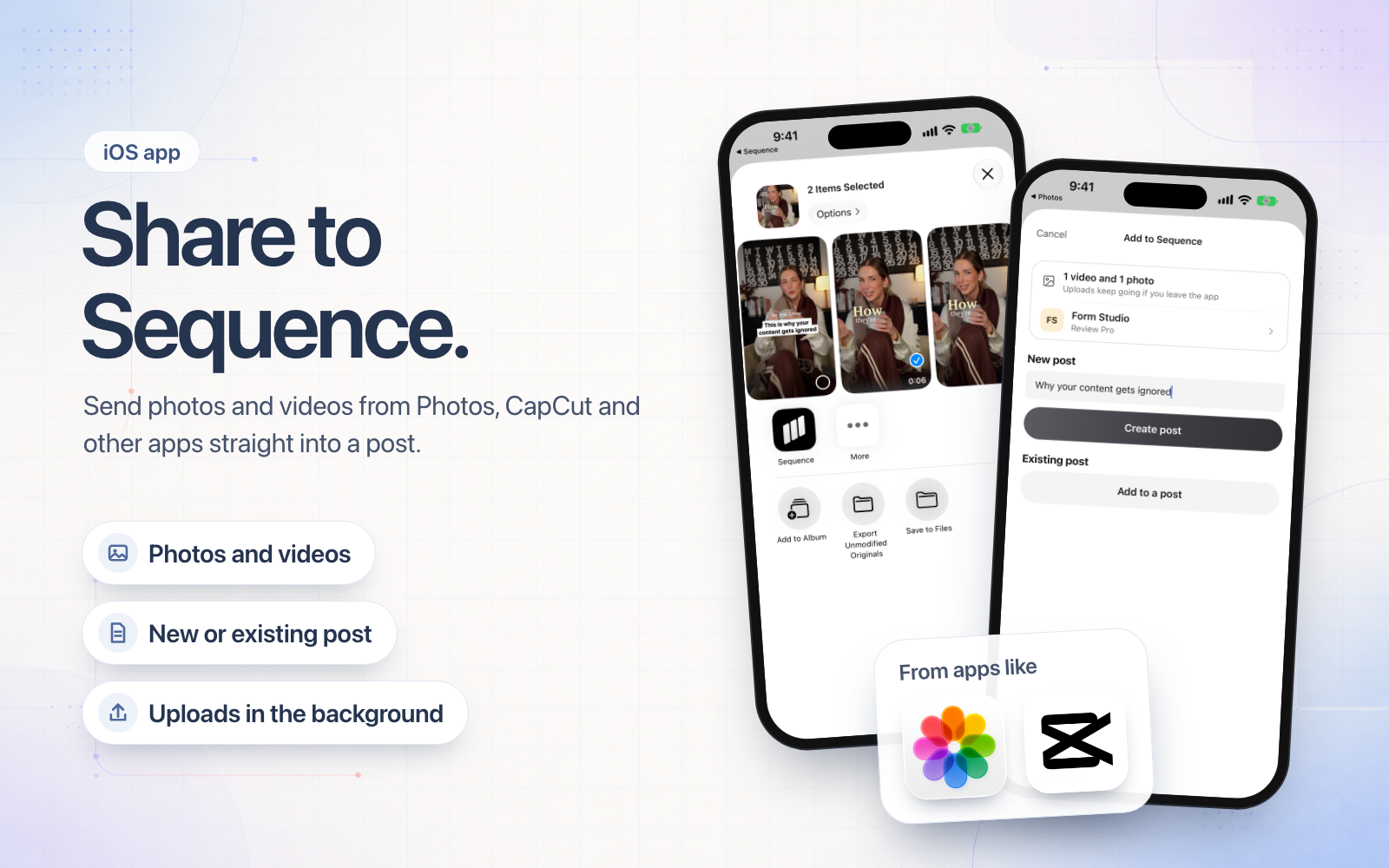
Finished an edit in CapCut, or picked the shot in Photos? Tap Share and choose Sequence. Pick the brand, then add the files to a new post or to one you have already planned.
- Share up to 20 photos and videos at once, from Photos, CapCut, Files and other apps.
- Uploads keep going when you lock your phone or switch back to editing.
- Share a link instead and it saves to your Inspiration library.
Update the Sequence app from the App Store to start sharing. If Sequence is not in your share sheet, tap More at the end of the row of apps.