
Choose what a shared project shows your clients
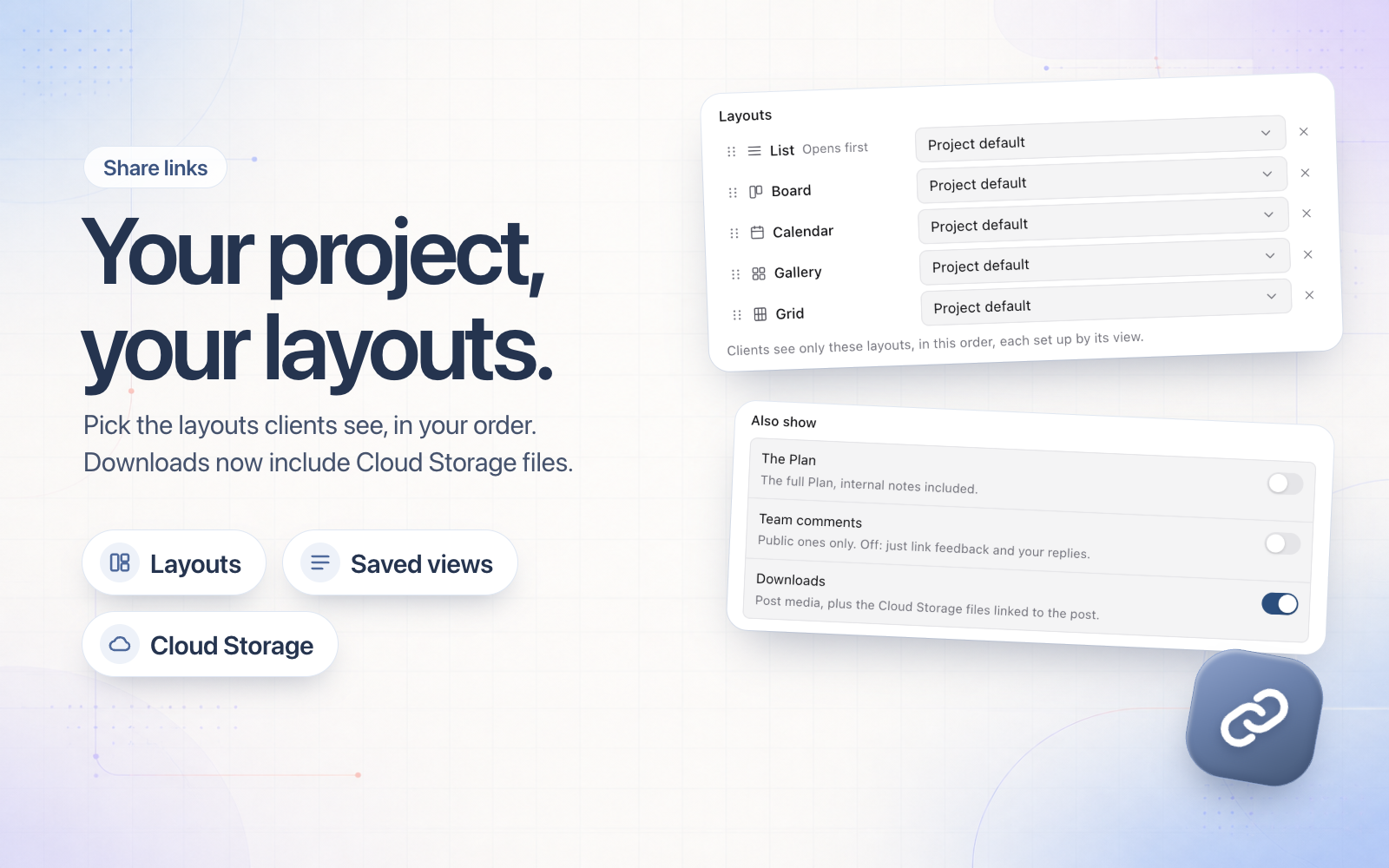
When you share a project, you now choose which layouts your client sees and in what order. Drag them into place in the share dialog's Layouts list: the first one opens, and a client can switch to the others. Hide any you don't want them to see.
Each layout can open in a saved view, so it's already filtered and sorted the way you set it up. Leave it on Project default to use the project's own view.
Downloads now covers Cloud Storage too. With it on, a shared post shows a Cloud Storage row with previews, linked folders and downloads, limited to the files linked to the posts you shared. For a link made before 6 November, switch Downloads off and on again to include them.