
Send for approval with no approver
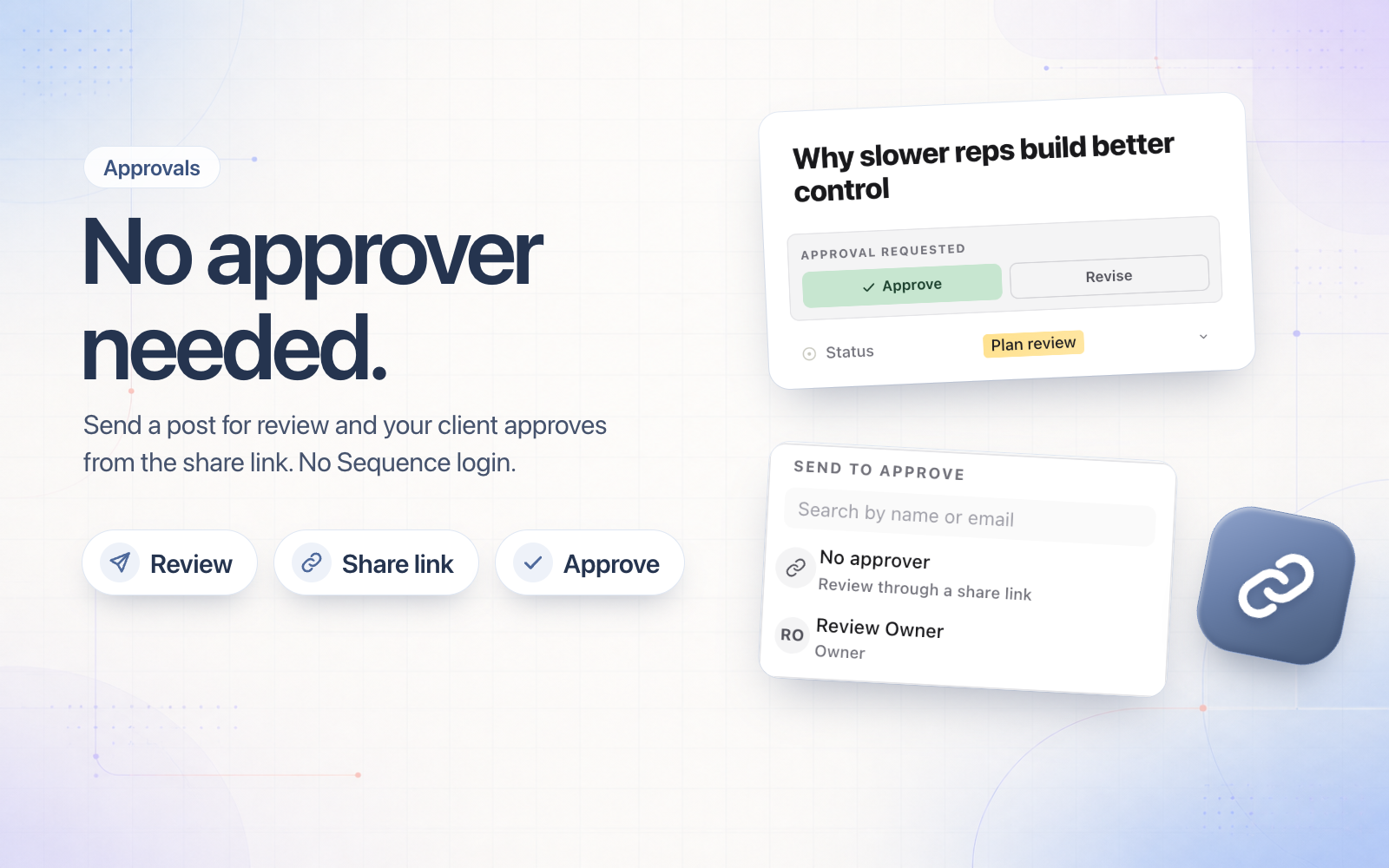
Clients who review through a share link no longer need a Sequence login to approve. When you send a post for approval, pick No approver at the top of the list, then send your client the link.
- The post moves into its review step and keeps its assignees. Nobody on your team gets an approval request.
- The share link shows Approve and Revise, and their decision is recorded on the post under their name.
- Anyone on your team who can approve can still decide from the Approvals page.
No approver is in every place you send for approval: the post, the right-click menu, the bulk bar and when you drag a post into a review column.