
Automations can now create a folder for each post
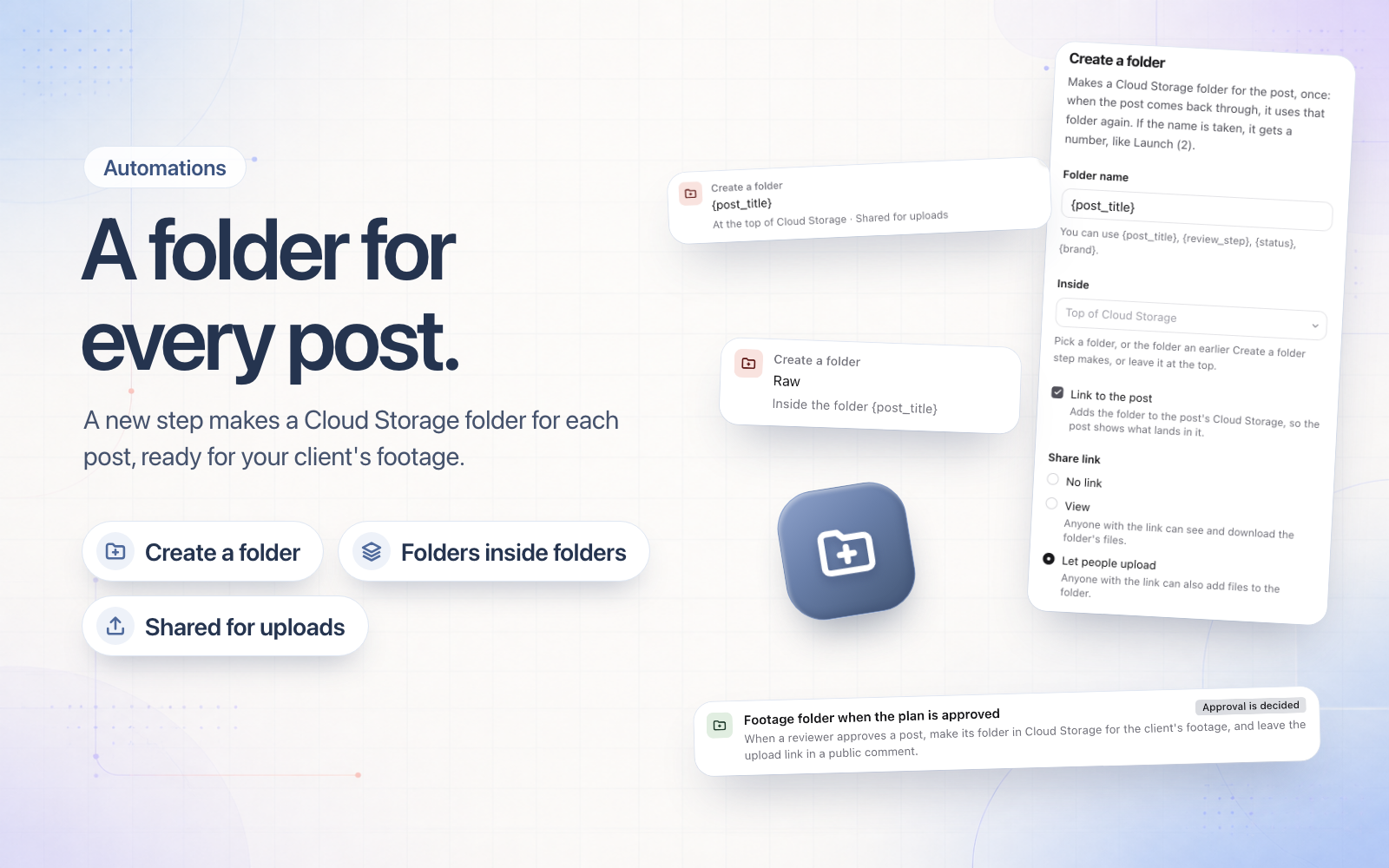
Automations have a new Create a folder step. It makes a Cloud Storage folder named after the post: at the top of Cloud Storage, inside a folder you pick, or inside a folder an earlier step made. So one automation can make a post's folder with Raw and B-roll folders inside it.
Link the folder to the post so it shows on the post's Cloud Storage property, and share it by link, view only or with uploads on. If the name is already taken, the new folder gets a number, like Launch (2). When the same post comes back through, the automation uses its folder again instead of making a second one. Later steps can put the folder's name and link in a message.
Start from the new Footage folder when the plan is approved template: when a post is approved, it makes the folder, shares it for uploads and leaves the upload link in a public comment for your client. Automations are in beta. Building one is free, and switching it on needs Pro.