
Clients can upload to a shared Cloud Storage folder
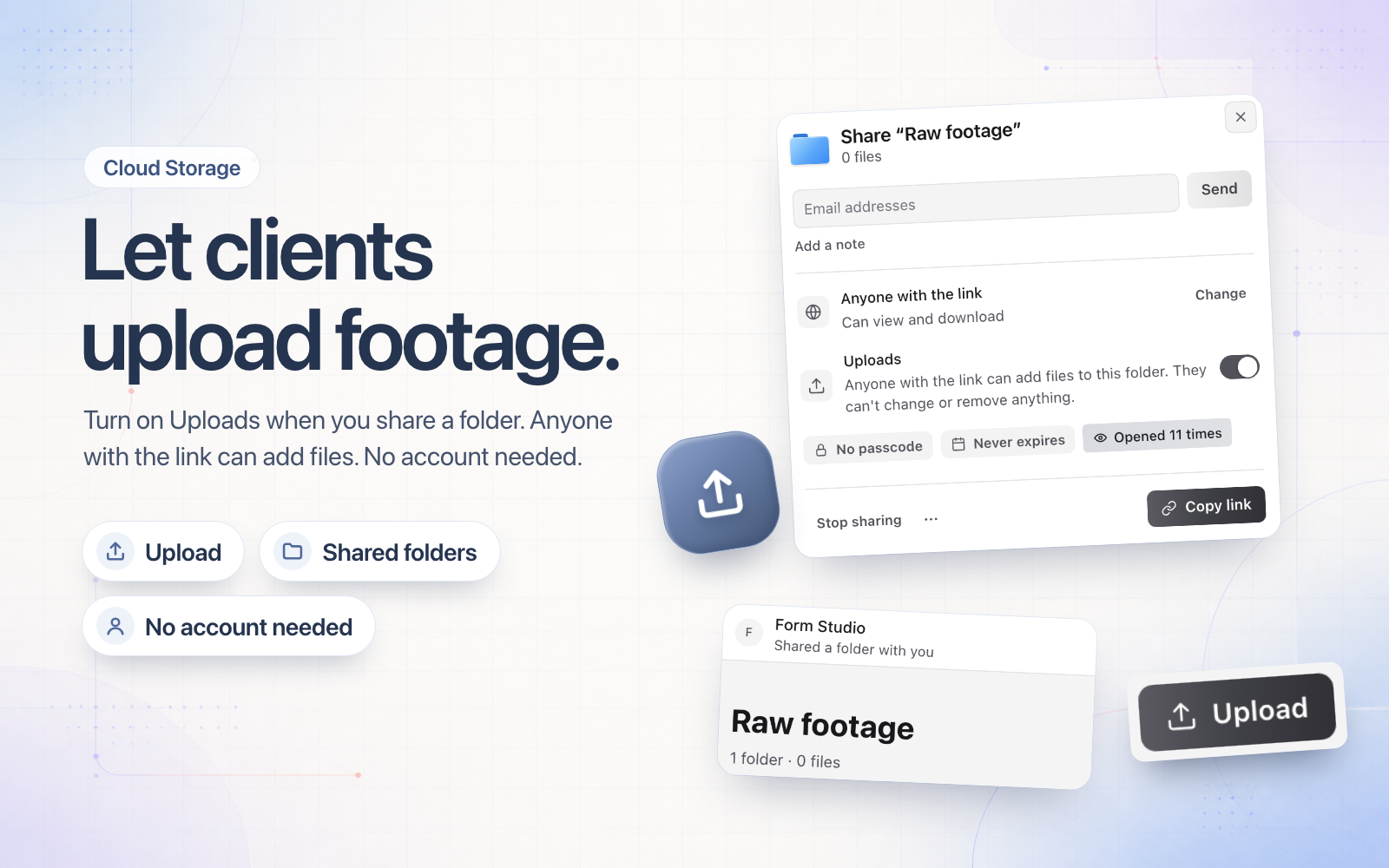
A Cloud Storage folder's share link can now take uploads. Turn on Uploads in the folder's Share dialog, and anyone with the link sees an Upload button on the shared page. They add their name, then add files to that folder and the folders inside it. No Sequence account needed.
Guests can only add files. They can't replace, rename, move or delete anything, or create folders. Their files count toward your Cloud Storage like any other upload, and large files can pause and resume. Uploads is off until you turn it on, and only people who can open and upload to Cloud Storage on the brand can turn it on.